Planning office outlet locations
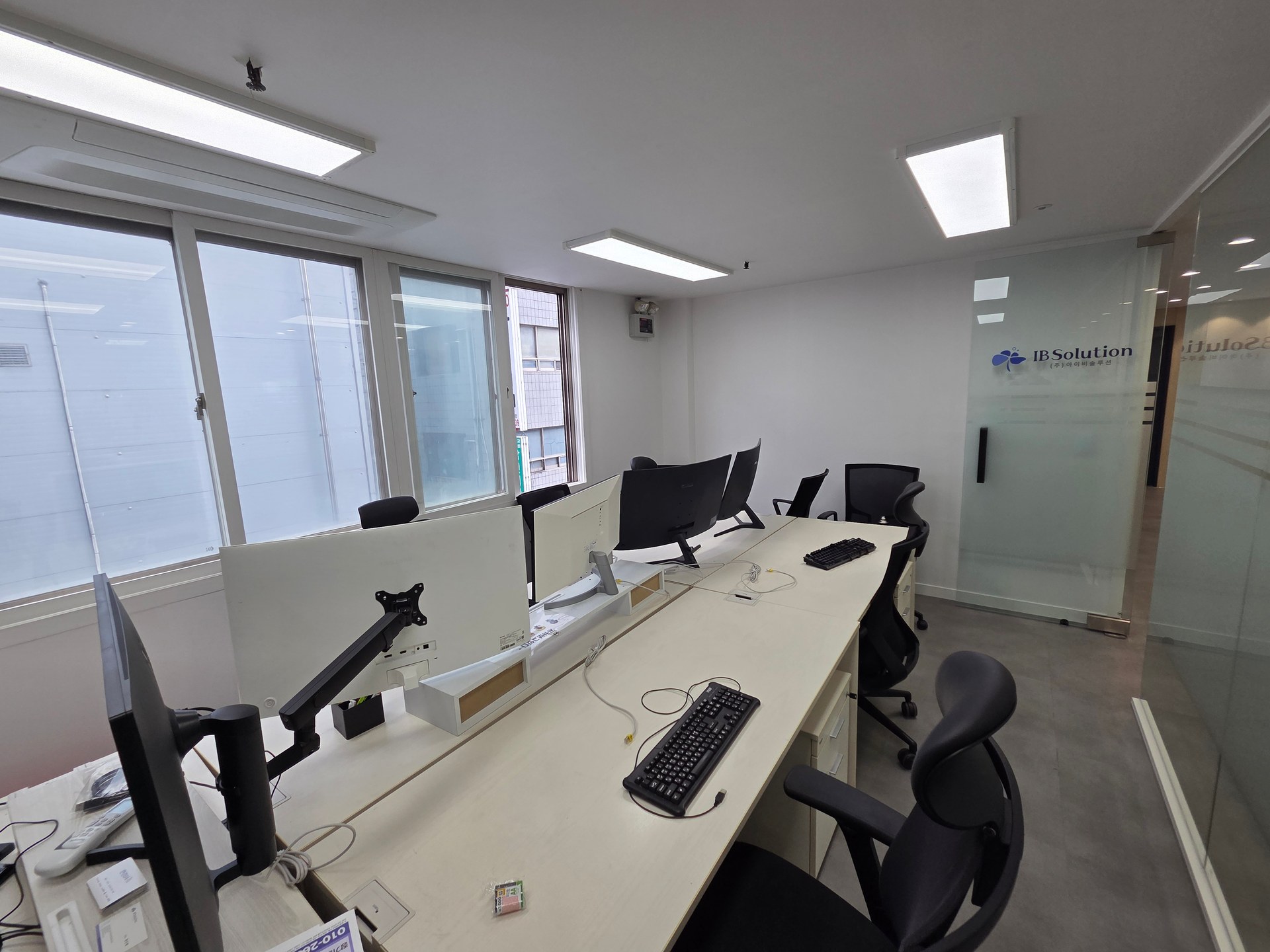
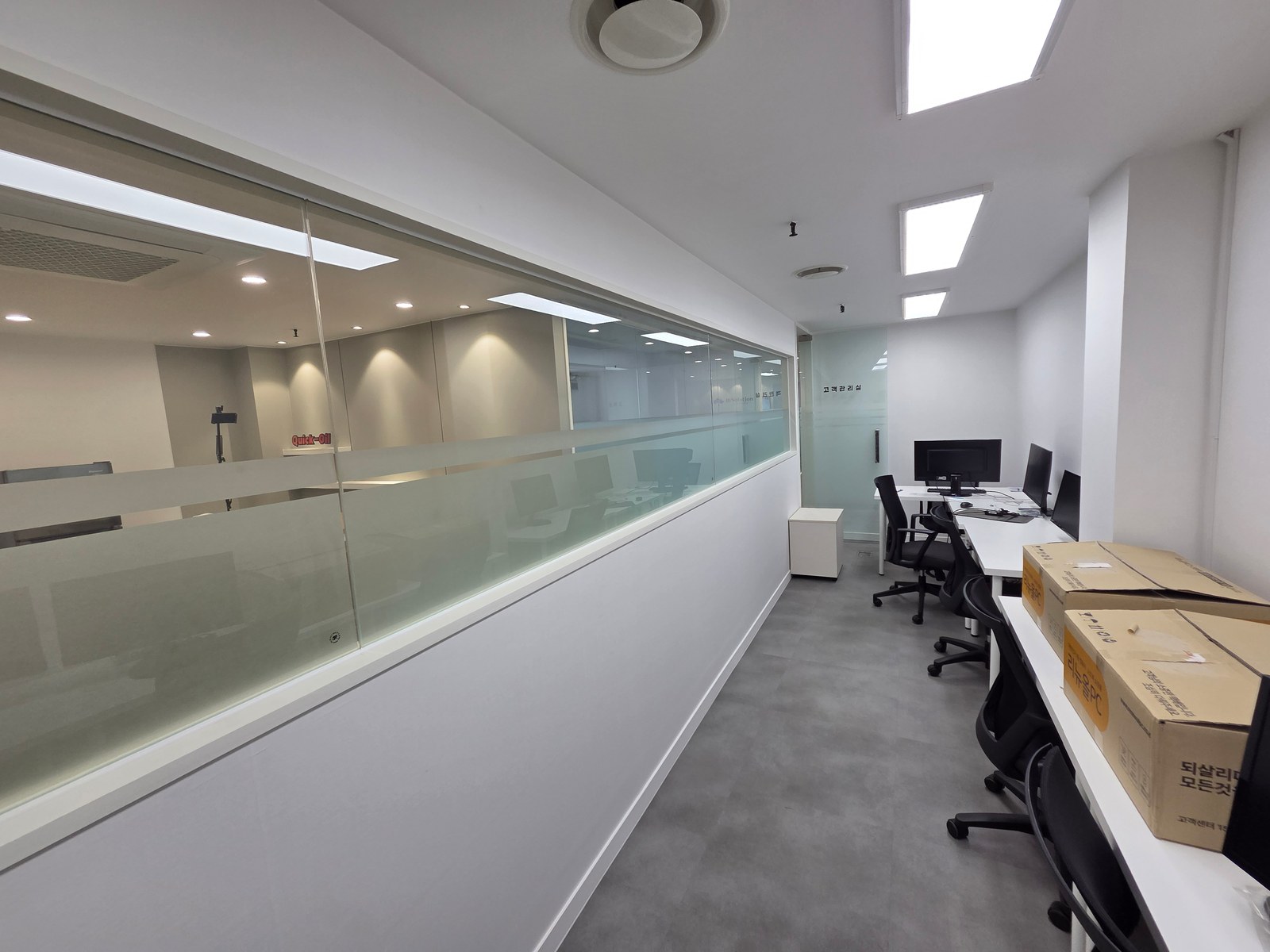
Counting office outlets alone can leave them difficult to use after furniture arrives. Workstation, meeting table, and pantry photos illustrate how to record equipment connection points and cable routes on drawings.

Before you begin
- List actual equipment, power adapters, and data connections separately from seat numbers.
- Mark cable routes from wall or floor supplies to desks, together with access to unplug connections.
- Finalize furniture and equipment dimensions, then assign responsibility for wiring, furniture openings, and equipment installation.
Power locations that connect beneath desks
It is tempting to assume that providing a connection for each employee completes office outlet planning. But a desktop and monitor require different accessories from a laptop with an external screen. List equipment and power adapters by seat, with separate entries for wired internet and telephone connections.
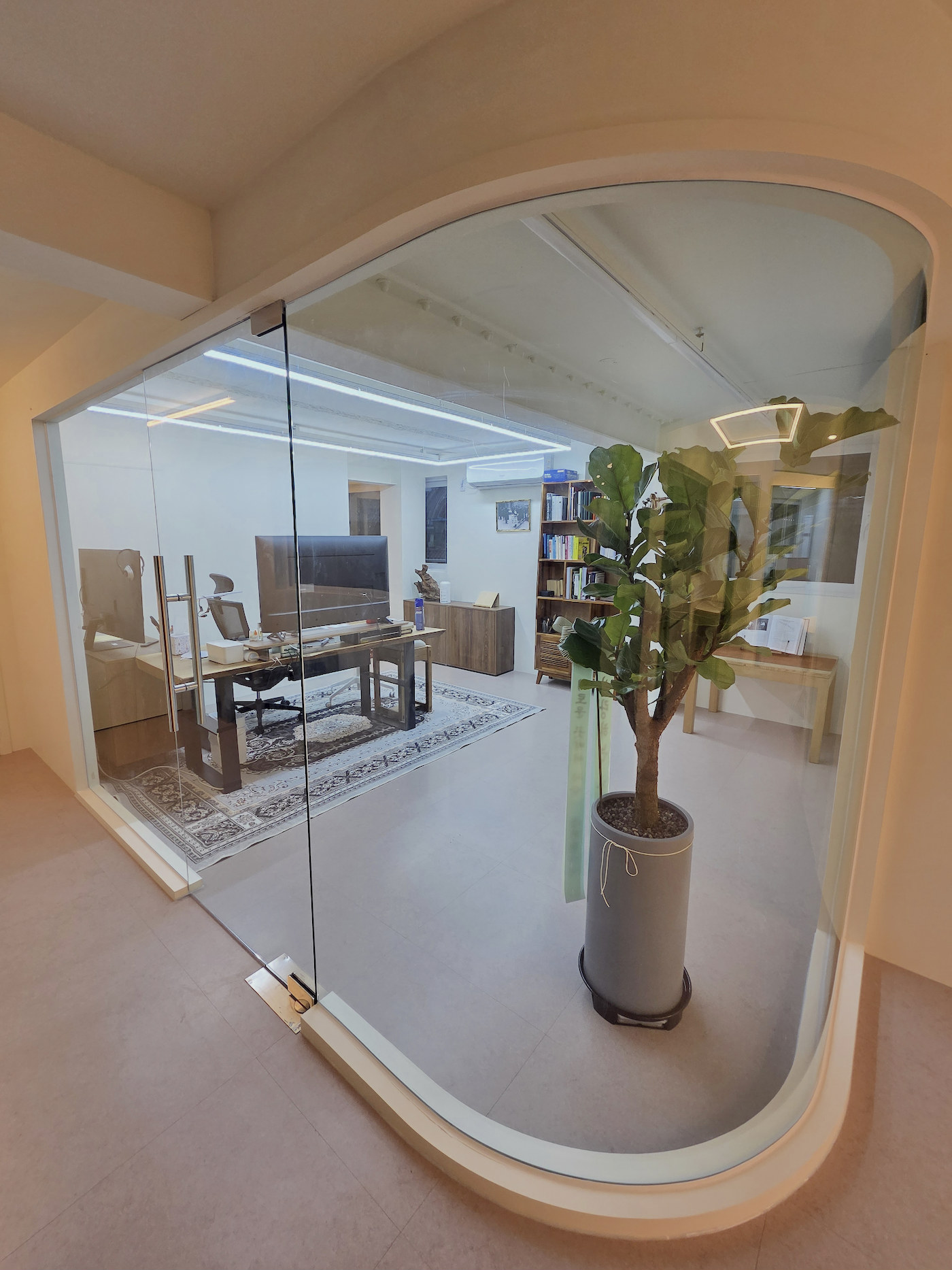
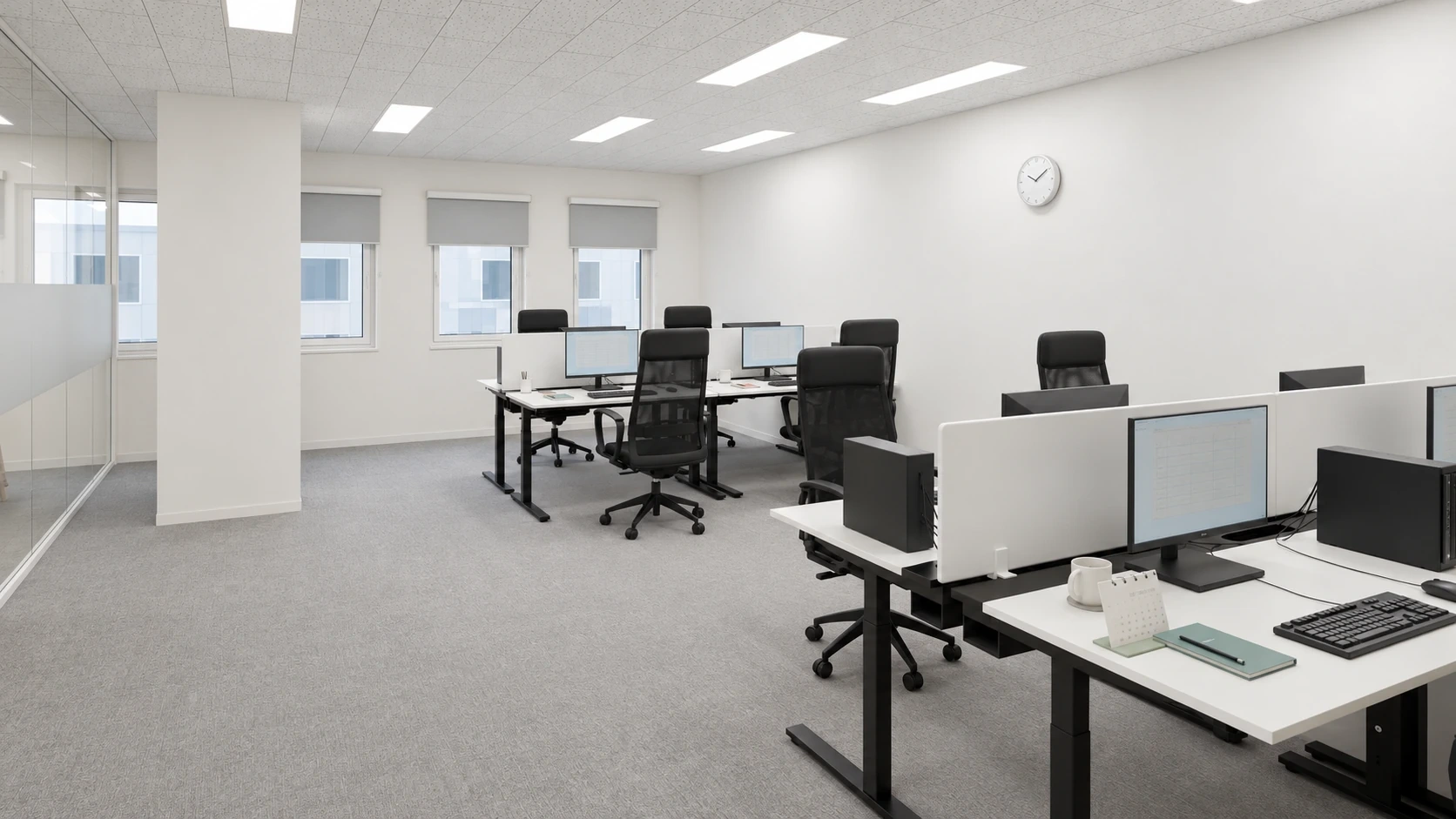
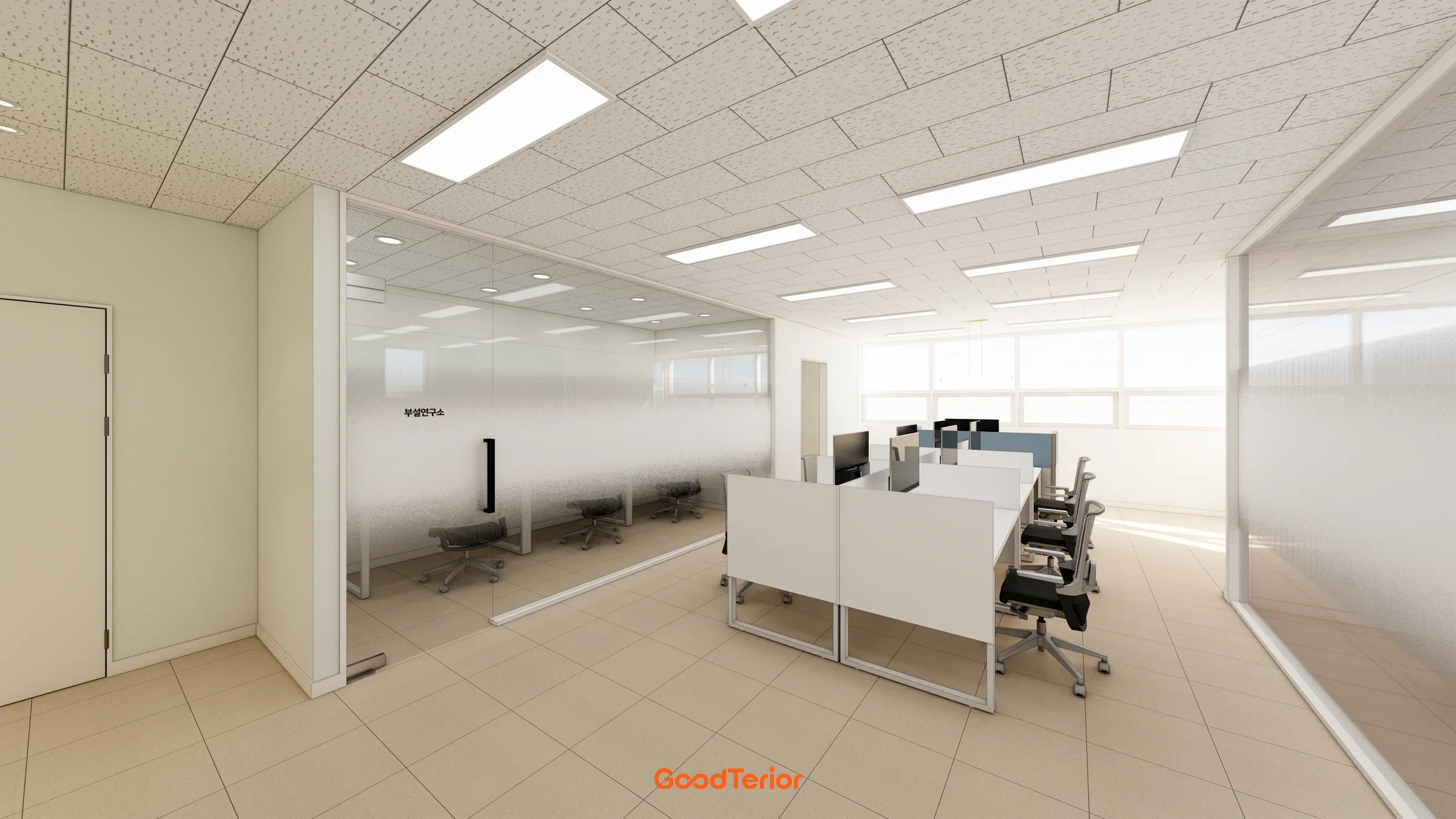
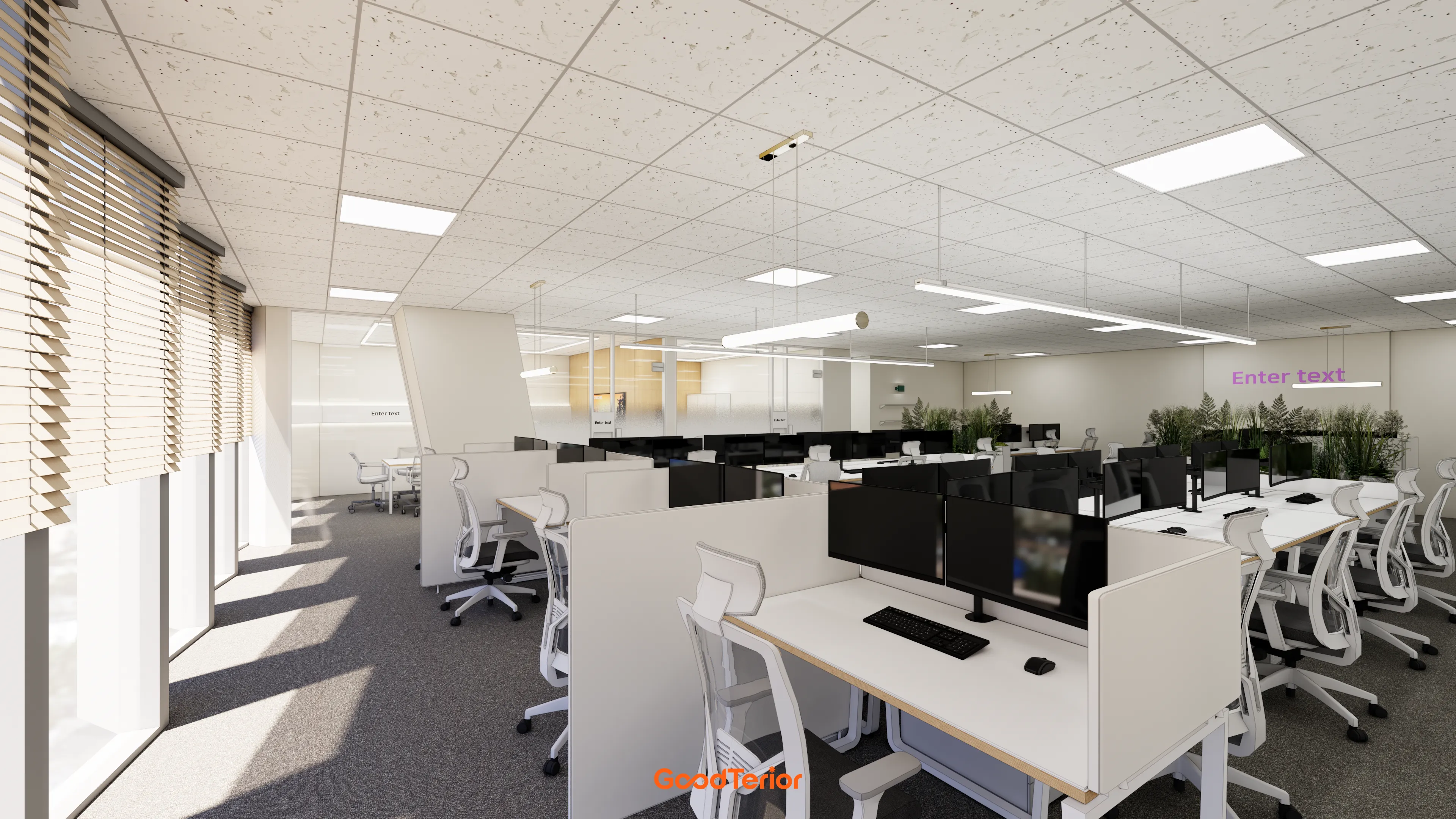
Wall-side desks as pictured may be served from the wall. Facing desk groups like those on the cover need a separate route to central seats. Do not approve cables crossing between desks simply because an outlet is on a nearby wall. Review routes beneath furniture with the installer.
Outlet heights need to account for desktops, under-desk drawers, and modesty panels. A wall connection hidden behind a drawer unit may require moving furniture whenever a plug changes. Distinguish frequently unplugged chargers from permanently connected equipment, then check access while seated or standing beside the desk.
Include desk cable openings and trays in the power plan. Test actual adapters and connectors for fit inside trays and through holes. Cable openings and power supply connections have different roles; a hole marked on a furniture drawing does not establish that electrical work is included.
The photo shows monitors and cables but cannot confirm the office's final power arrangement or cable management. Use it to review layout elements, while the electrician confirms wiring methods and circuits against the actual equipment list. Outlet counts alone do not establish available electrical capacity.
Recheck floor connections when the table moves
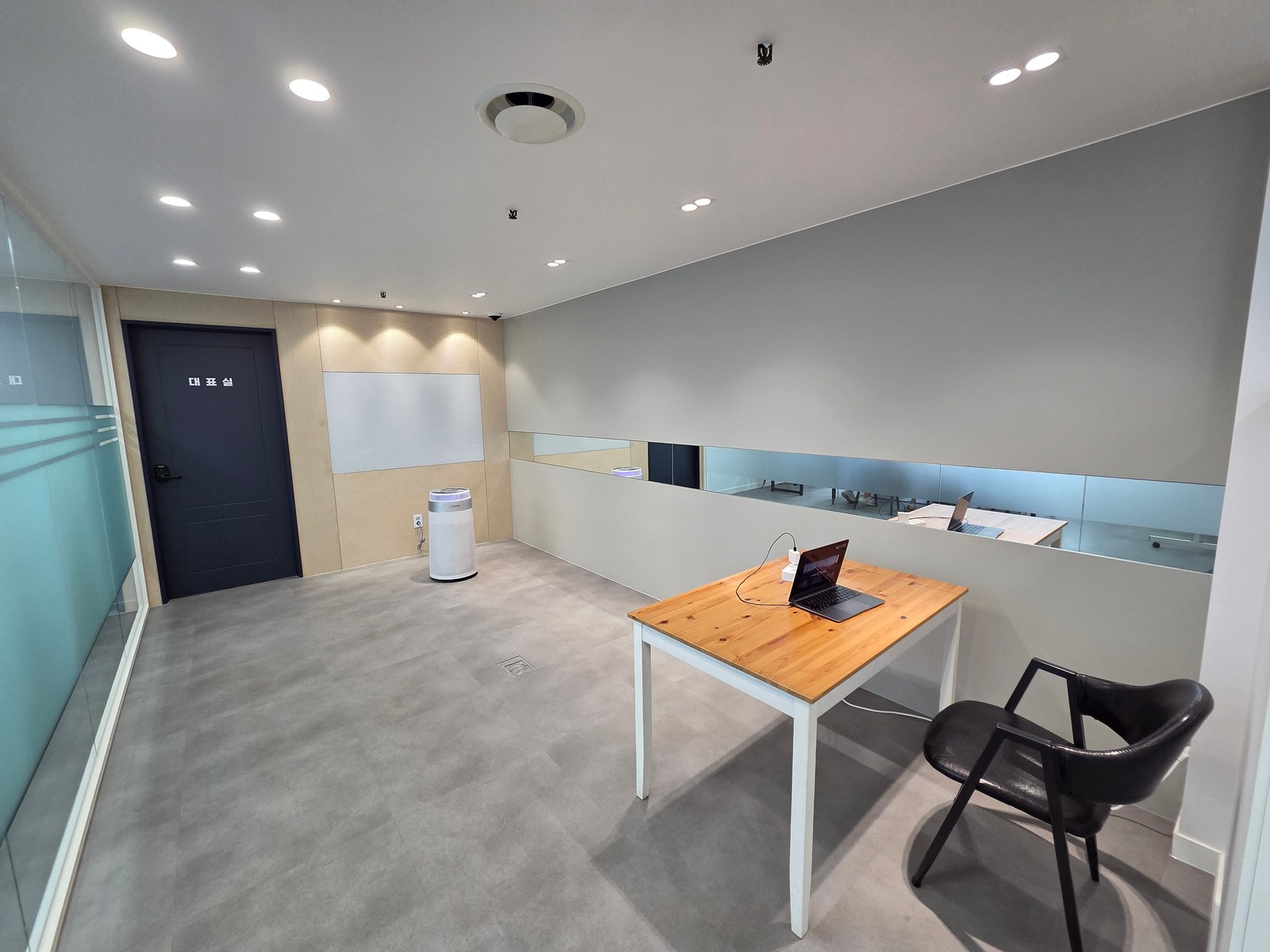
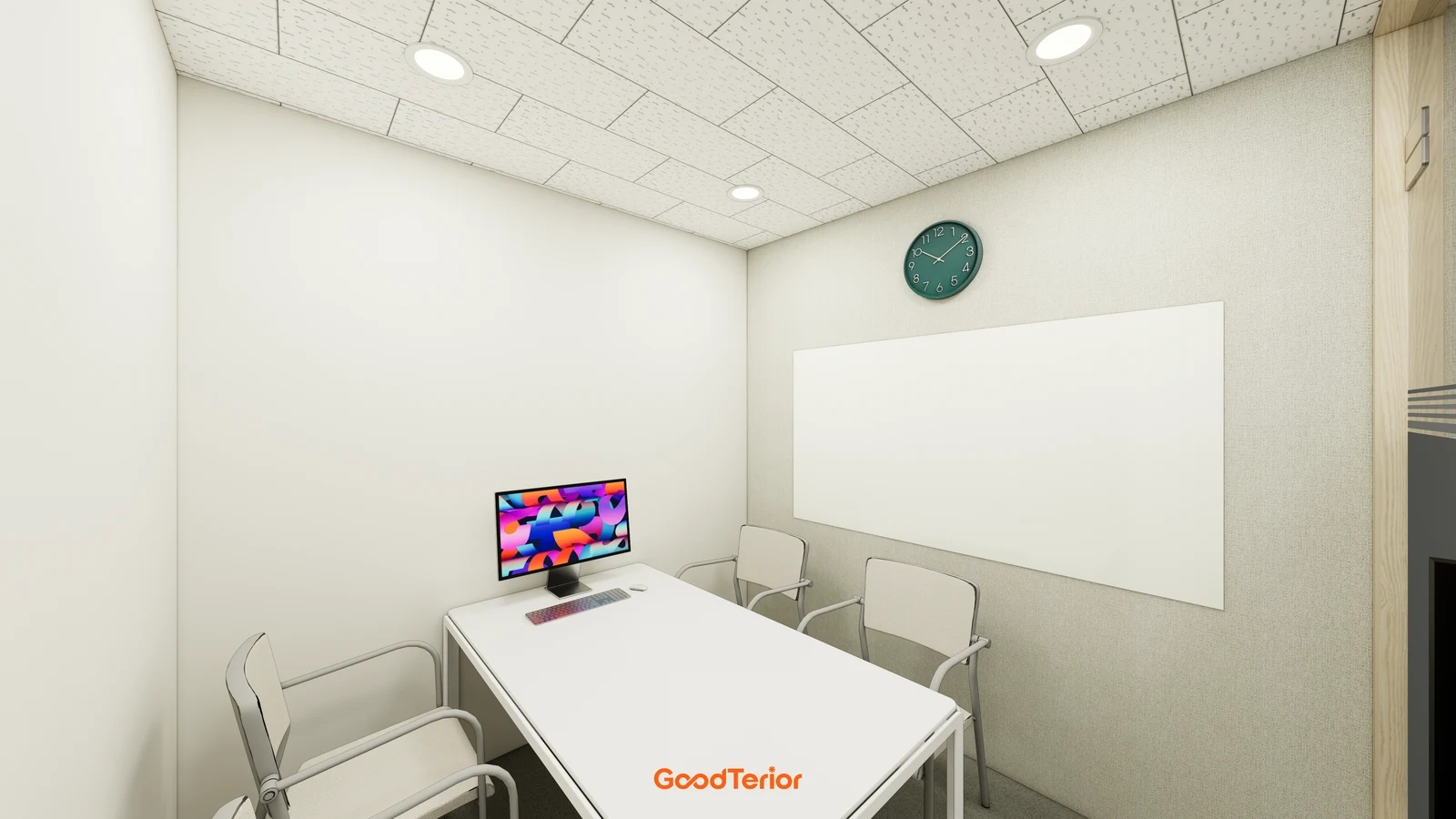
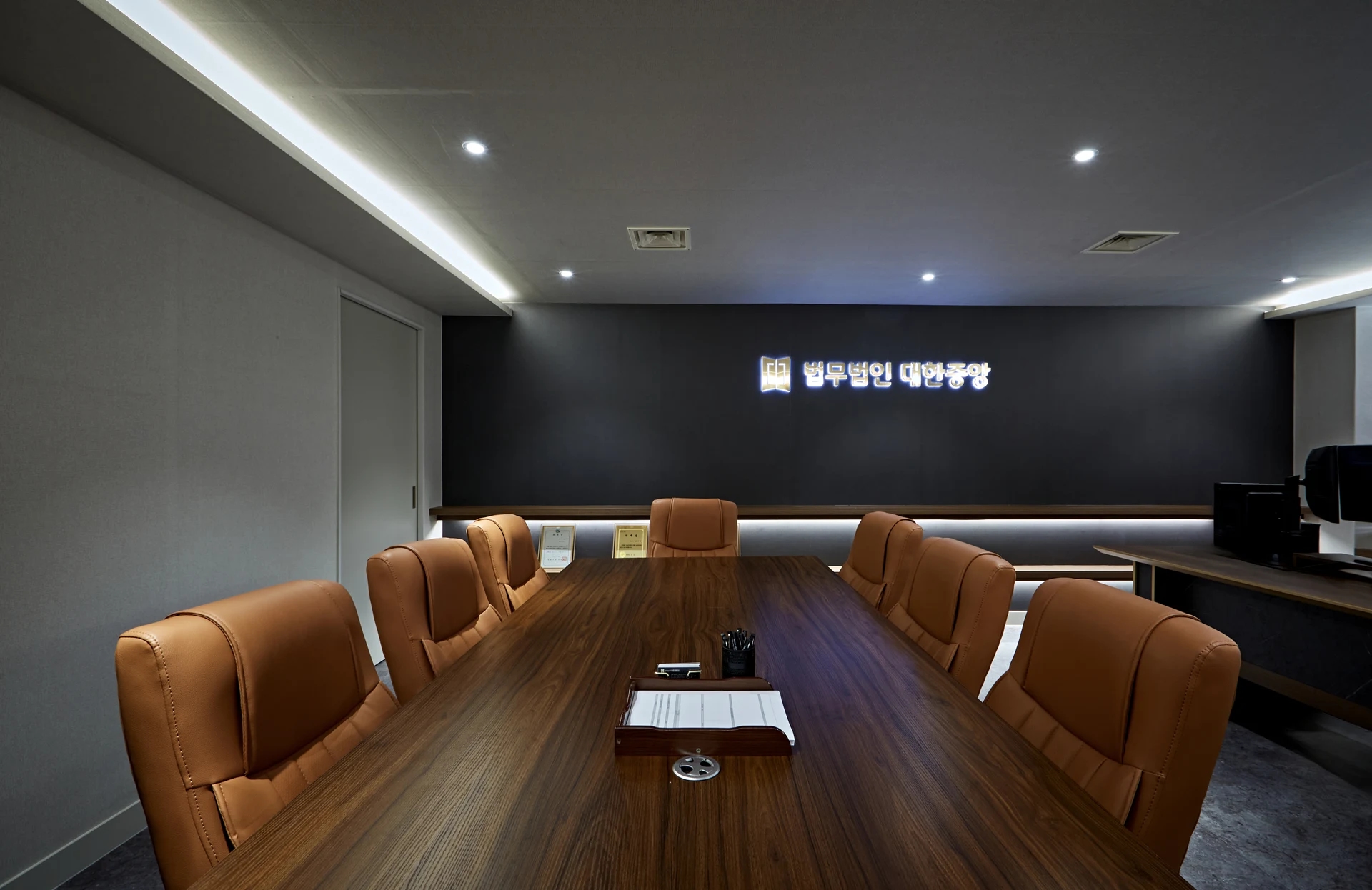
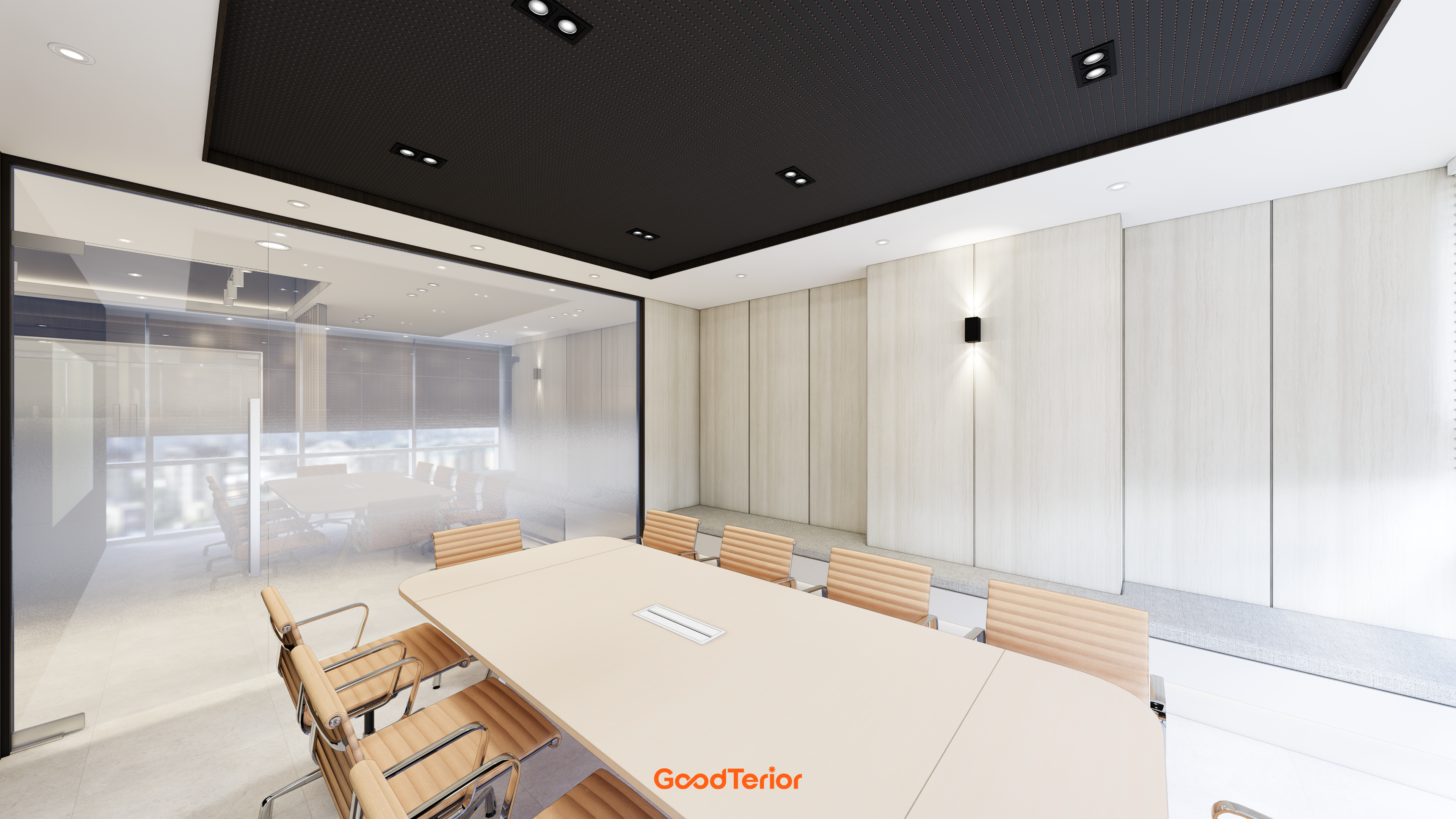
The photo shows a floor connection beside a laptop table. Meeting rooms likewise need a defined method of bringing power to tables away from walls. Go beyond confirming that a floor connection exists: compare it on the plan with final table legs, chairs, and walking routes.
If placing a floor connection beneath a table, leave room to open its cover and insert plugs. Thick legs or an underside frame directly above can prevent access. Outside the table, check cable exit directions and whether people pass there when pushing chairs back and standing. In every position, review the connection with furniture in place.
Distinguish meetings where users bring laptops from those using fixed equipment. Decide where charging leads rise, display cables emerge, and unused leads rest afterward. Even wireless meetings need separate confirmation of charging and fixed equipment power. Obtain the actual component list from the equipment supplier and check for missing connections.
When moving only a table in an already finished office, do not assume a new floor installation is necessary. Request separate estimates for adjusting furniture to existing connections and changing cable routes. Confirming whether floor opening and reinstatement or connection relocation is needed separates table replacement costs from electrical work.
If meeting attendance and the table are undecided, record the position as pending instead of arbitrarily finalizing it. Schedule confirmation of table dimensions, leg spacing, and the display wall, then approve locations before wiring. Share the same drawing revision so the furniture supplier and electrician do not work from different layouts.
Provide pantry equipment lists with cabinet drawings
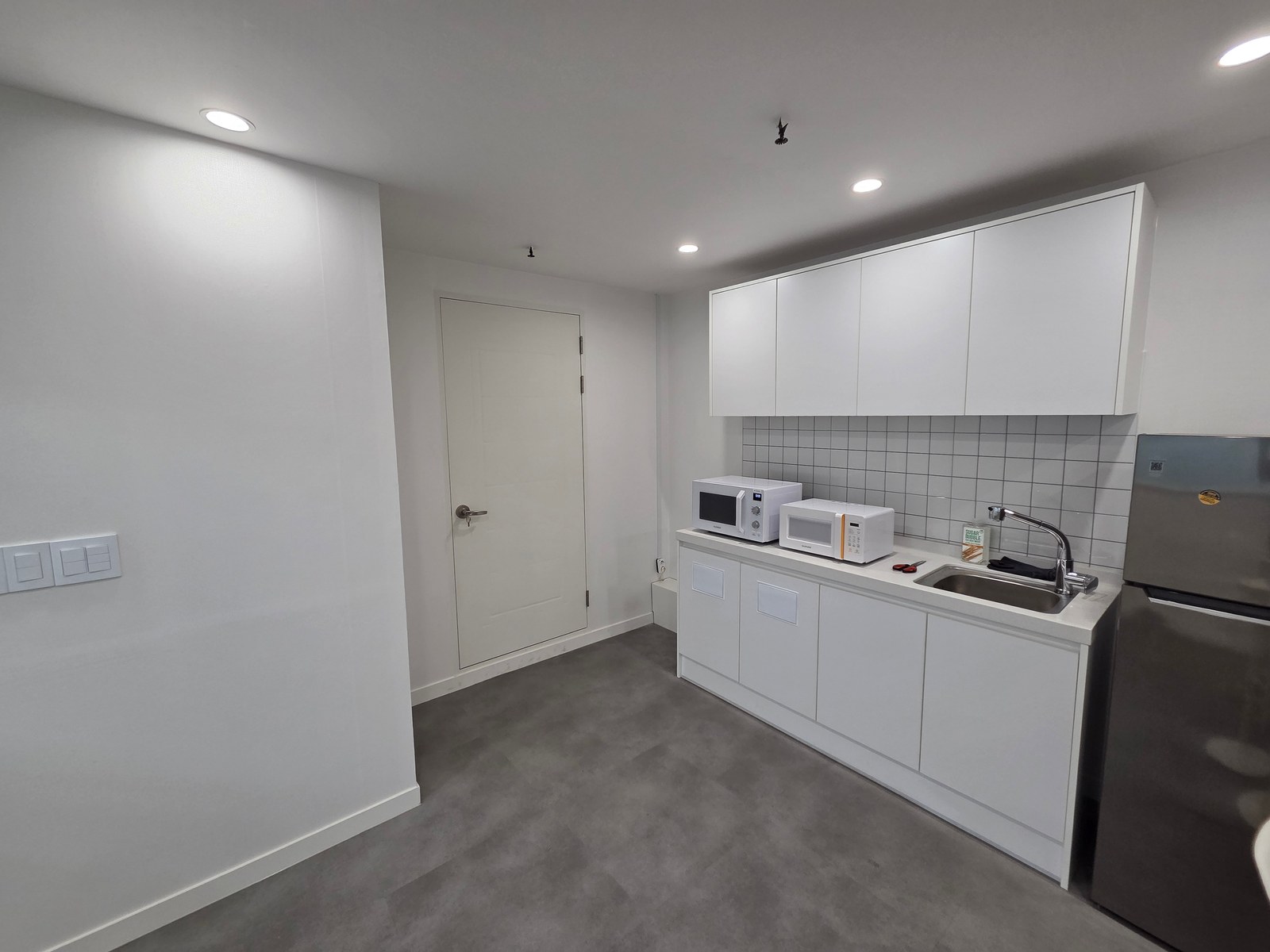
Check pantry equipment fit separately from power connectivity. The photo shows two microwaves and a refrigerator. For multiple appliances, list product names, models, and dimensions, linked by numbers to cabinet positions. Similar appearances do not establish equal power consumption or installation requirements.
Use product documentation to confirm rear or side plug positions and cord exit directions. For custom cabinetry, obtain connection and cable space from the installer instead of making compartments tightly fit appliance bodies alone. Compare actual model instructions rather than applying one clearance figure to all appliances.
Frequently connected countertop equipment and appliances fixed inside cabinets are used differently. Review water use points, cabinet door swings, and appliance removal routes when locating outlets. If connections are concealed beneath equipment or behind cabinets, ask how replacement access works. The responsible specialist should determine exact positions and electrical arrangements from site conditions and product documentation.
Separate outlet installation, furniture drilling and cable channels, appliance delivery and installation, and data equipment connections in estimates. Customer-supplied appliances still need their installation information provided before construction. Check that internal table or cabinet connections have an owner rather than falling between a cabinet maker who only provides holes and an electrician working only to the wall.
For final review, compare equipment lists, furniture plans, and power and data drawings side by side. Check what connects at each seat, where cables run, and whether connections remain accessible. After construction, record changed locations and responsible contractors to avoid repeating the investigation when adding furniture or replacing equipment.
Ask us about your interior project
We can discuss a quote and design suited to the space you are planning.
Request a free consultation