Meeting room interiors: start with tables that give everyone a screen view
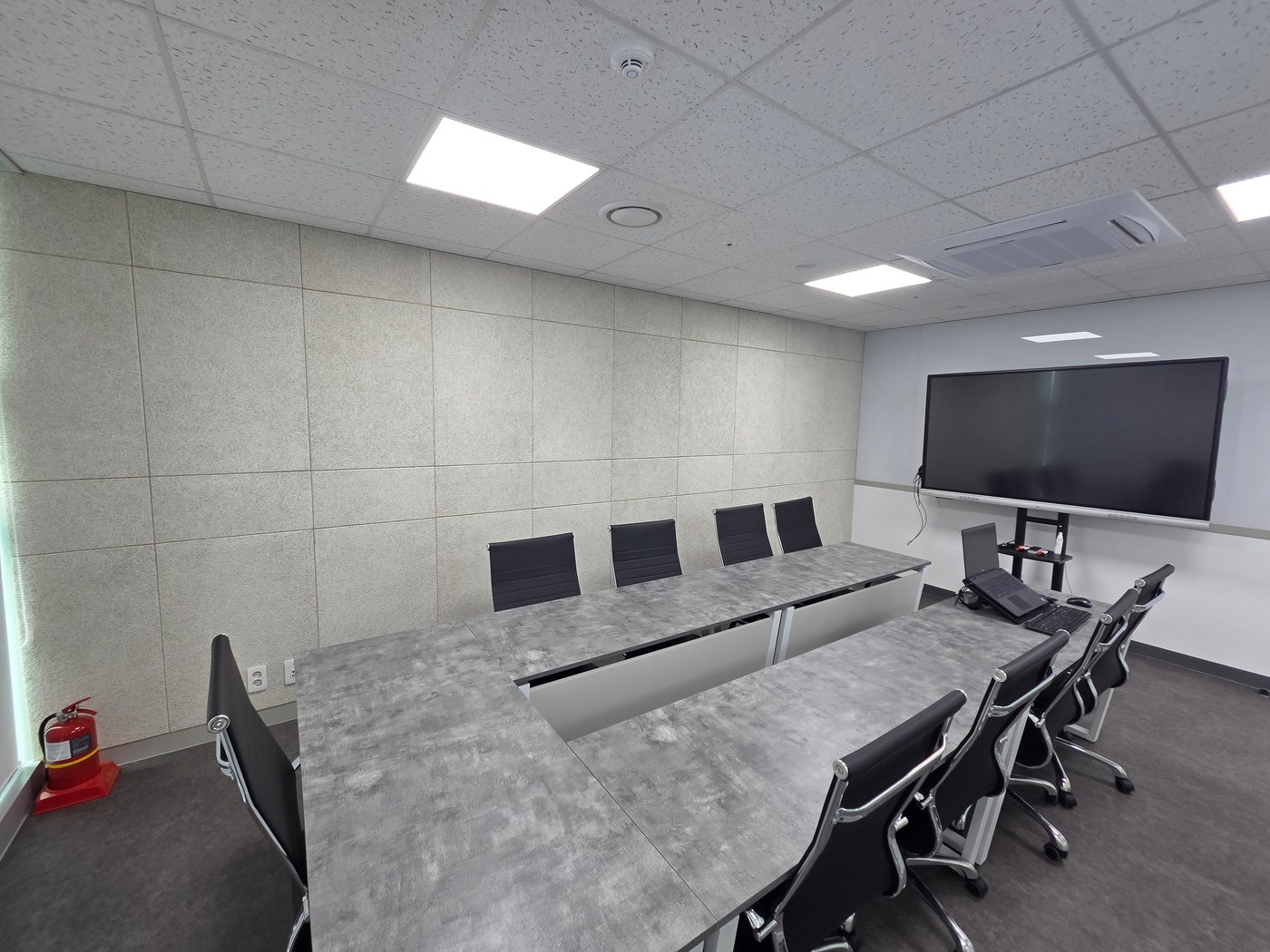
Participation in conversations and screen content matters more than how many chairs fit a meeting table. Coordinate screen direction, camera coverage, cables, and doors together.

Before you begin
- Choose the screen wall before arranging the table.
- Test video meetings from every seat, including the ends.
- Decide charging and connection positions in advance.
Table shapes depend on meeting methods
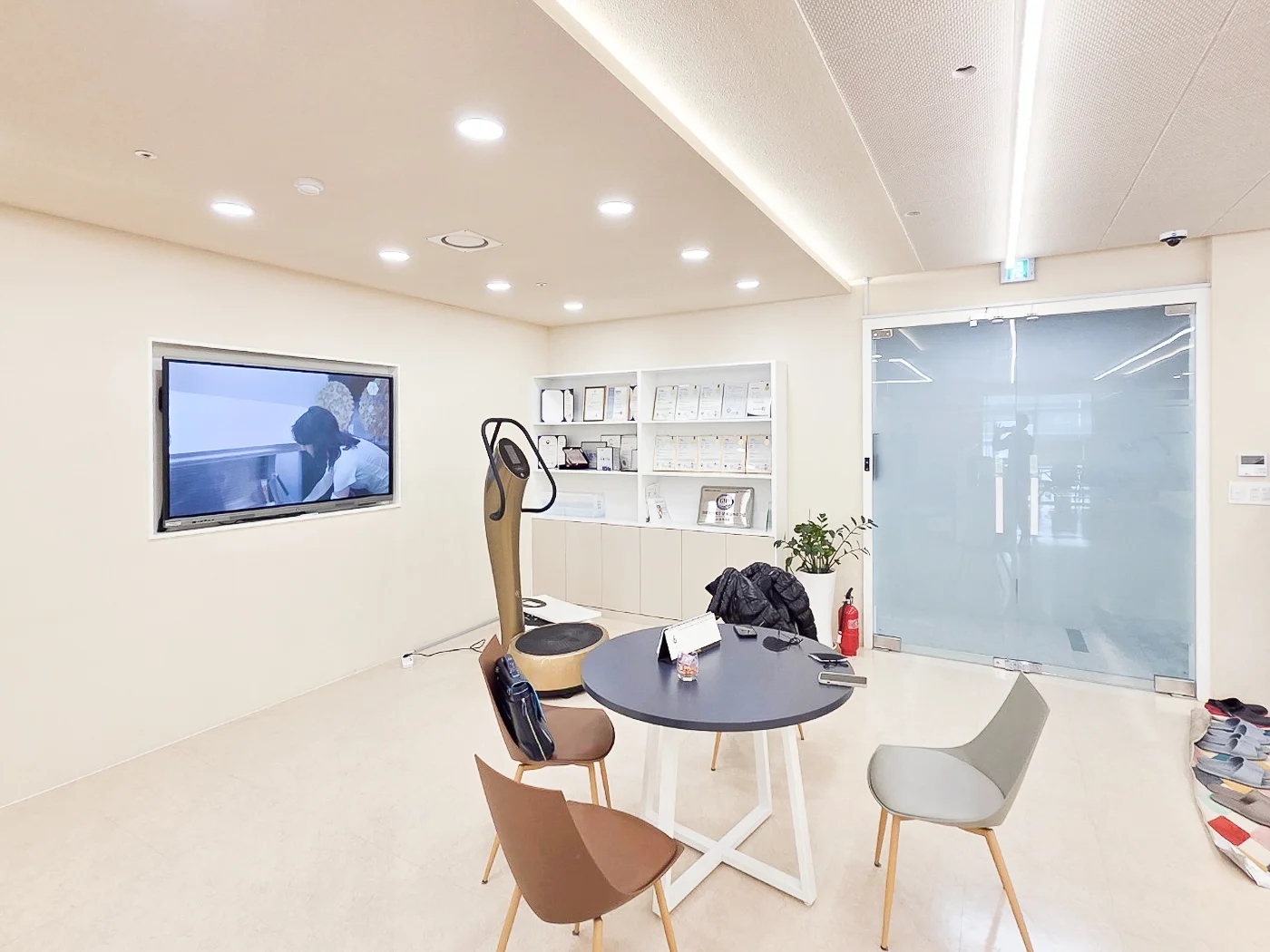
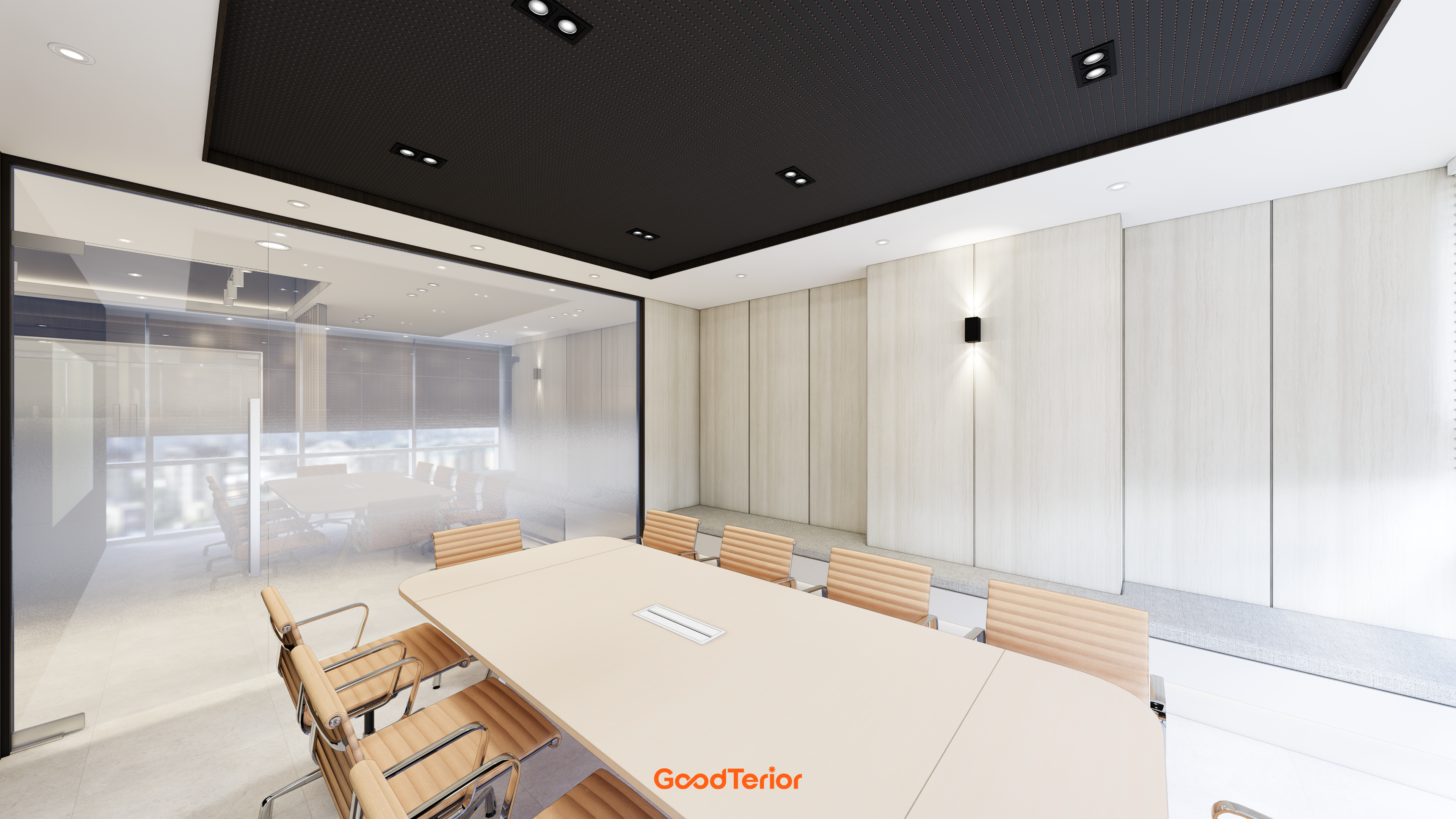
Separate reasons for booking the room. Document reviews, presentations, and face-to-face discussions need different postures. Even with six seats, a screen at a long table's end makes side users turn, while front-facing arrangements may limit facial interaction.
For mixed-use rooms, base regular layouts on the most frequent meeting. Compare movable furniture instead of permanent setups for occasional larger gatherings. Movement also affects floor wiring and equipment, so selecting mobile tables alone is insufficient.
Screen visibility from end seats
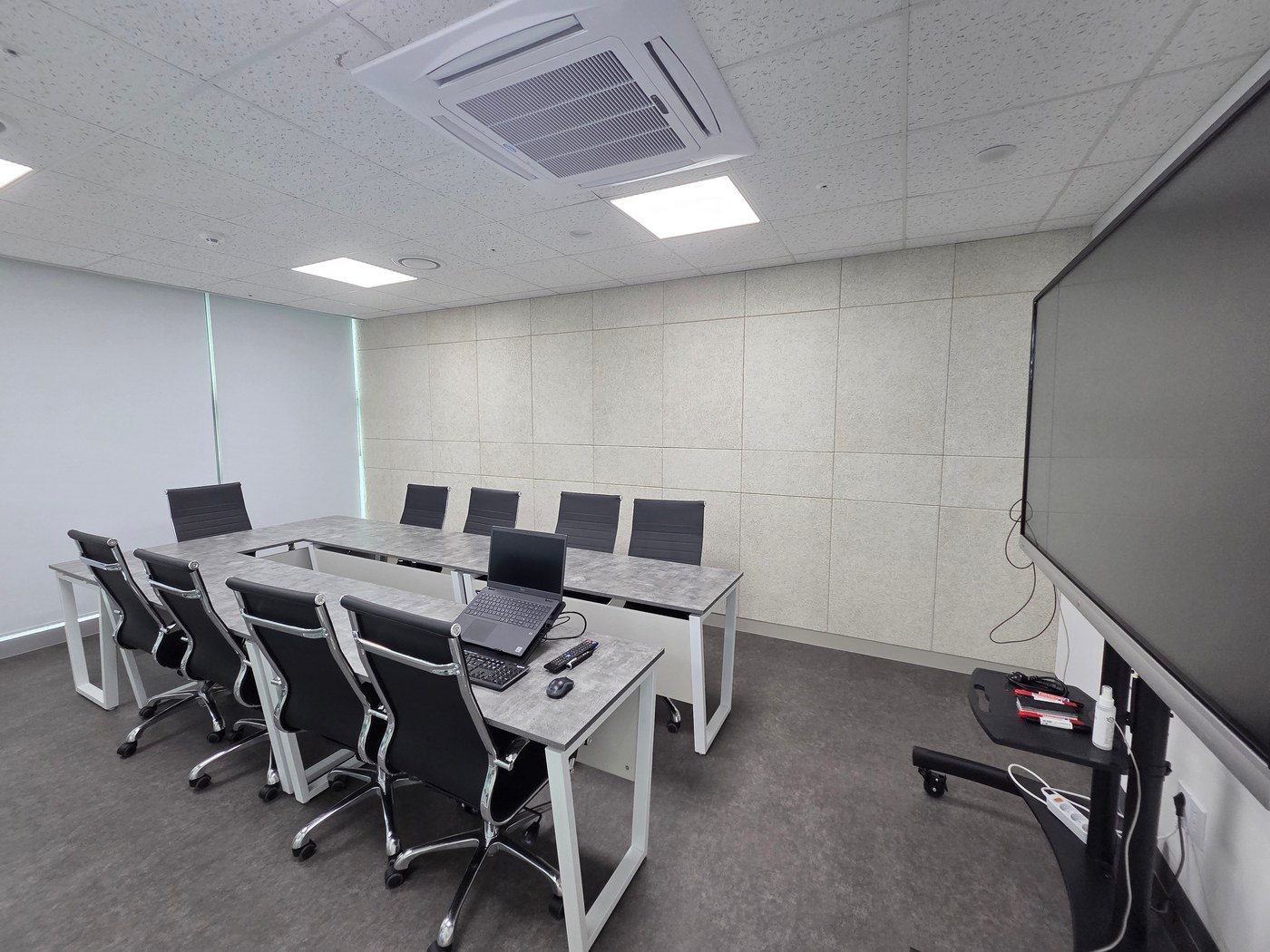
Before choosing screen size, review content from both ends and near the door. Large headings may be readable while small table figures are not. Test actual documents; screen inches alone cannot determine a layout for every room.
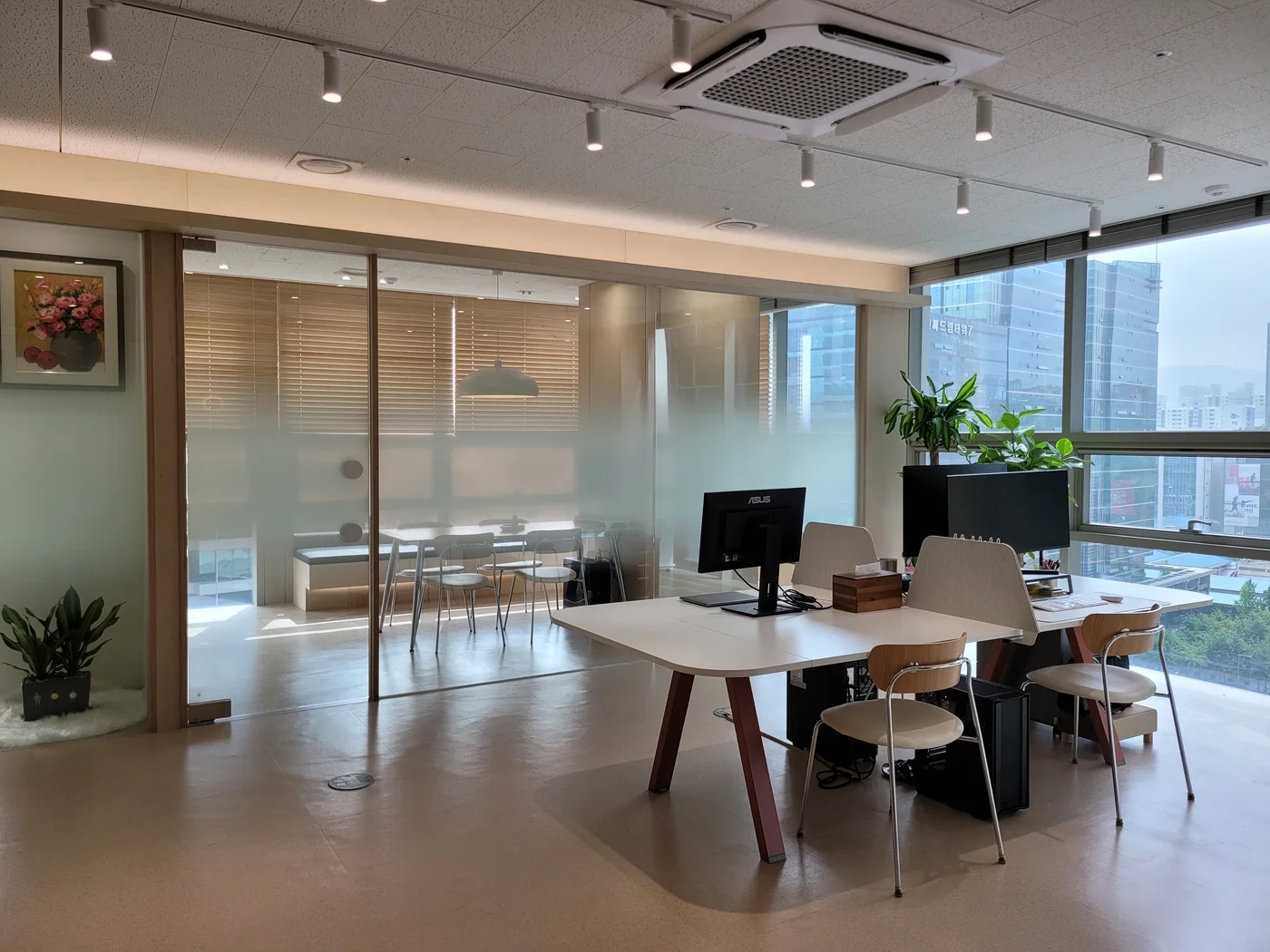
A screen backed by windows can face viewers toward strong light, while opposite windows may reflect on it. Compare morning and afternoon with blinds open and closed. If tables cannot move, changing screen direction or screening first may reduce construction scope.
Faces and backgrounds captured in video meetings
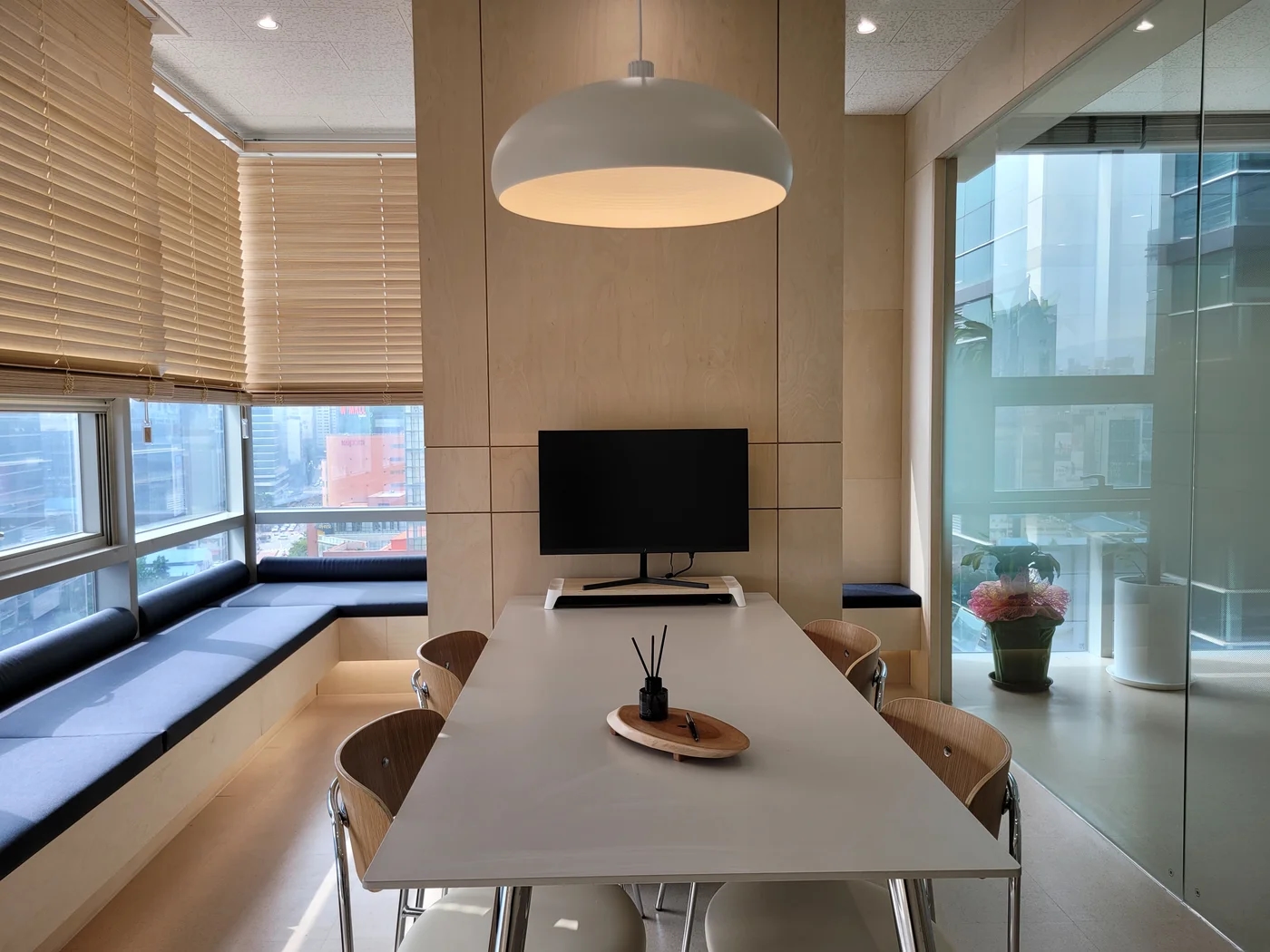
For frequent video meetings, check overlapping participants on camera. Seats visible on plan may not all appear in the call. Camera angles and positions vary, so select actual equipment and test both near and end seats.
Check strong window light behind cameras, tabletop equipment blocking faces, and passing background traffic. Assess circulation and storage before decorating every background. Test sound with actual call equipment and a remote participant rather than speaking once in an empty room.
Coordinate wiring and doors with table positions
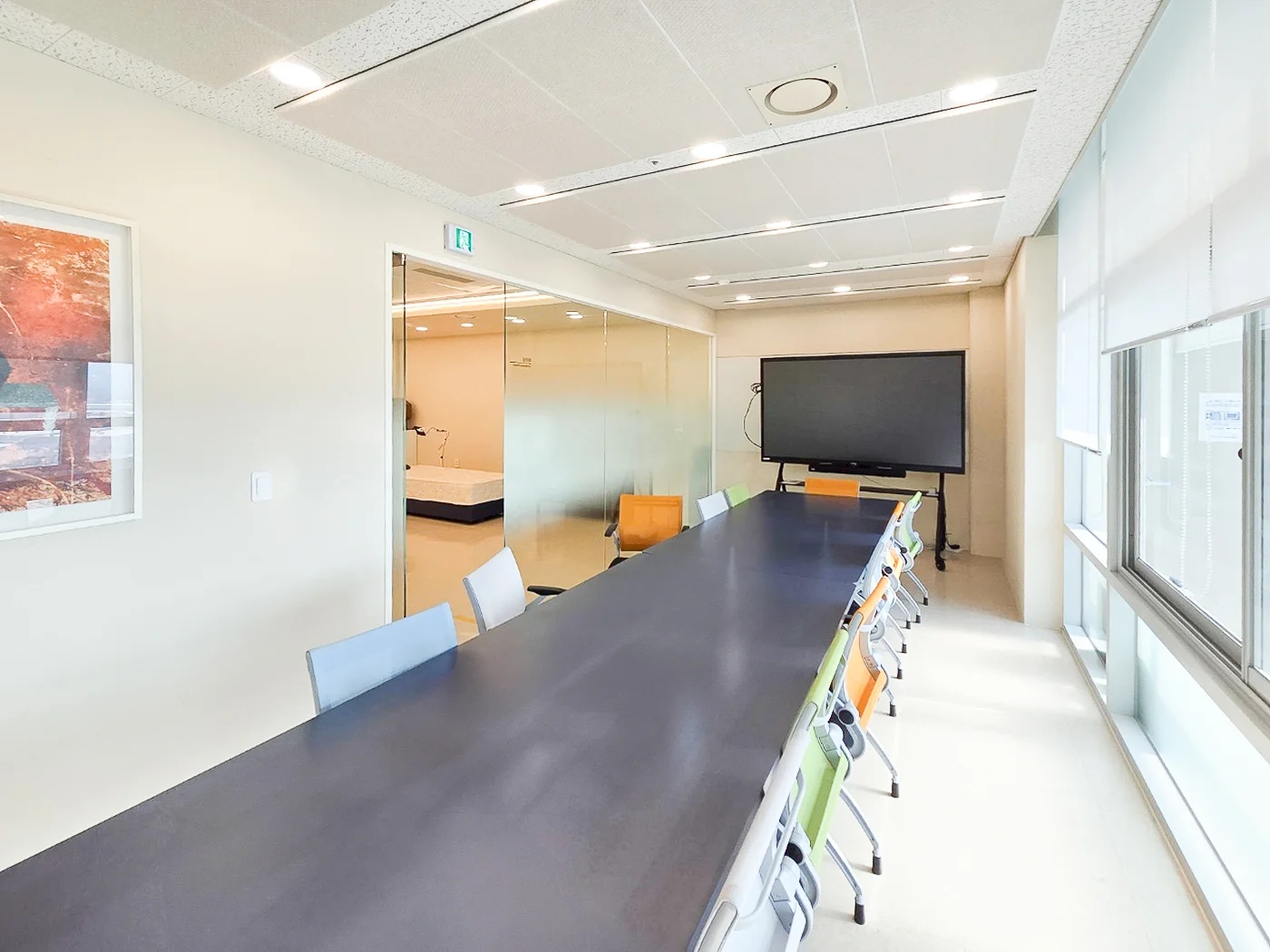
Central table power and wall connections require different flooring and furniture work. Identify laptop connection seats, charging points, and unused-cable storage. Even long cables should be planned away from doors and circulation.
In the completed room, rehearse entering, sitting, connecting the display, and finishing a meeting. Record input methods and equipment storage so other staff can connect without the usual operator. Furniture, screens, and operating procedures must follow the same layout for attractive rooms to work comfortably.
What to check at this stage
- Can actual documents be read from end seats?
- Does the camera capture every participant?
- Do cables stay clear of circulation?
Ask us about your interior project
We can discuss a quote and design suited to the space you are planning.
Request a free consultation