Office lounge seating: can window bars and sofas serve as workstations?
Window bars, sofas, and meeting rooms involve different postures and lengths of stay. Photos illustrate how to distinguish short-use seats from places for prolonged work.

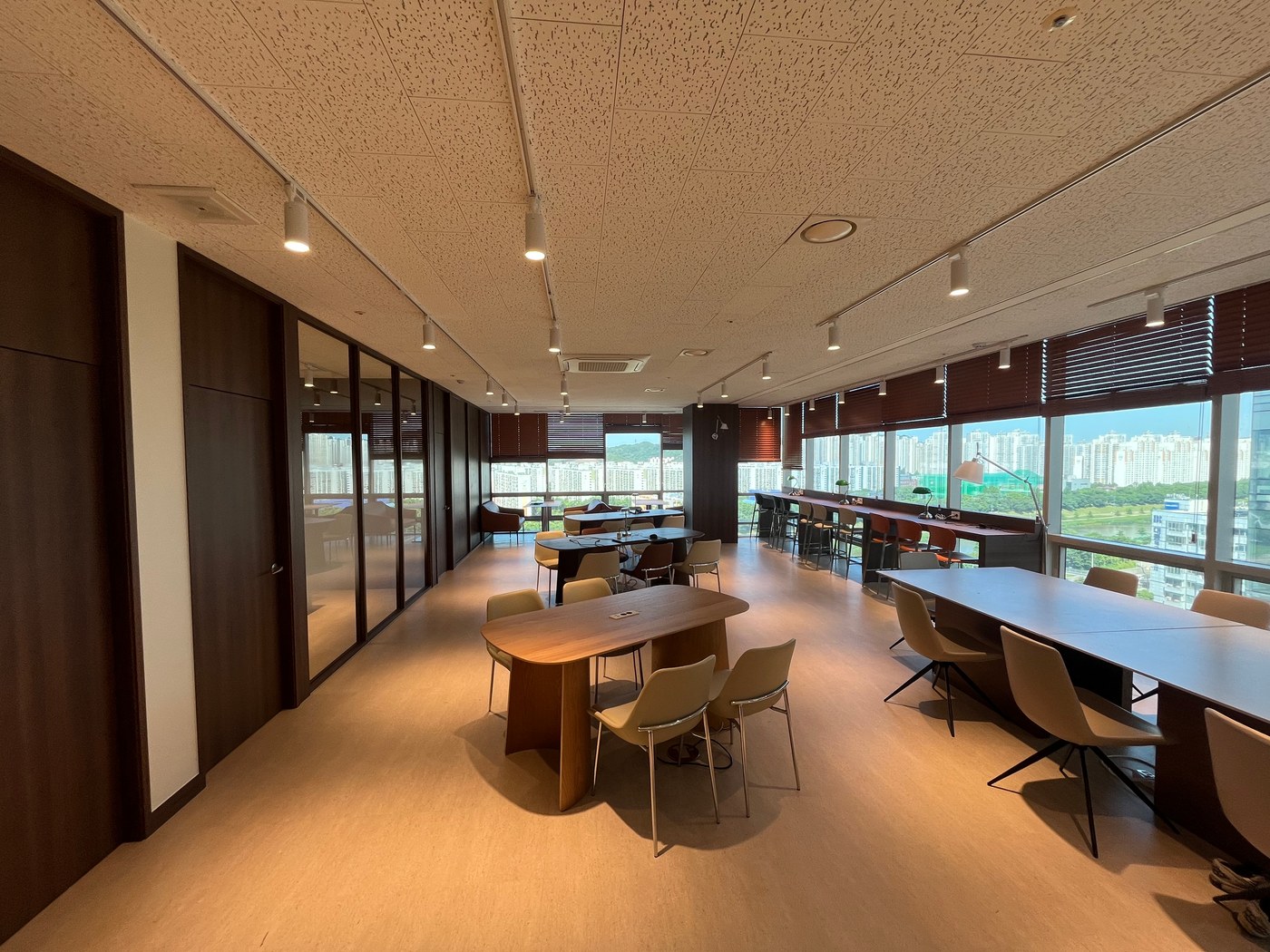
Before you begin
- At a window bar, sit down first to check where your arms and feet rest.
- Sofas and low tables may suit conversation without being appropriate for long document work.
- Decide which screen-sharing meetings belong in the lounge and which in the meeting room.
How long will people work at the window bar?
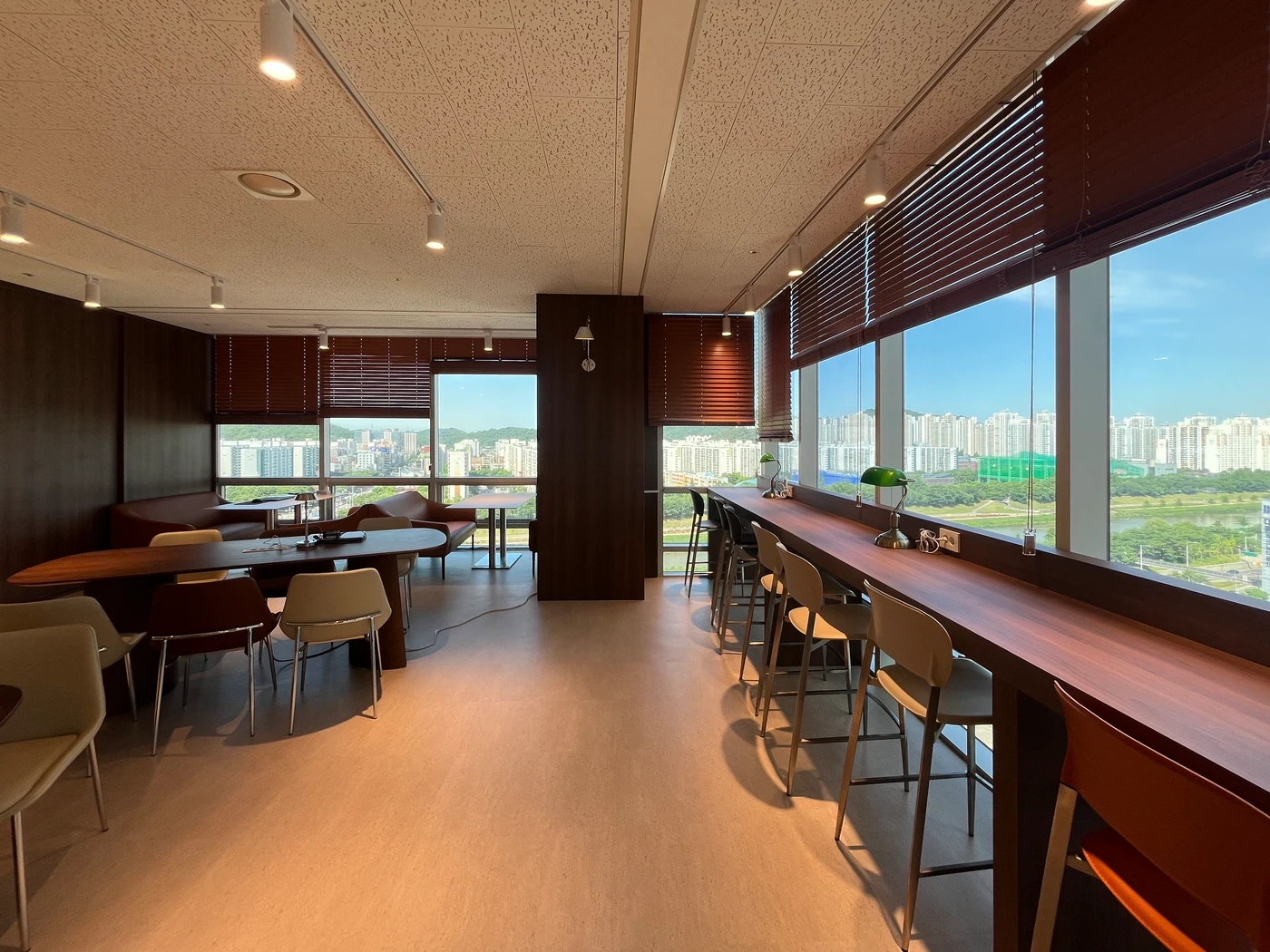
High chairs line a long window bar. It appears suitable for briefly opening a laptop or reading material, but the photo cannot establish comfort for a full working day. Since users face the window, check screen reflections at different times from the actual seat.
OSHA's computer workstation evaluation checklist asks whether feet are supported, elbows stay close to the body, and screens are free of glare. It is general US computer workstation guidance, not legally required bar seating dimensions for Korean offices. It supports checking the actual user and laptop together rather than judging this bar's height or chair suitability from a photo.
When planning a lounge, avoid counting every place someone can sit as an equivalent long-term workstation. First decide whether the bar serves brief calls and quick checks or focused work too. For prolonged use, users should test arm and foot support, screen placement, and charging positions themselves.
How sofa seating differs from a work table
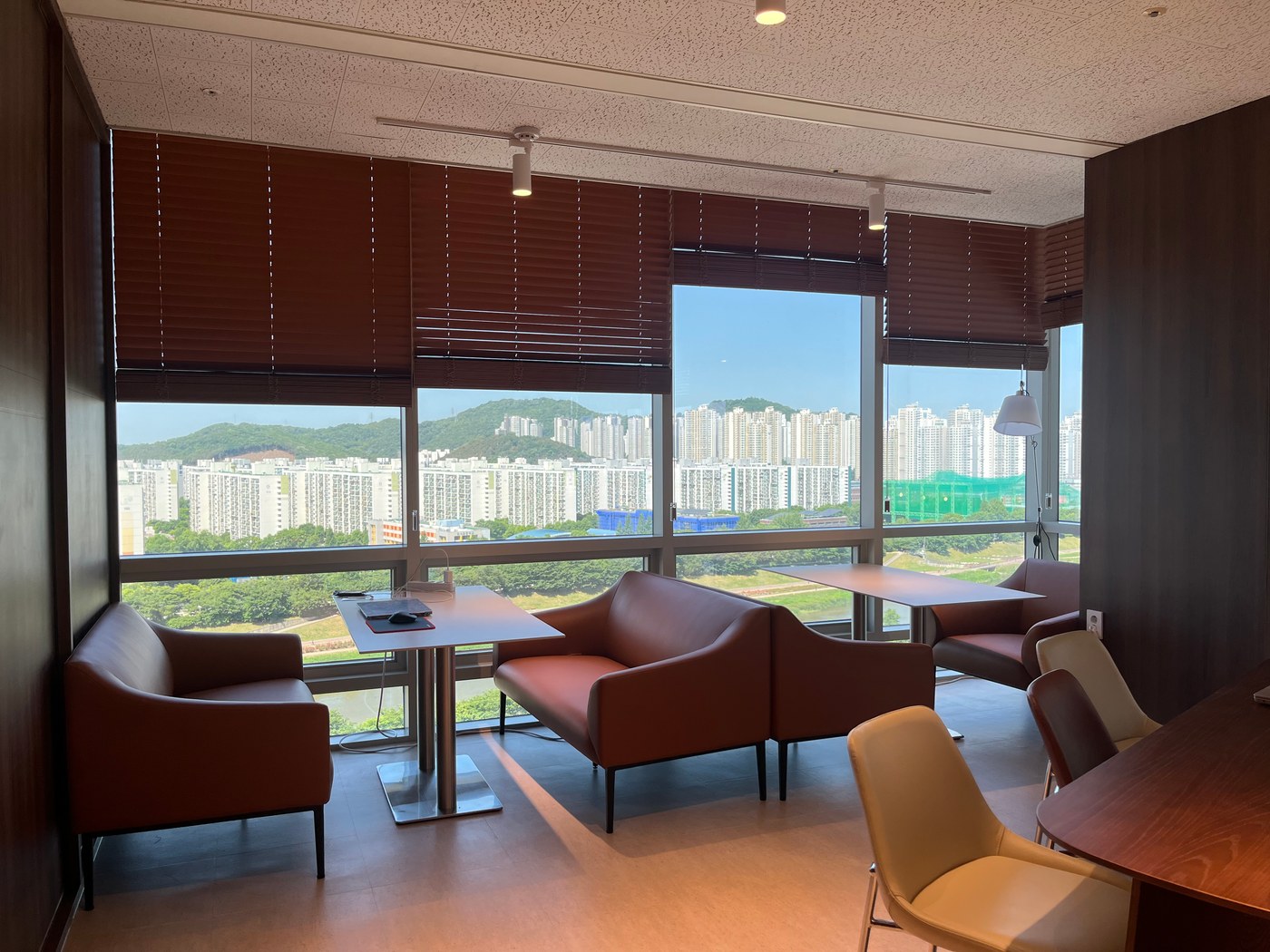
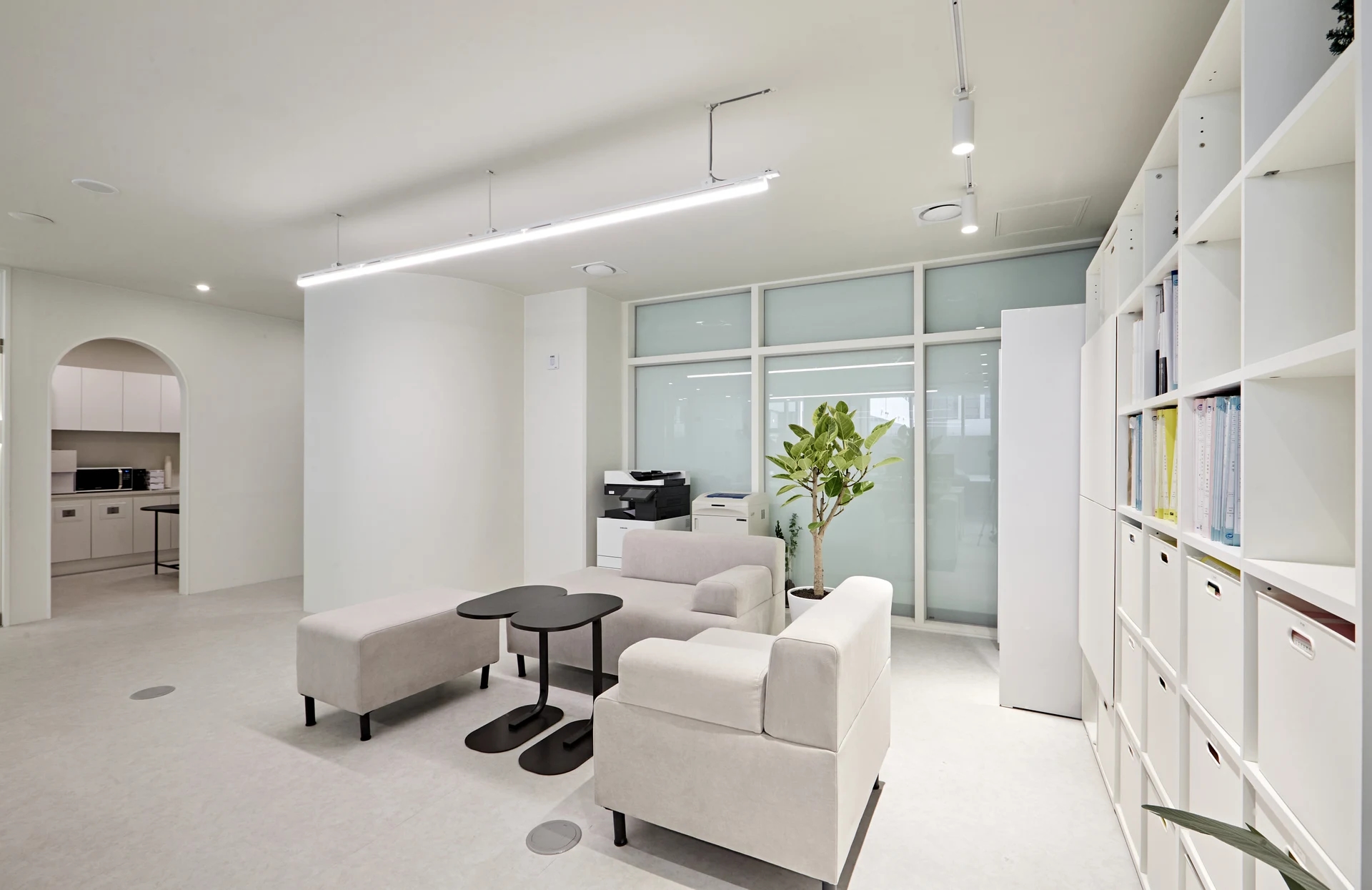
Window-side sofas and a small table create a setting for face-to-face conversation. Prolonged laptop document work, however, may require leaning forward toward the table. The photo shows the furniture relationship but not actual heights or seated posture.
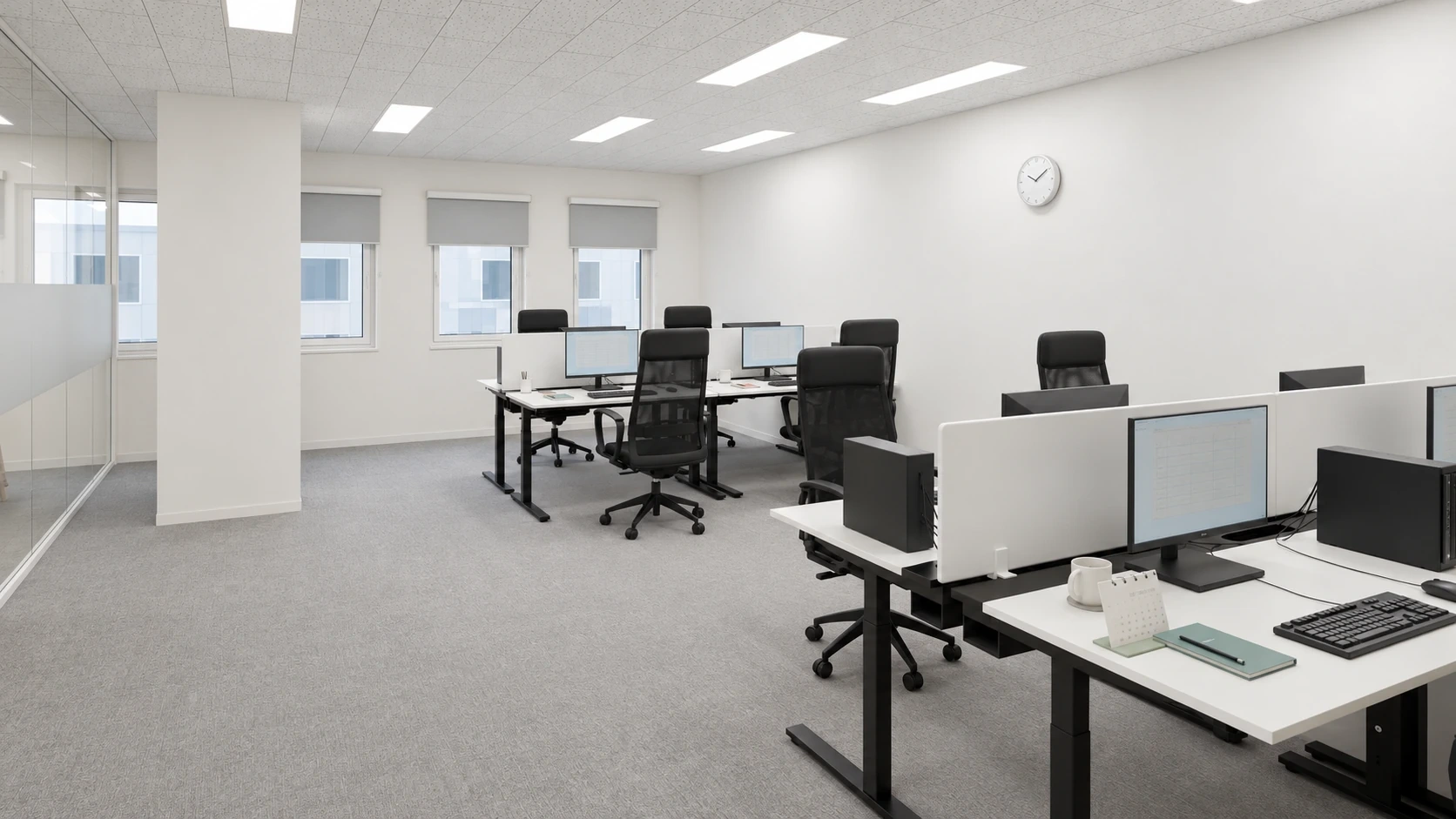
A shared lounge benefits from seats with defined uses: sofas for brief conversations or waiting, and adjustable desks for extended keyboard and mouse work. Before increasing lounge seat numbers, list the activities that frequently happen there.
The OSHA checklist also considers whether frequently used items are within reach and chairs and work surfaces can adjust to users. This does not make sofas undesirable. Conversation seating and repetitive computer work simply have different requirements.
Where should people sit to view a shared screen?
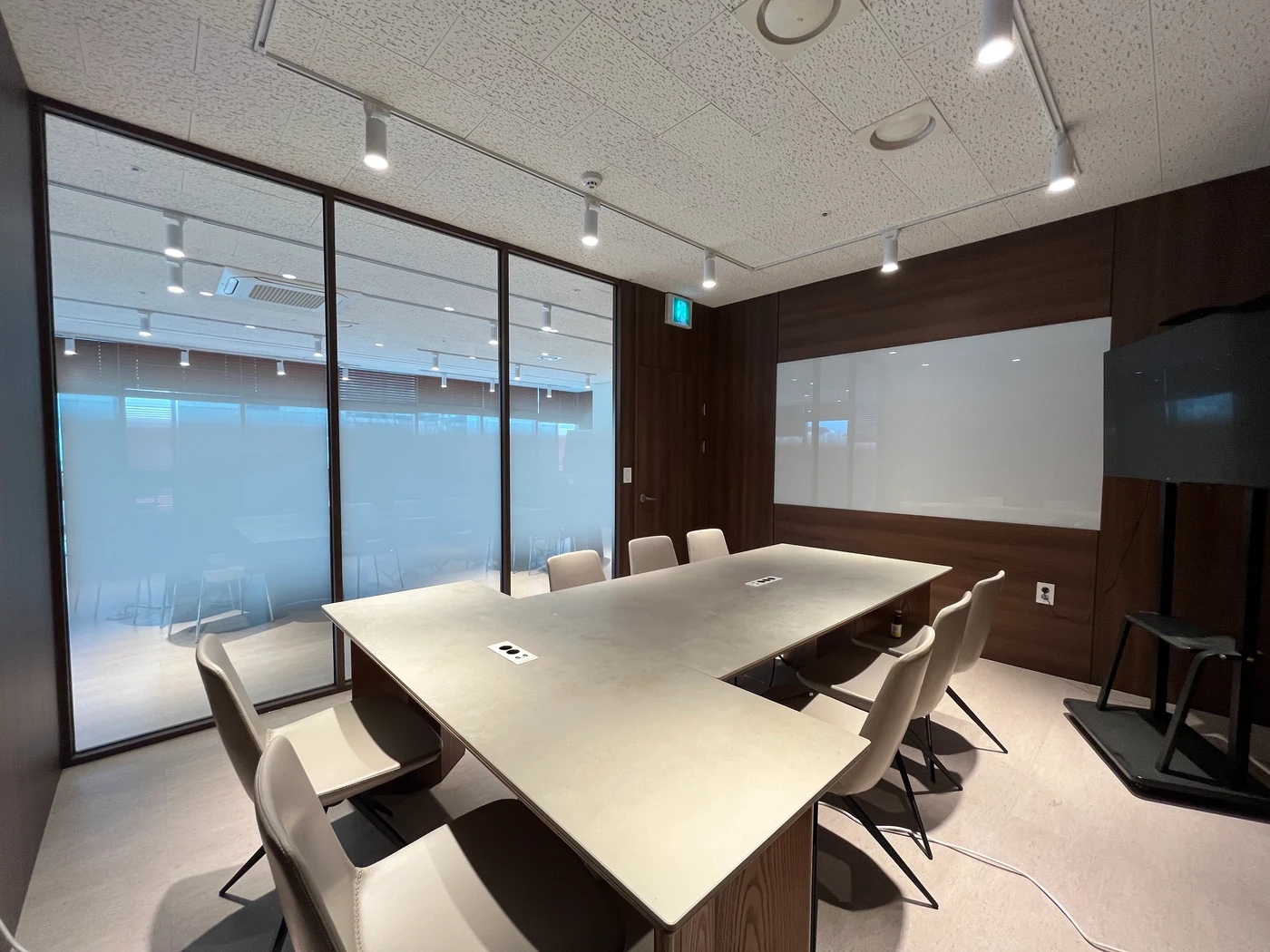
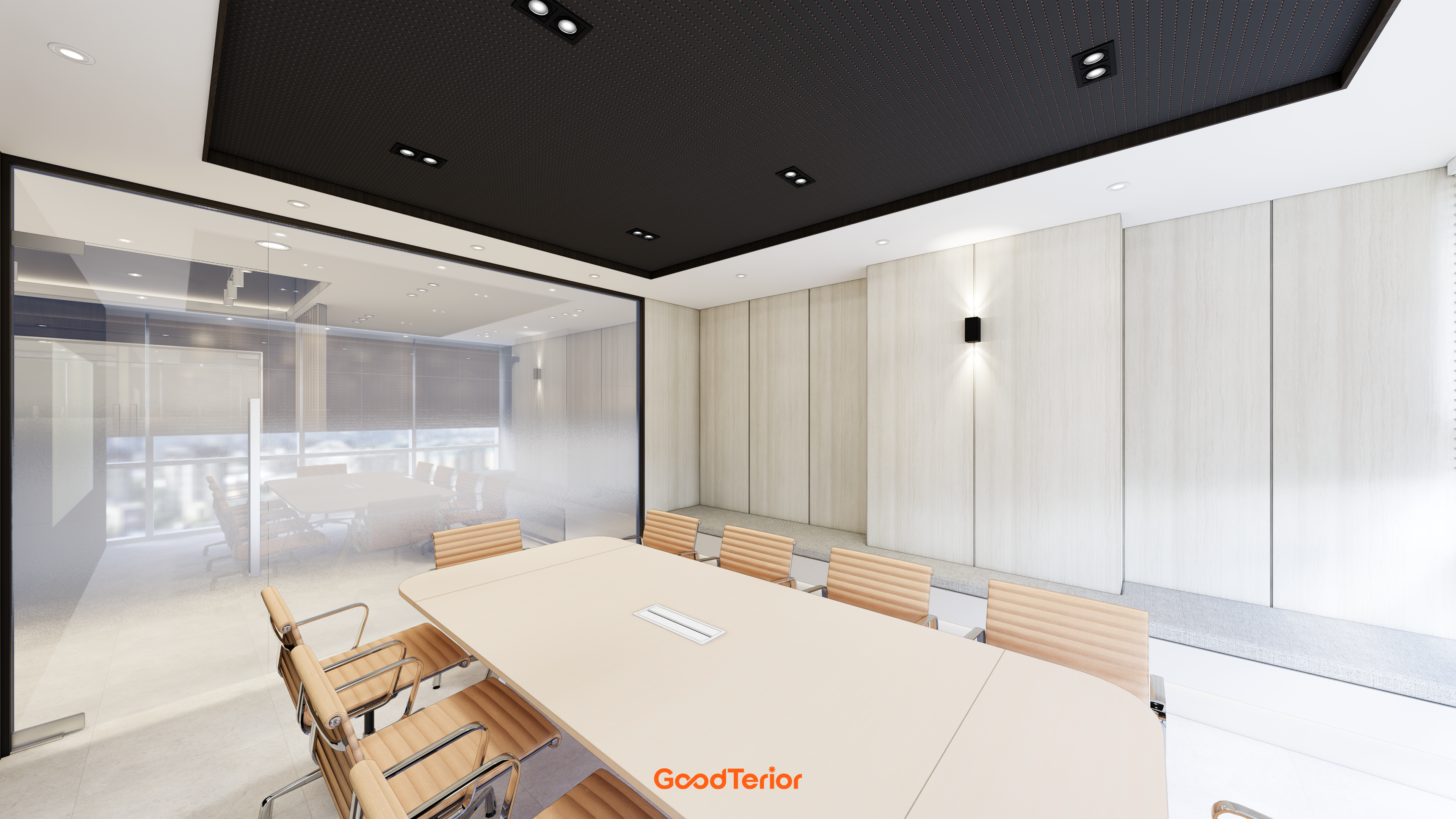
The separate meeting room contains a long table, several chairs, and a wall display. Round lounge tables can support conversation, but seat direction relative to the display matters when participants review shared material. The photo cannot establish text legibility or actual meeting attendance.
For teams with frequent meetings, distinguish screen-based sessions from conversations without a display. For the former, show real material and check readability from end seats. For the latter, check whether people can hear one another at lounge tables. There is no need to send every screen-based meeting to the lounge or require meeting room bookings for every short conversation.
Seating plans extend beyond matching attractive furniture images. Distinguishing quick checks at the window bar, sofa conversations, and shared displays in meeting rooms gives the lounge clearer uses. The related article explores meeting room screen arrangements further.
Ask us about your interior project
We can discuss a quote and design suited to the space you are planning.
Request a free consultation