Choosing a location for an office multifunction printer
Measuring only an office printer's footprint can lead to awkward use. Actual office photos illustrate clearance for trays and covers, space to pause while collecting prints, and storage for paper and supplies.

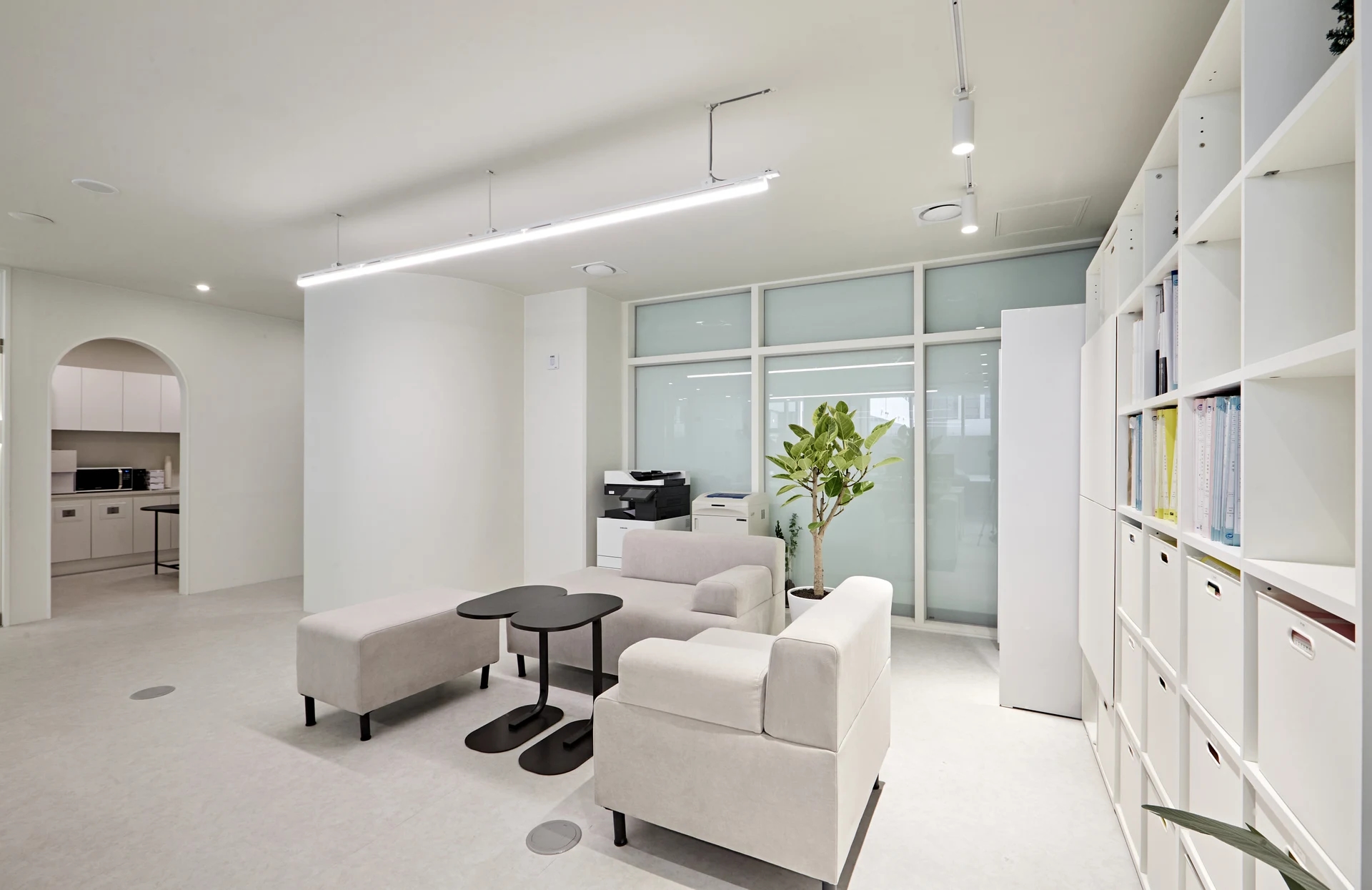
Before you begin
- Mark tray and cover opening ranges and room for users separately from the machine footprint.
- Check whether people collecting prints overlap with routes to workstations and meeting rooms.
- Distinguish storage for frequently replenished paper, spare supplies, and sorting printed documents.
Machine dimensions and the space needed in use
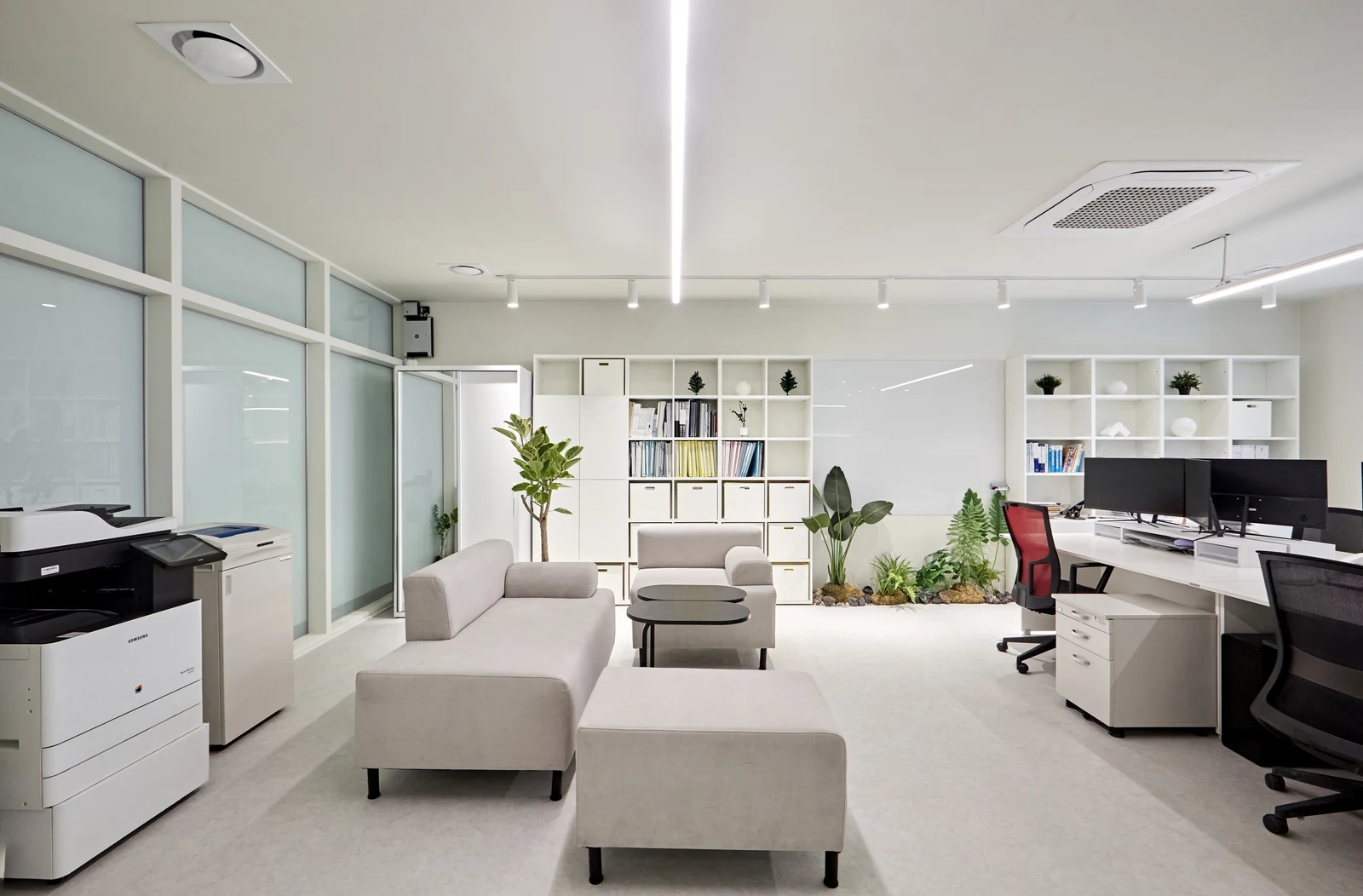
The photo shows a printer in front of a glass wall near a sofa and work desks. Planning should go beyond drawing the machine footprint on empty floor space. Check whether adjacent furniture remains usable with someone at the controls and a paper tray pulled out. The photographed arrangement does not establish maintenance clearance for every machine.
First finalize the model and accessories being brought in. Additional paper trays or output finishing units need drawings that include them. Check front paper replenishment, side cover access, and whether the raised document cover clears shelves above. Identically sized rectangles can require different surrounding space depending on their actual configuration.
Find installation requirements using the model name on the label. For Samsung equipment as pictured, Samsung Electronics Service's download library allows searches by model. Do not borrow another model's clearances merely because the brand matches. Confirm required space with the actual manual and installer, distinguishing the machine footprint from operating and maintenance zones on drawings.
Complete these checks before fabricating enclosing furniture or shelves above. Discovering afterward that a cover cannot open may require altering the cabinetry. Plan access to power and data connections and agree cable routes with the installer. Confirm electrical capacity and connection methods against the equipment rather than judging them from photos.
People pausing in front of the printer
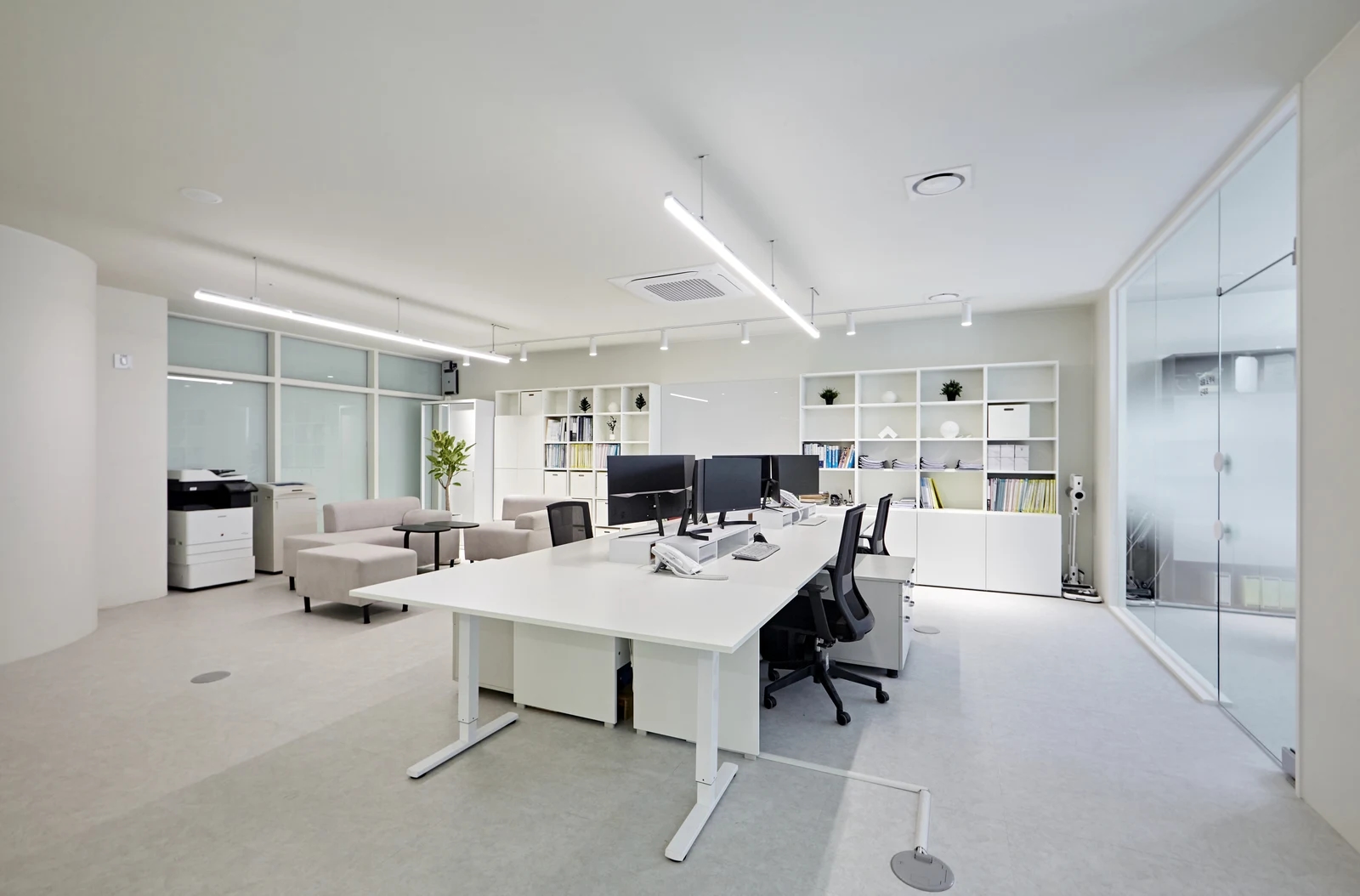
A printer near workstations makes its use route easy to imagine, but distance alone should not determine placement. Check whether someone preparing documents for scanning, someone waiting for prints, and a passerby gather in the same area. Brief stopping places are part of an office layout too.
Establish whether users mostly collect prints and return immediately or copy and divide several document sets. The latter may need a nearby place to rest papers and align pages. Distinguish surfaces suitable for documents from controls and output areas instead of treating the machine top as a workbench. If adding a side table, include the person standing in front in its layout footprint.
Compare placement beside desks and in shared space using the same sequence of activities. A nearby location shortens trips but may send users repeatedly behind occupied chairs. In shared space, check whether waiting users block meeting room doors or pantry entrances. Neither location is universally best.
If placing the machine near frequent phone calls or visitor reception, review it while operating. Rather than inferring noise from a photo or machine size, check whether it disrupts actual conversation and work. Also consider whether visitors directly see output documents. If needed, coordinate equipment location with document collection procedures; moving the printer alone does not resolve document handling.
If possible, place desks and chairs, then carry papers to the printer, load originals, collect copies, and return. Have another person pass toward the meeting room or pantry meanwhile. Where circulation and waiting overlap, compare rotating the machine or adjusting neighboring furniture. Agree required aisle widths with the responsible specialist using actual measurements and space conditions.
Places for paper, supplies, and printed documents
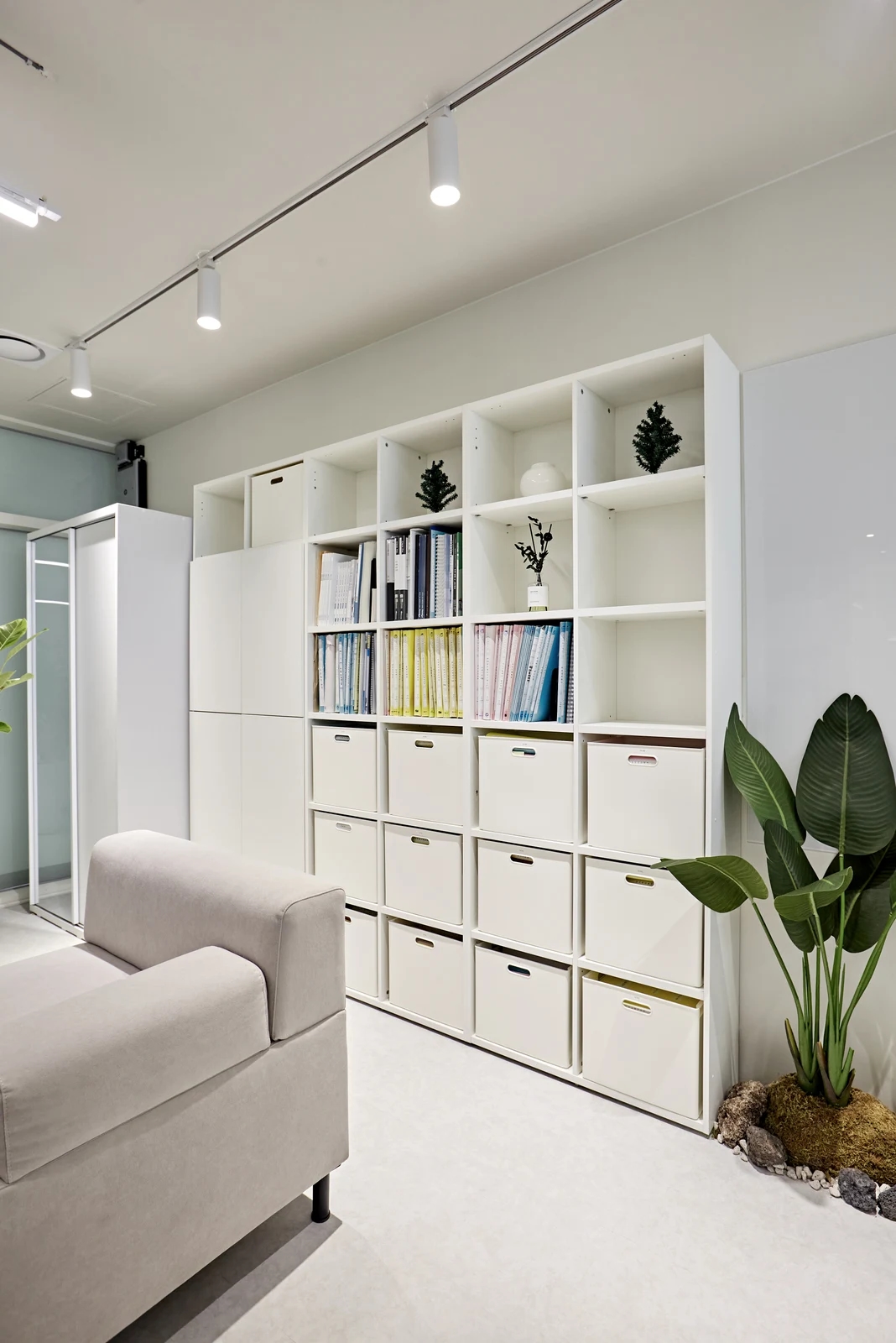
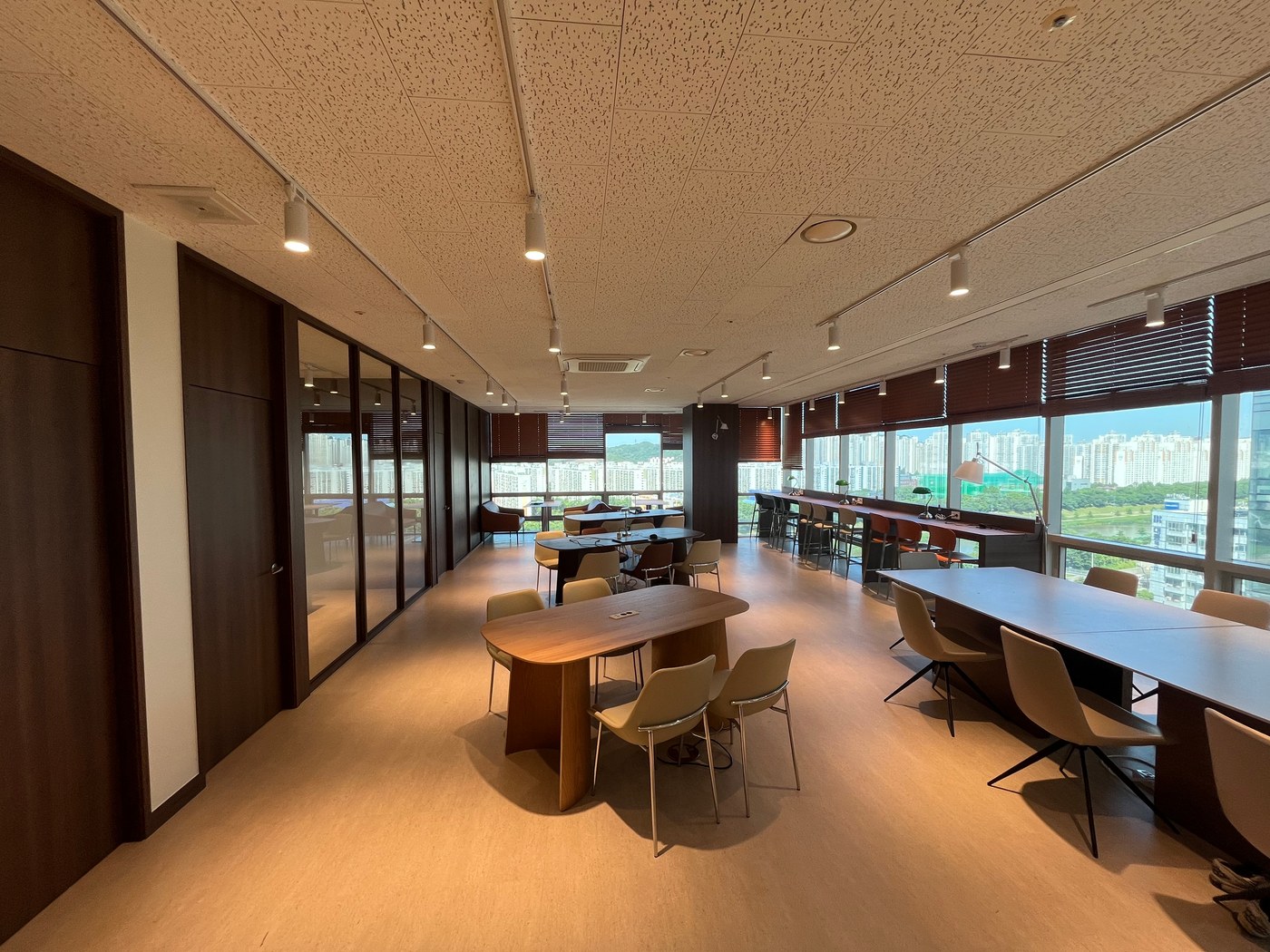
An office grouping files and boxes along a wall can allocate compartments to printer supplies. Document storage and replenishing consumables follow different routines, however. Separate frequently loaded paper, unopened reserves, and replacement supplies so the responsible person can find and retrieve them easily.
Decide stock quantities, then check actual package dimensions. Fitting a shelf and being easy to grasp and remove are separate checks. If retrieving boxes requires passing a sofa or plant, compare relocating decoration or storage. Follow the selected paper and toner products' storage instructions instead of assigning stock to an attractive empty compartment alone.
Near the machine, provide space that keeps unprocessed originals distinct from completed prints. For shared use, decide how temporary papers and output awaiting personal collection are separated. Waste paper bins should neither occupy circulation nor obstruct paper trays. Discussing retention and disposal procedures helps predict where papers will accumulate.
When relocating existing equipment, list preparation before installation. Confirm who handles delivery and reinstallation and the included power, data, and furniture adjustments at the new position. Compare new equipment with retained equipment using the same preparation scope as well as machine costs.
Finally, overlay the machine, opening ranges, waiting space, and replenishment positions on a drawing. A layout based on actual use and maintenance reveals more adjustments than simply fitting a printer into spare space. Retain model names and installation documents so dimensions and maintenance conditions can be rechecked when equipment changes.
Ask us about your interior project
We can discuss a quote and design suited to the space you are planning.
Request a free consultation