Office desk layouts: considering windows and monitor direction together
When office desks do not suit window positions, users may keep turning monitors or leaving blinds down all day. Learn the sequence for checking daylight, screen reflections, and circulation when deciding desk direction.

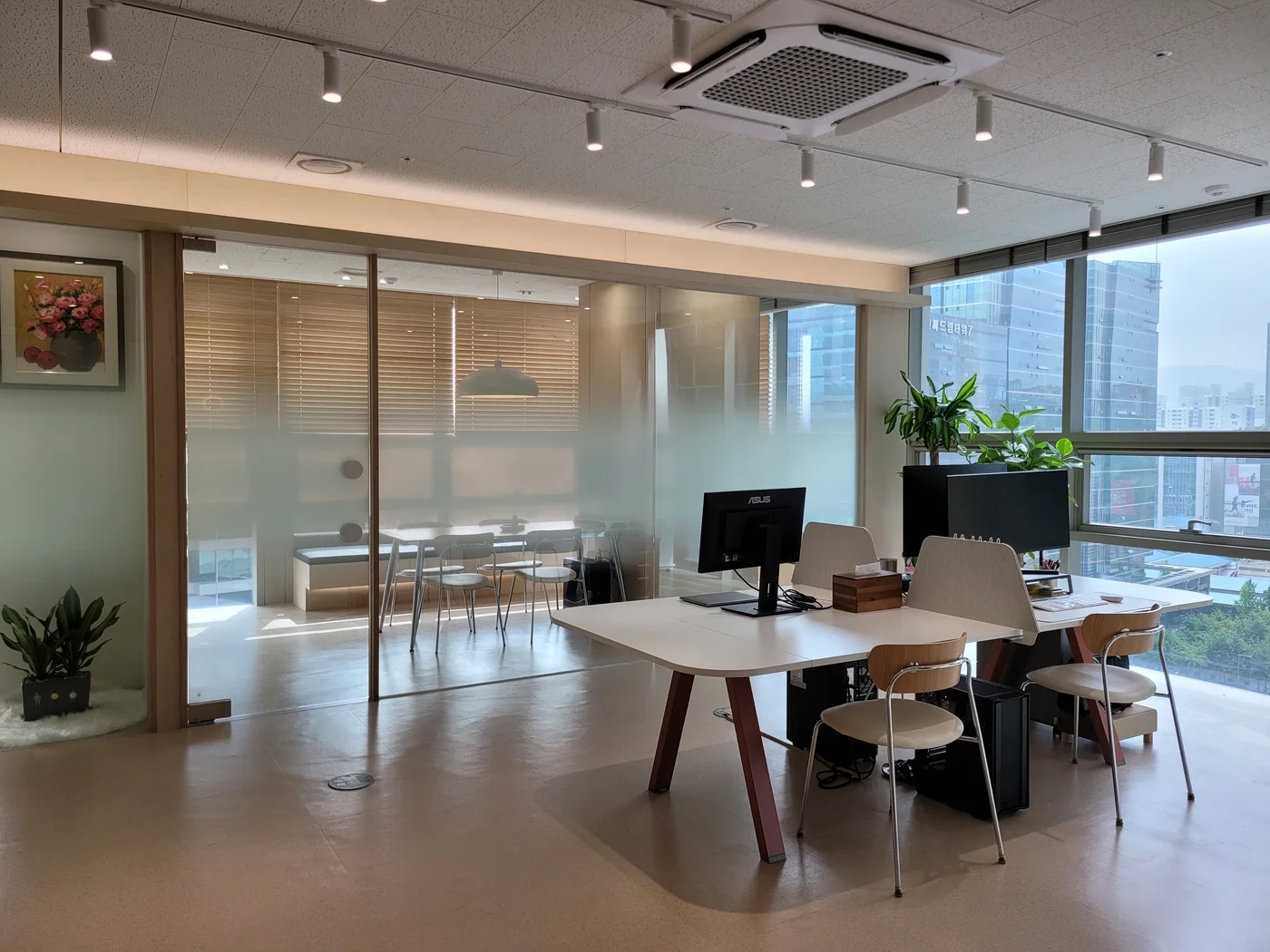
Before you begin
- A seat with a window view may not offer the clearest screen view.
- Check reflections at different times with the monitor that will actually be used.
- When turning desks, compare circulation and power locations too.
Desks facing windows and desks facing away
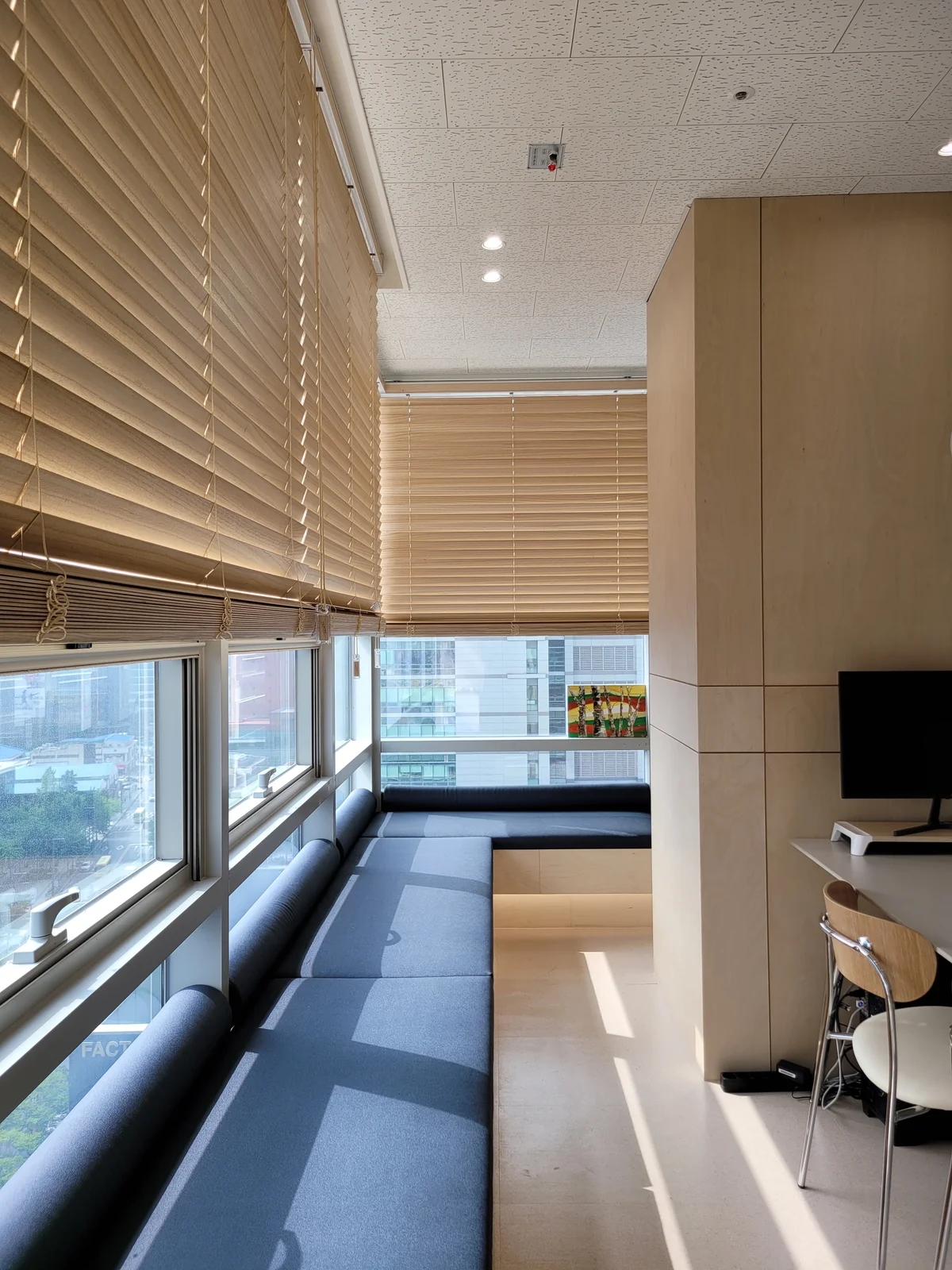
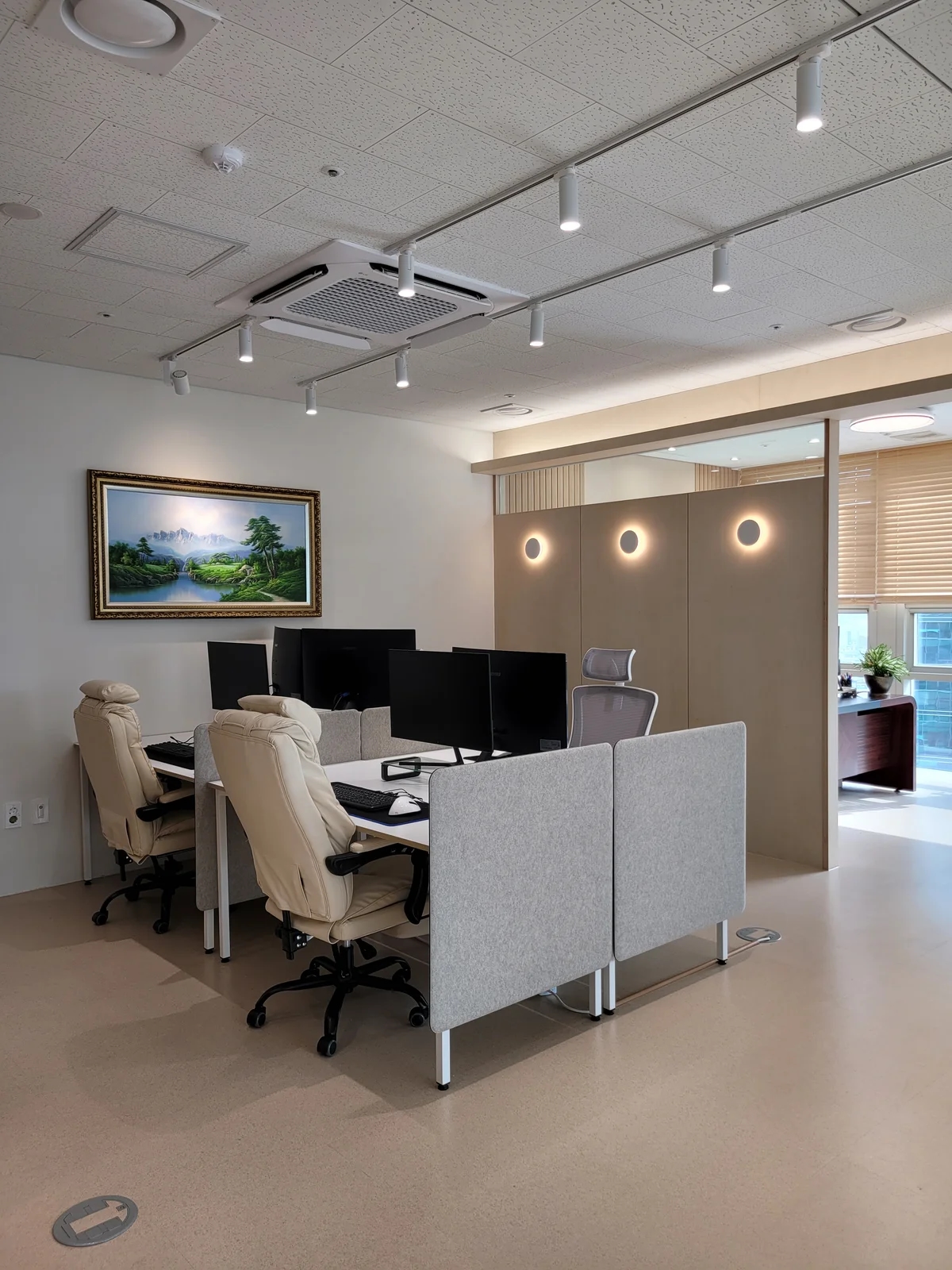
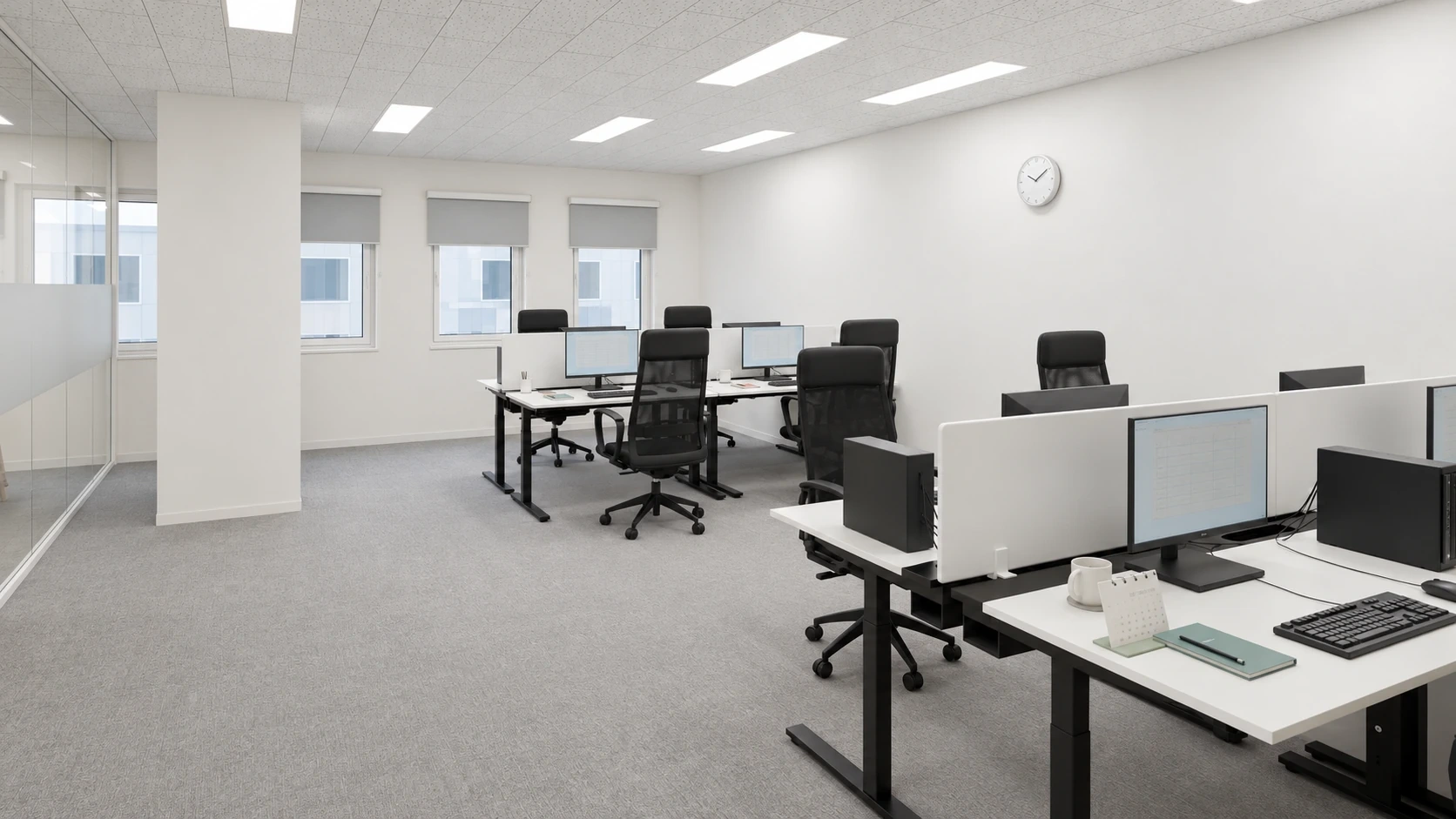
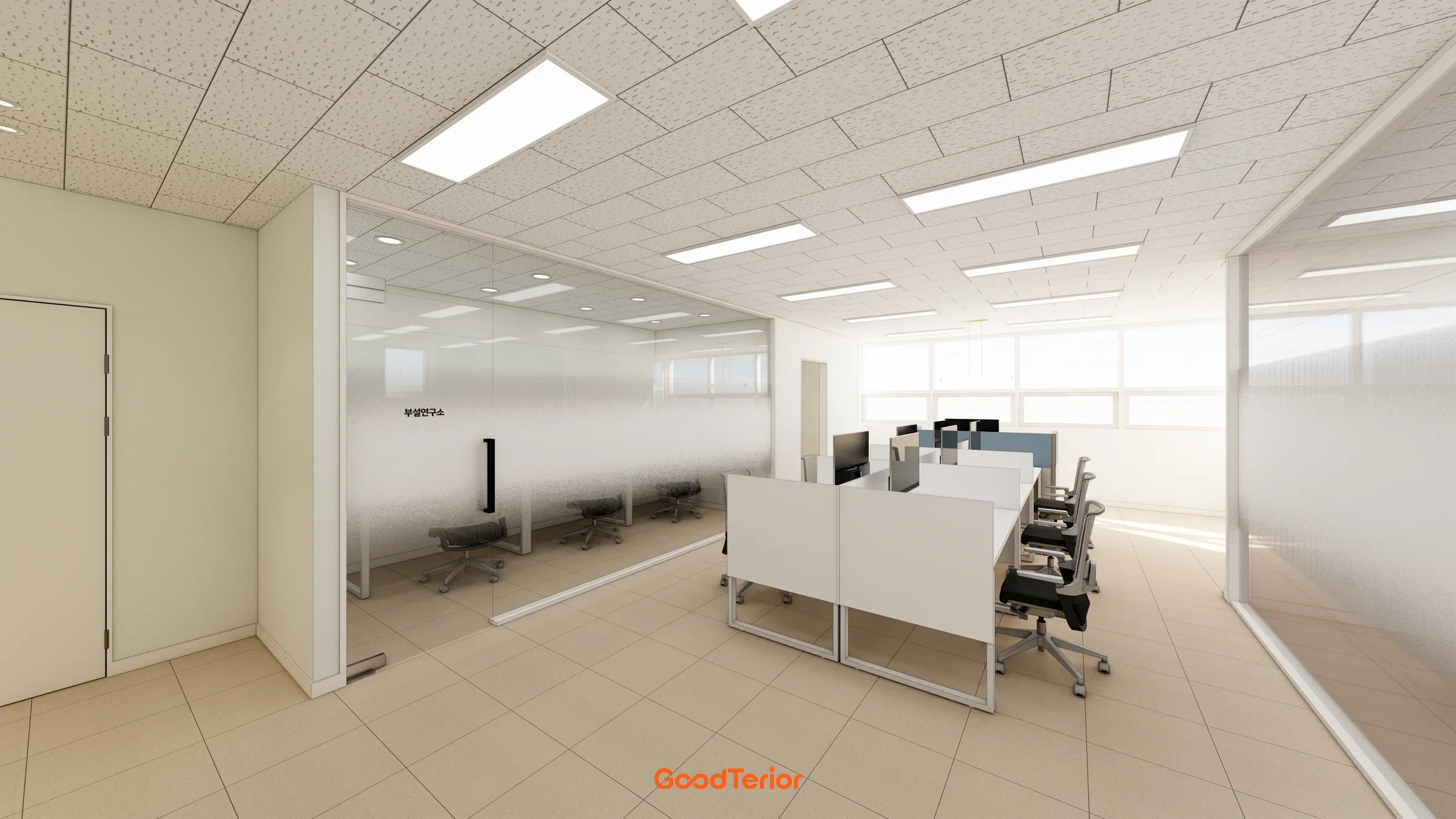
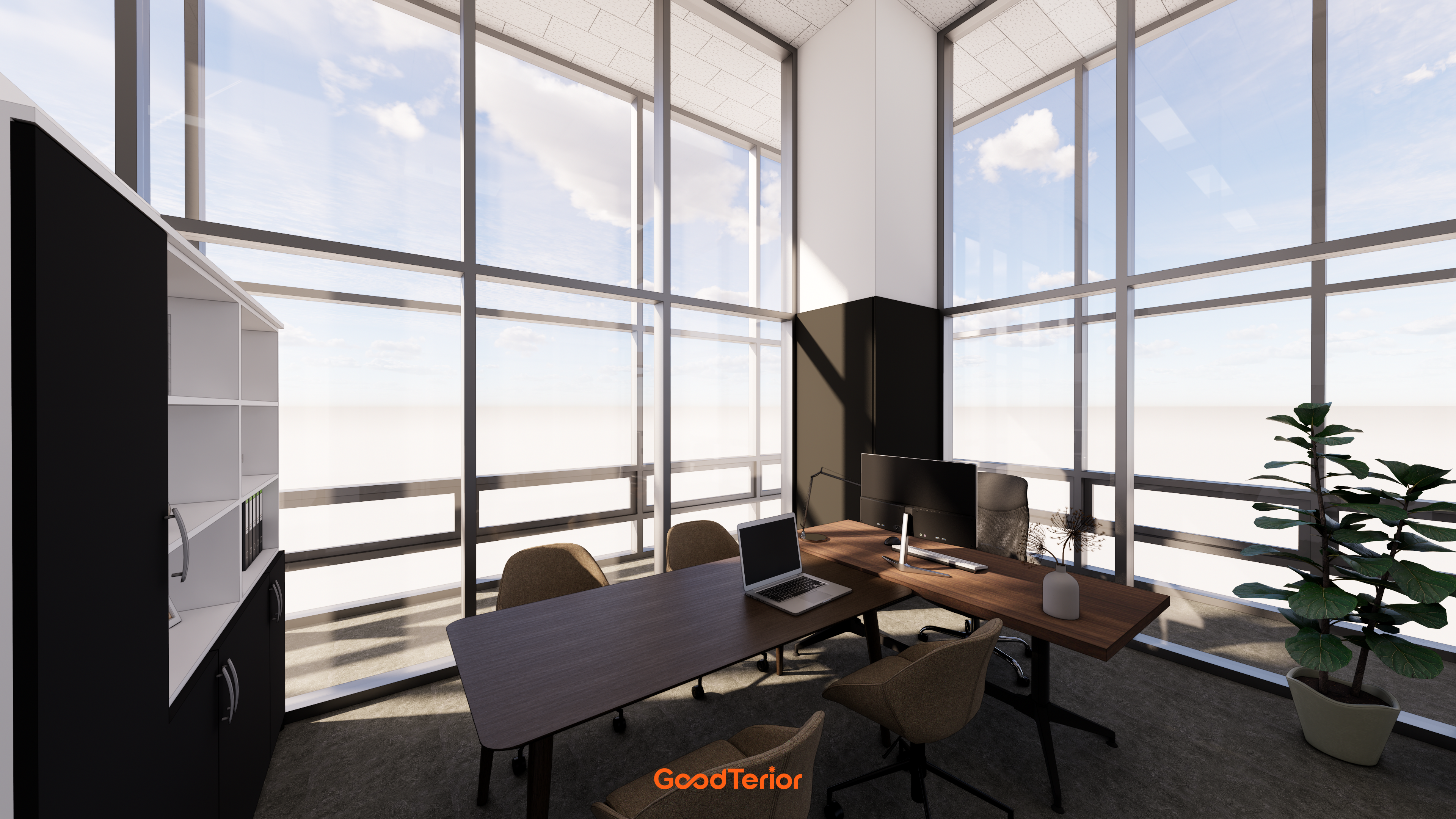
Window seats are appealing for their brightness and open views. However, a bright window behind a monitor and a window reflecting in the screen create different difficulties. Before ordering furniture, compare at least two desk directions and how they affect the posture used to read the screen.
Some sites need only an angled relationship between window and screen; others require shading because of direct sunlight or reflections from surrounding buildings. Rather than declaring a universally best direction, consider the actual window orientation and working hours. Do not treat every desk in a row identically if their distances from the window differ.
Sunlight changes throughout the day
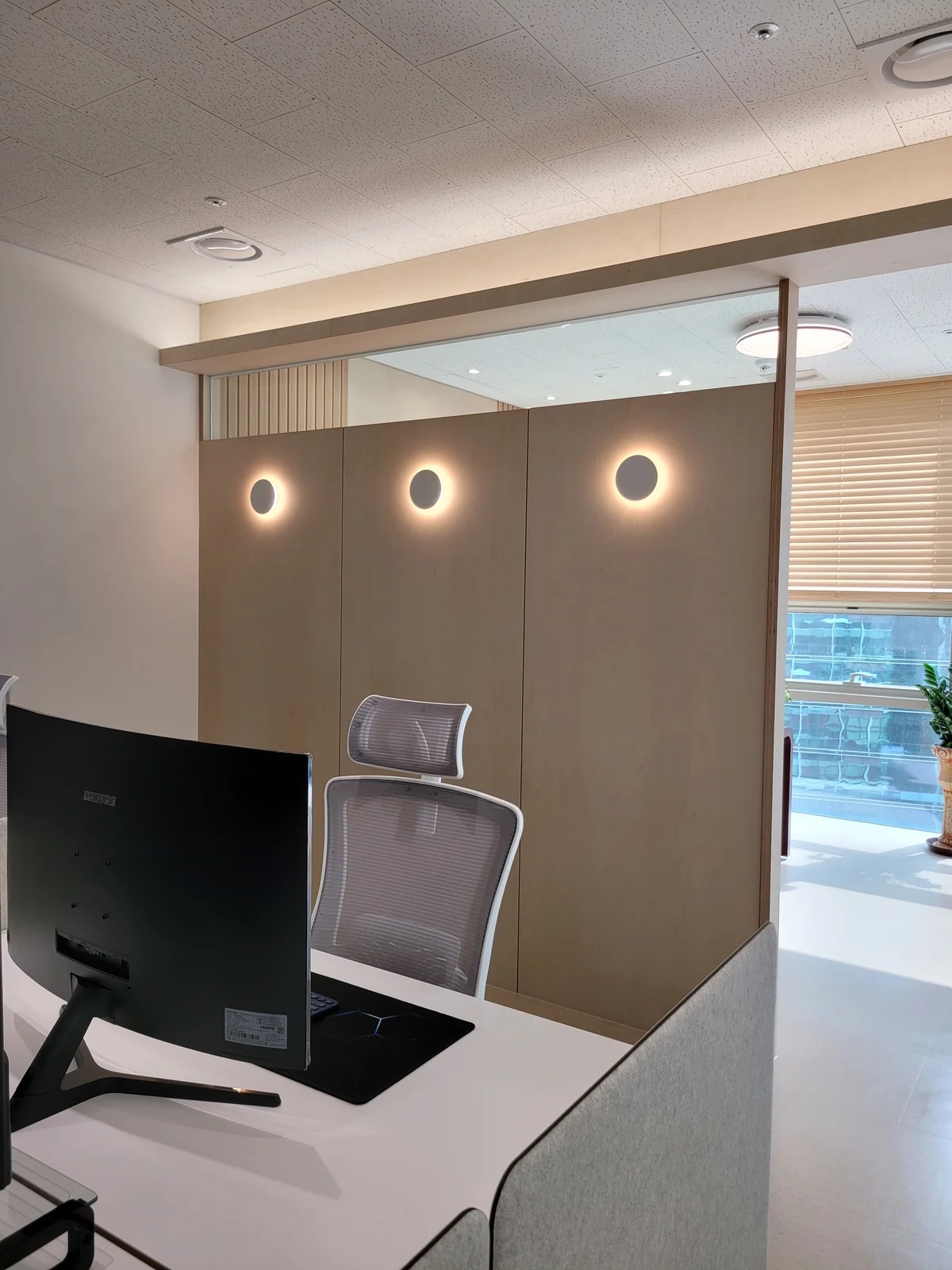
The weather and time of a viewing can influence layout decisions. A screen that works in the morning may receive afternoon sunlight, so check different parts of the main working day. During the survey, record strong light directions and conditions with existing blinds in use, as well as window positions.
If possible, display frequently used content on the actual monitor. Look for window reflections and whether users repeatedly turn their heads to read. Instead of simply increasing brightness, change desk direction, screen angle, and shading separately to find a comfortable combination.
Check the aisle behind chairs after turning desks
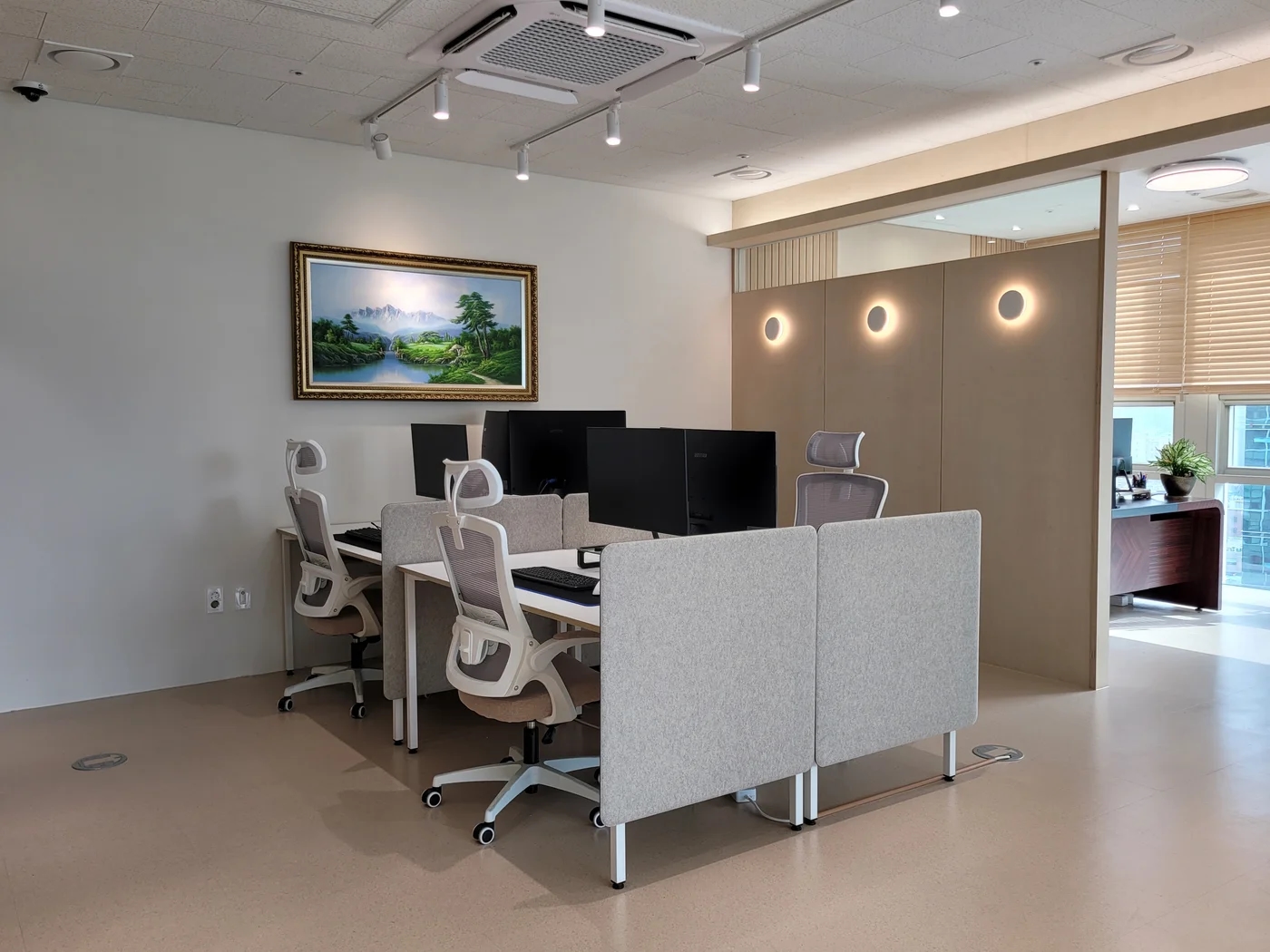
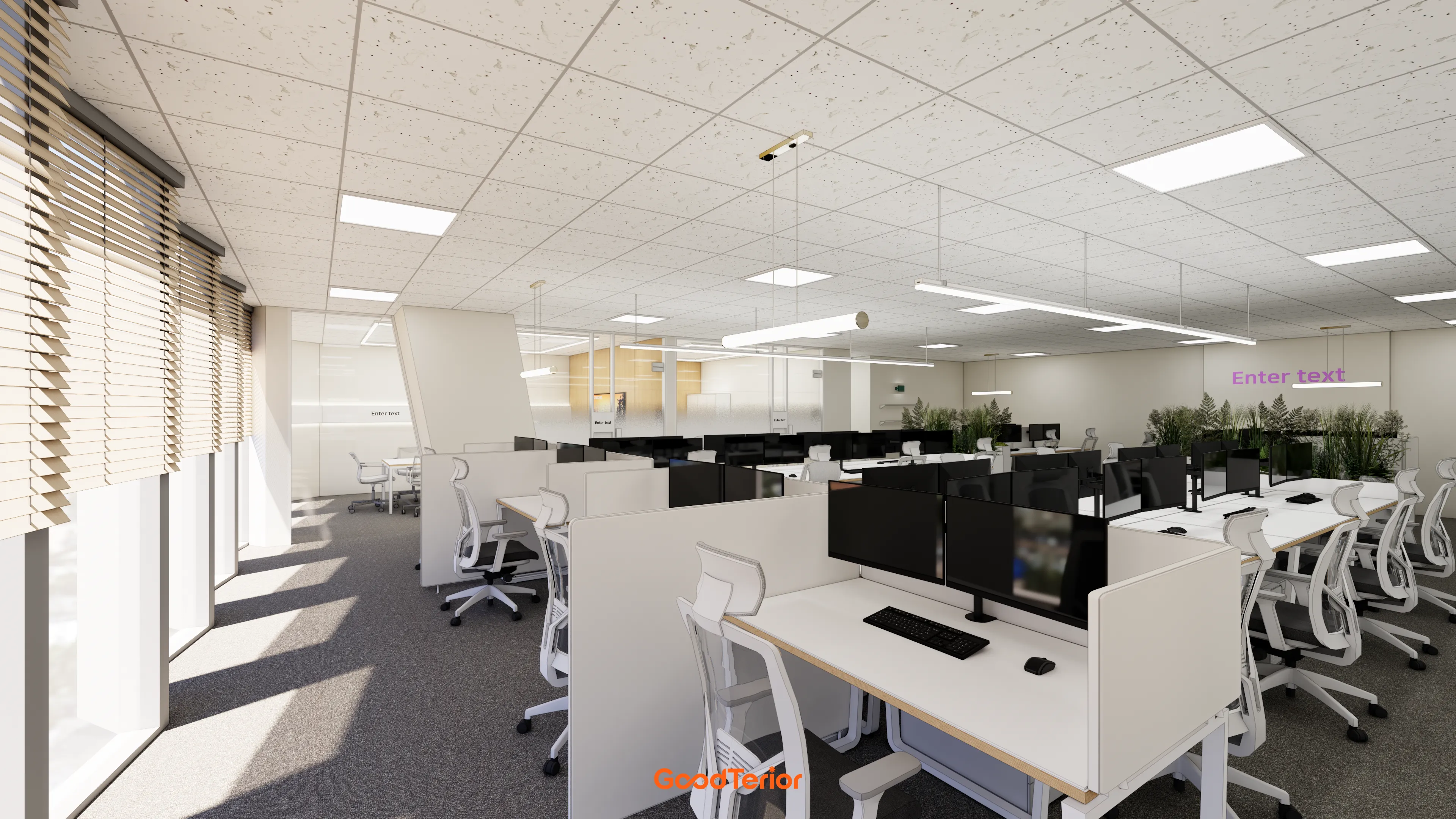
Turning a desk to avoid reflections may point its chair into an aisle or leave adjacent chair backs facing each other. Check that solving daylight issues does not obstruct movement. Draw chair use areas and drawer opening directions alongside desks.
When placing long storage below windows, also check access for operating and maintaining windows and blinds. If users must reach over furniture every time, reconsider its position. Mark existing floor power and data connections too, reducing the chance that moving furniture sends cables across an aisle.
Check monitor reflections with ceiling lights on
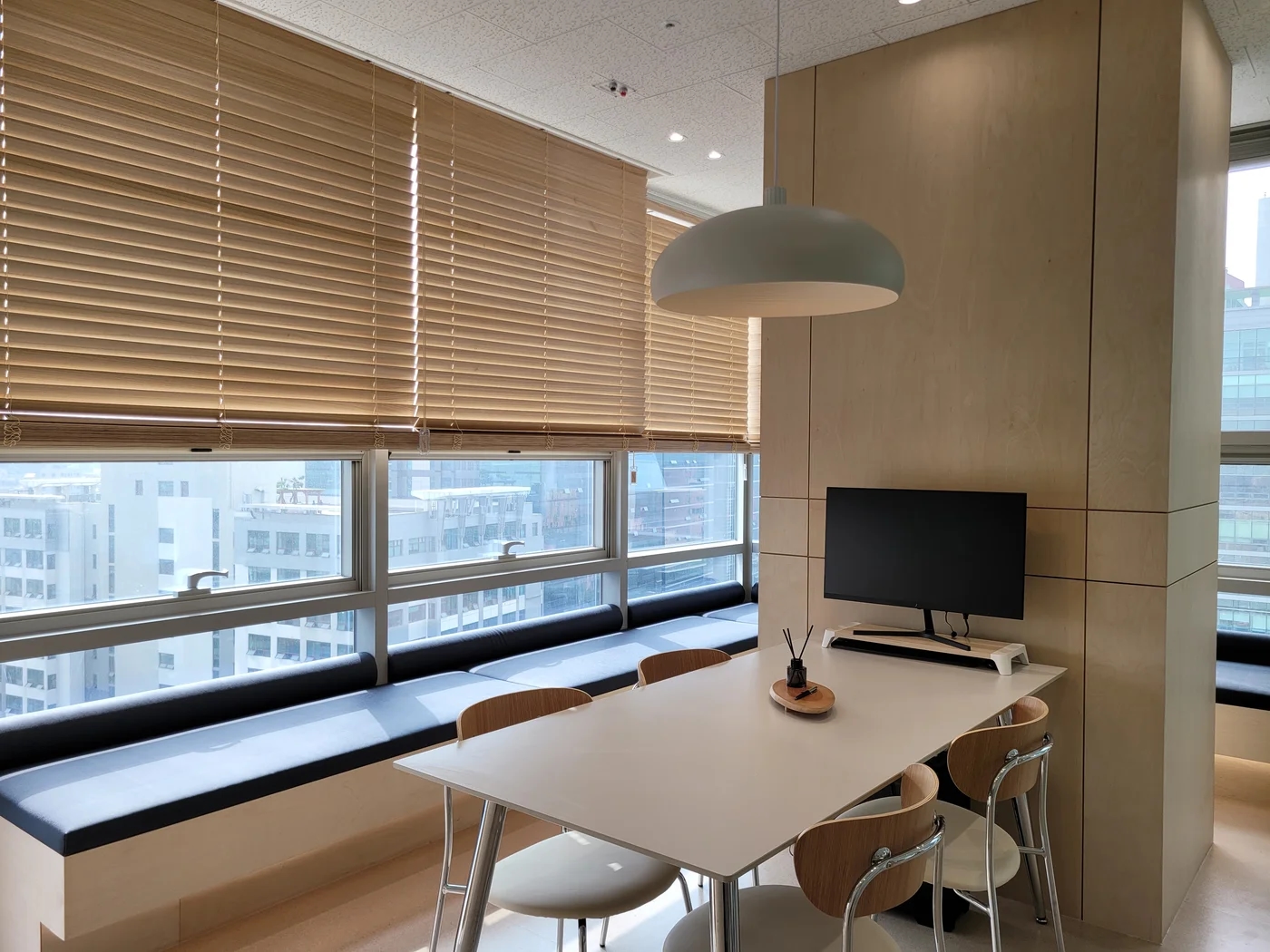
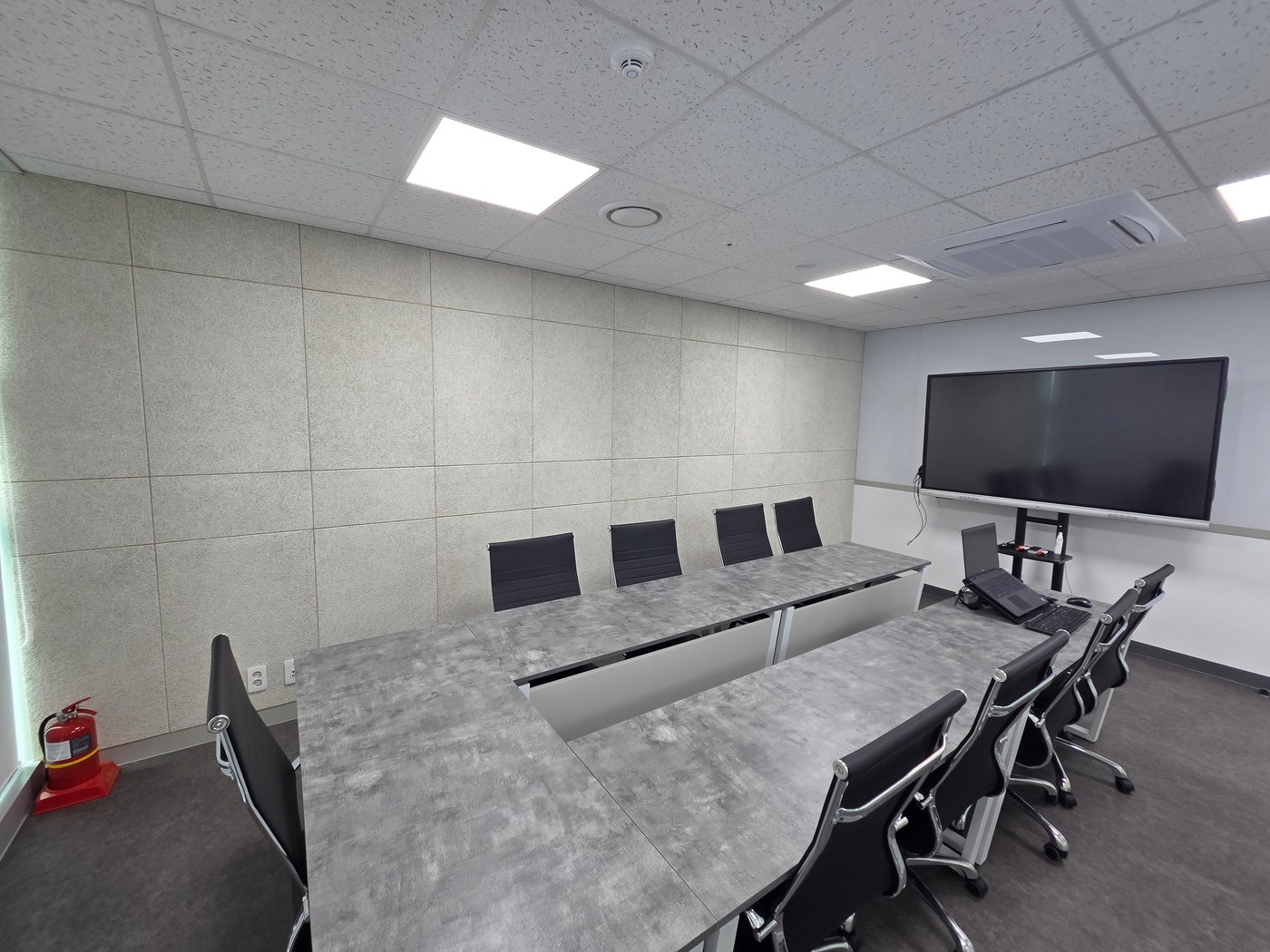
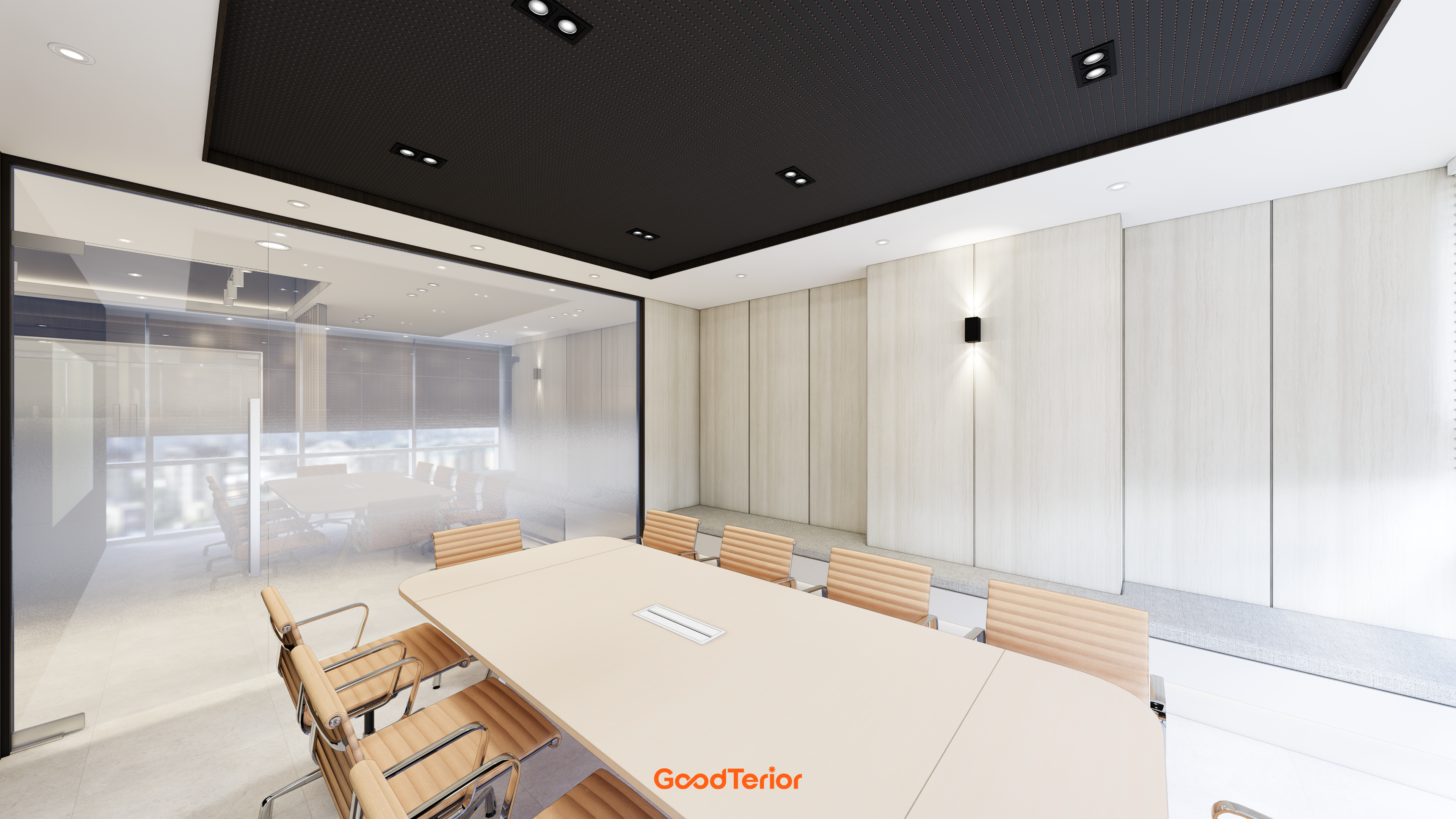
An empty office may feel evenly lit before occupation, but desks and monitors add reflective surfaces. At actual seats, examine how ceiling lights, desktops, and glass partitions affect screens and eyes. Choose a layout comfortable at seated working height as well as attractive from a photography position.
If identical conditions are impractical, distinguish seats used for extensive document work from short-stay seats. Leave room to try alternative positions and explain blind and task light adjustments to users. Retain adjustable elements so people do not remain in uncomfortable postures merely to accommodate the original arrangement.
What to check at this stage
- Screen reflections during frequently used hours
- Circulation space behind chairs
- Access for operating windows and blinds
Ask us about your interior project
We can discuss a quote and design suited to the space you are planning.
Request a free consultation