Academy Notice Boards: Paper Layout, Corridor Placement and Updates
Choose a notice board around the people reading it and the staff updating it. Compare corridor boards, a board beside a water dispenser, and separate screen and paper displays to plan reading space, paper layouts and replacement methods.

Before you begin
- Identify who needs each notice and mark where readers will stop on the layout.
- Use actual printouts to check the usable display area and replacement access.
- Separate frequently updated notices from longer-term displays when specifying the board.
Where readers stop and how printouts fit
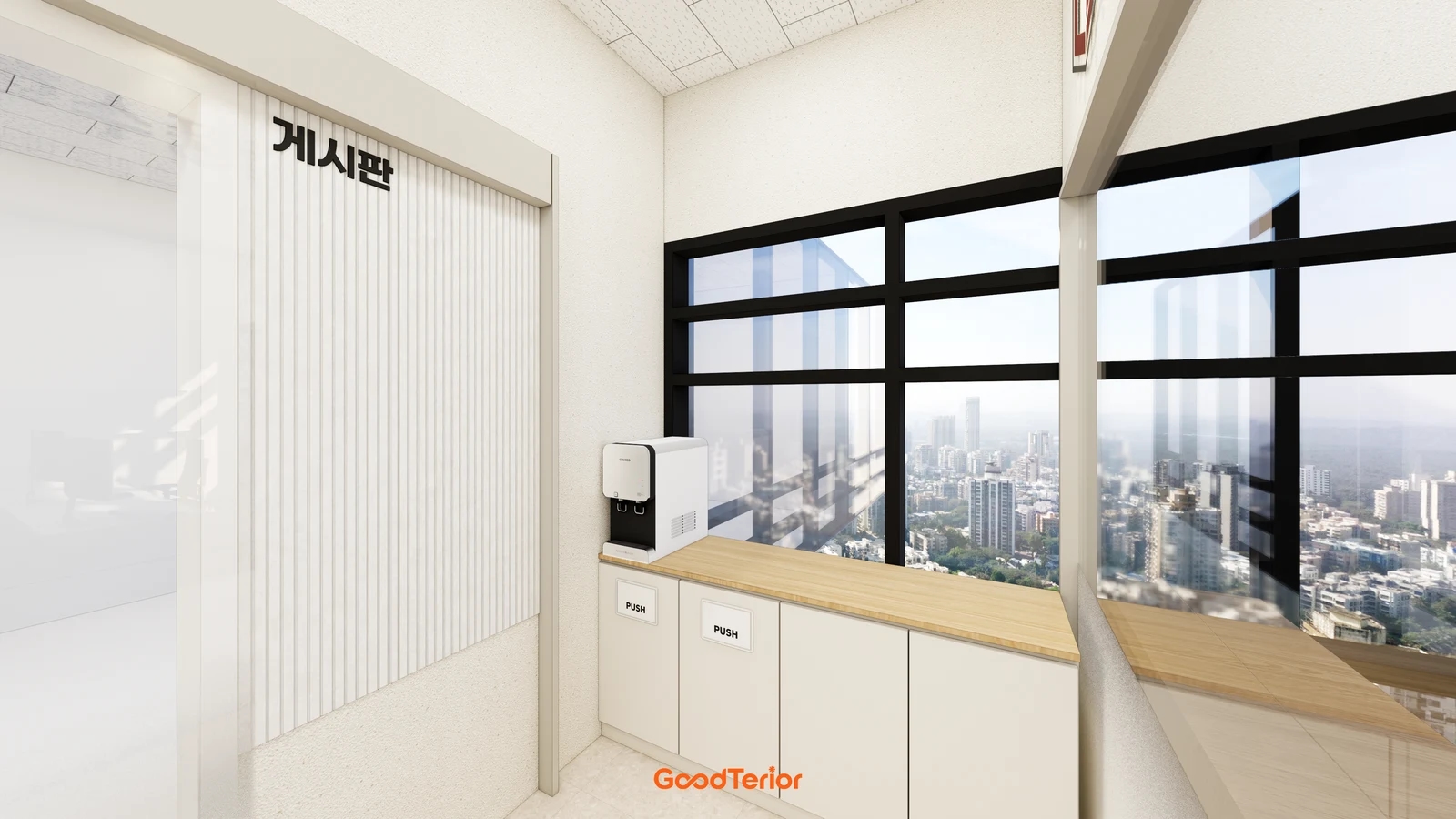
Start by listing what the academy notice board will carry. Students checking a class change, parents waiting for a consultation and staff replacing material may use the same wall but need different information. Separate notices to read before entering class, news for waiting visitors and longer-term introductions to decide where boards belong and how much space they need.
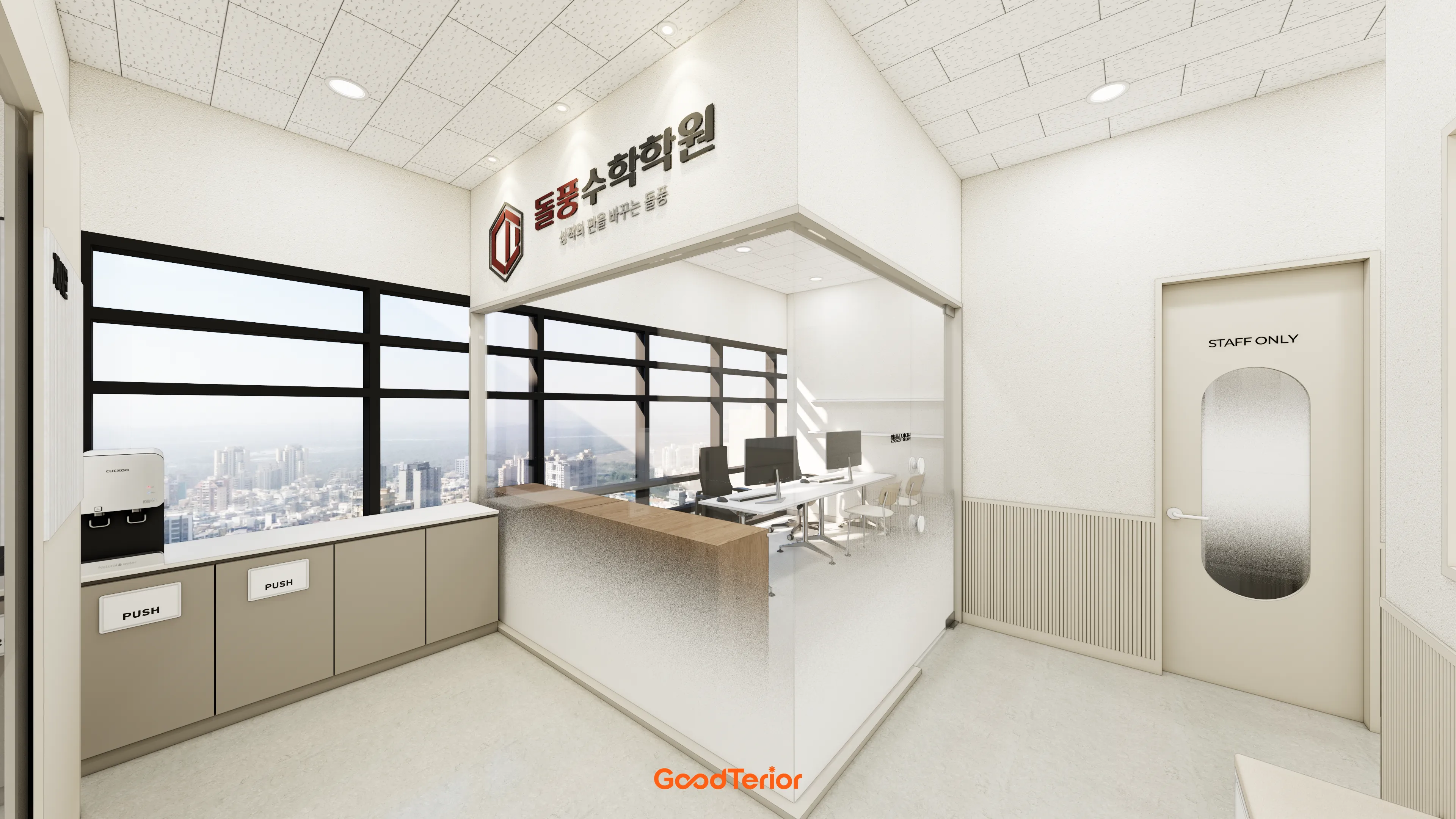
The first section image shows a vertically patterned wall marked as a notice board beside a water dispenser and window counter. When reviewing this arrangement, mark the directions faced by someone reading and someone collecting water. An empty wall does not mean the space in front of it will always be empty. This design image illustrates placement, not a verified board material or attachment performance.
Draw the reader’s stopping position alongside the board outline. Overlay the movements of someone turning away with water, a student entering class and a staff member giving directions. If gathering there blocks the route, compare moving some notices inside classrooms or having visitors read them in the lobby first. Making the board thinner does not itself provide standing space.
Prepare the actual paper sizes and orientations before choosing board dimensions. Decide whether to mix portrait notices and landscape timetables or use one format, then arrange the printouts on a floor or wall. Include gaps, a heading area and space for future notices. Give the maker both the overall dimensions including the frame and the usable area inside it.
Establish a reading order within each notice. Check on the printout whether the relevant class, effective date and required action are distinct in the heading and body. Consider keeping essential information on the board and directing readers to staff for further details rather than shrinking every explanation into small text. Text enlarged on a screen is not being viewed under the same conditions as text in a corridor.
Do not fix the mounting height solely by centring it on the wall. Ask the intended students and parents to check the top and bottom text from the proposed position. If they must step closer to read it, their standing position changes too. Include any planned objects or furniture below the board when checking what is obscured and how closely people can approach.
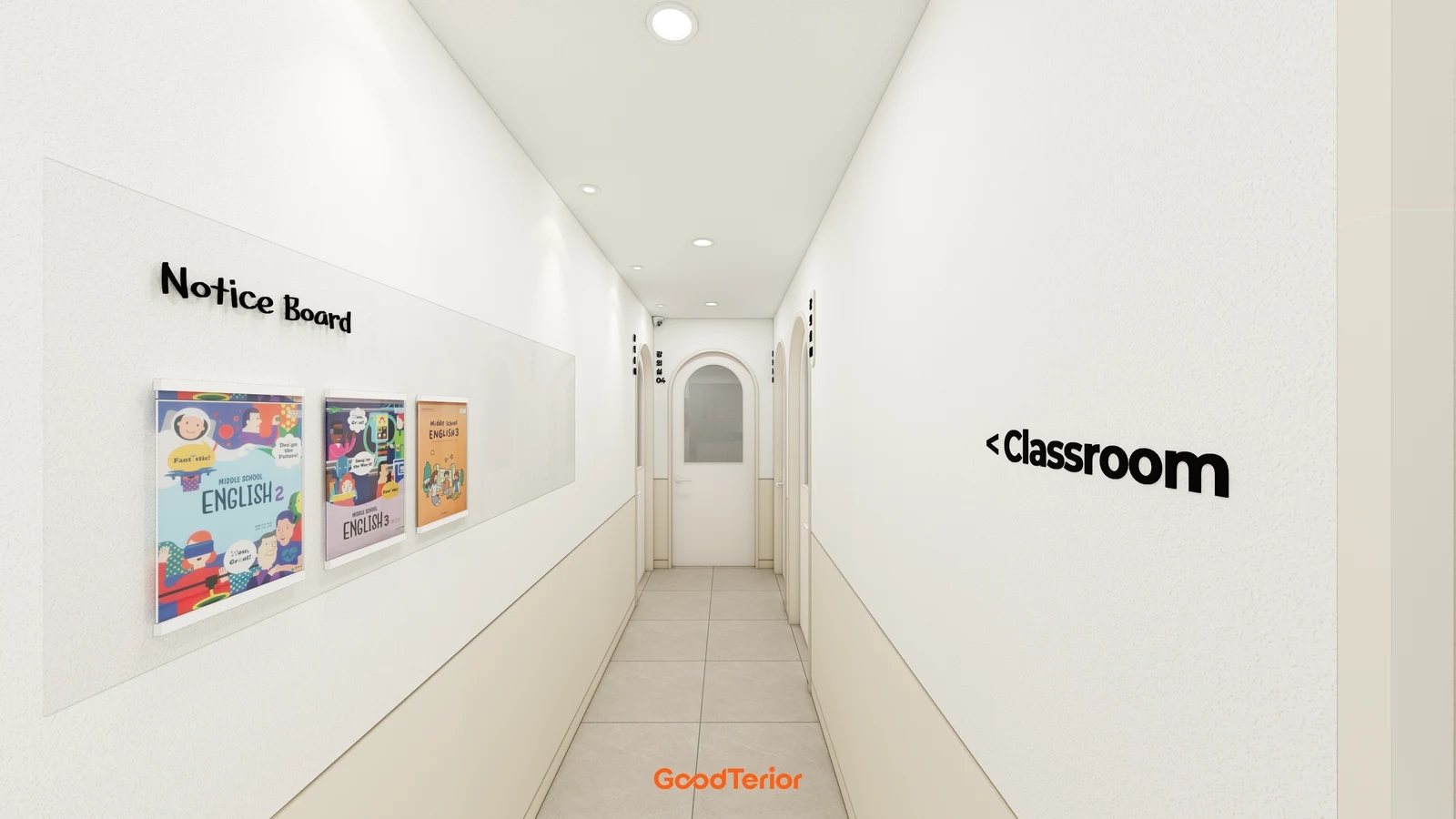
Keep classroom names and directions identifiable outside the posted material. In a corridor leading to classrooms like the cover image, check that room names and routes remain apparent after new sheets are added. Review the wall colour or pattern separately from the legibility of the printed content. Retain a layout populated with operating printouts rather than approving only an empty rendered wall.
Updating notices and retaining longer-term displays
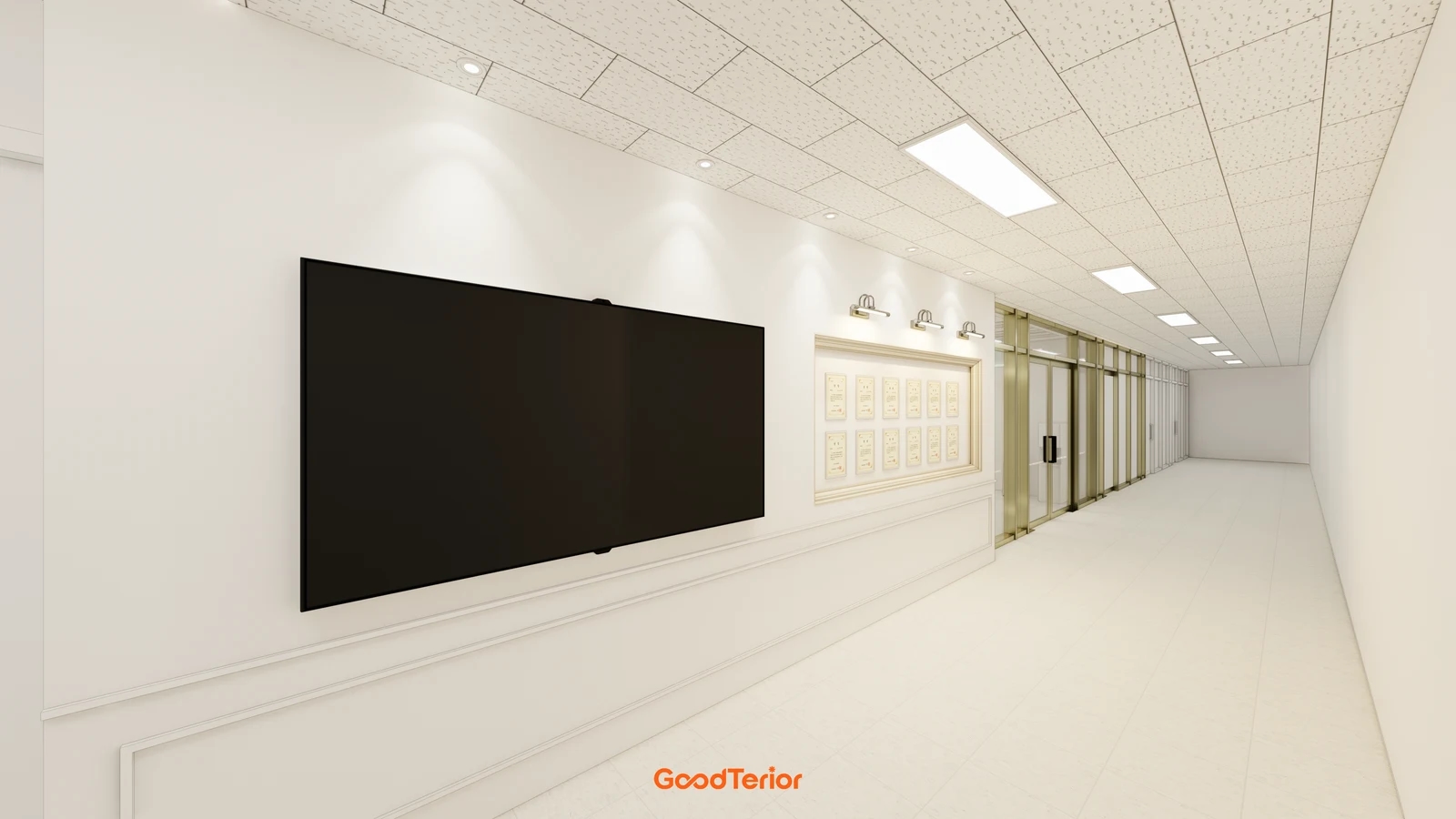
The cover corridor groups three printouts horizontally. Even a simple grouped display needs a defined way to replace each item. Distinguish timetables updated weekly from information kept for longer, and decide which existing material comes down when a new notice is added. Agree on what must remain current instead of responding by filling more wall space.
Compare pockets, clips, magnets and pins using actual candidate products. Check the direction in which paper is inserted, hand access and how loose parts will be managed. Do not assume every attachment method will work because you like a background colour or material appearance. Have the supplier confirm the board and accessory combination, then place real printouts in a sample.
For a product with top-entry paper replacement, check clearance from headings and frames above it. If a front cover opens, review both its open position and the staff member’s standing space. Reconsider arrangements requiring decorations to be removed or furniture moved for every update. Approval should cover removing an old sheet and inserting a new one as well as the installed appearance.
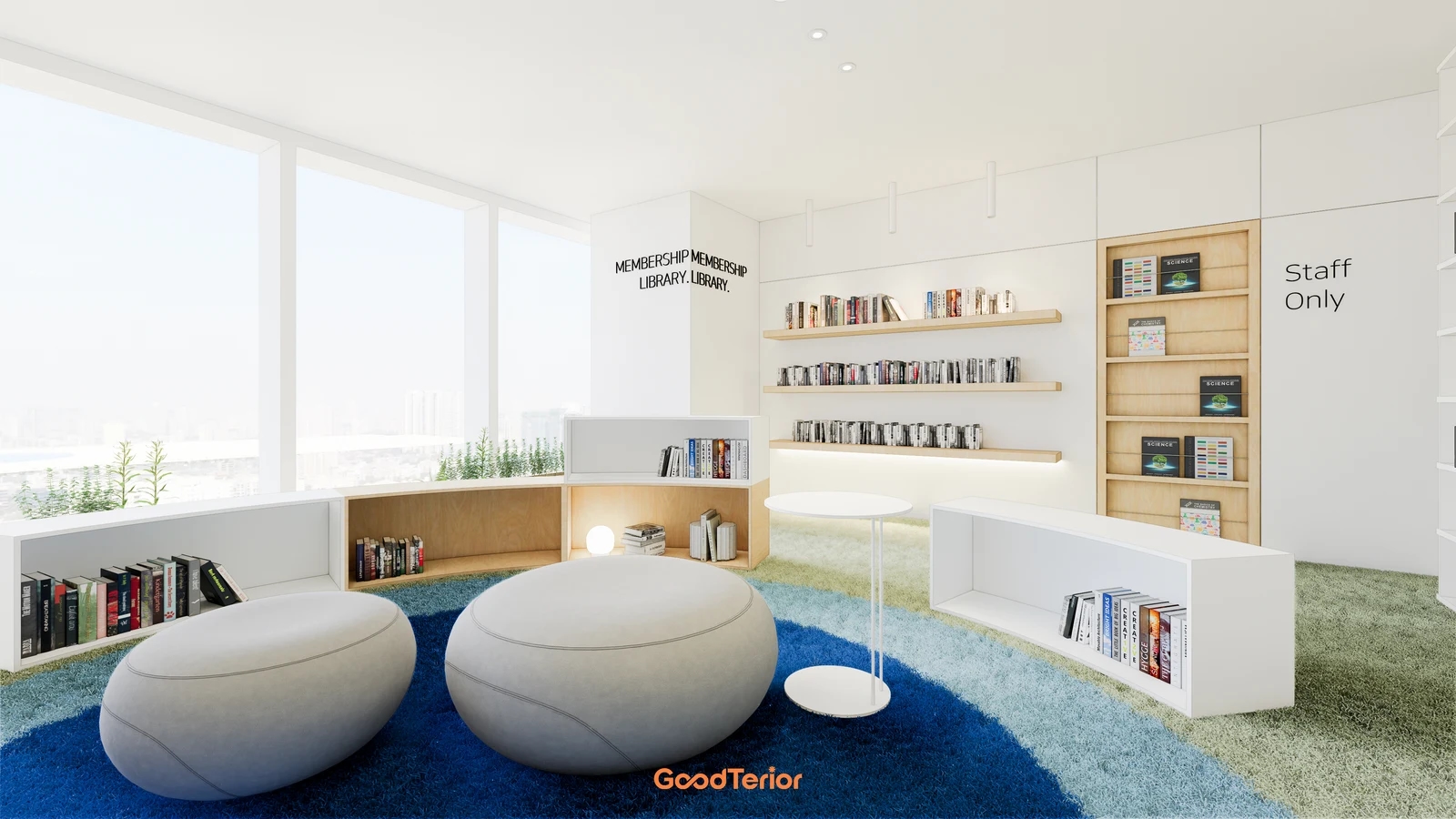
The second section design places a large screen beside document-like items grouped inside a border. Treat it as an example of assigning wall areas to screen content and paper displays. It does not verify that the illustrated documents were issued or establish the academy’s achievements. Decide whether longer-term material and frequently changing notices share an arrangement or occupy separate areas according to actual operating content.
If the academy already uses a screen, define its role alongside paper notices. Assign someone to edit the content, decide when it will be shown and check which information must remain available while the screen is off. For a new installation, have the responsible suppliers confirm the device, mounting, power and connection preparation separately. Do not order a similarly sized device simply because a screen appears in the image.
State whether the quote includes the board backing, frame, heading letters, paper holders and printouts. Separate installation on the existing wall, surrounding finish repairs and any screen work. To adjust the budget, compare using several walls with grouping essential notices on one wall under the same update requirements. Check that reducing decorative framing retains the usable display area and required accessories.
At handover, replace an actual operating notice and read it from the intended position. Agree where staff will record the heading, intended readers, posting date and removal point. Retain the final arrangement, product information and spare-accessory location so a different staff member can use the same area. Complete the academy notice board around the ability to post the next update comfortably, beyond its empty appearance on installation day.
Ask us about your interior project
We can discuss a quote and design suited to the space you are planning.
Request a free consultation