Meeting Room TV Installation: Plan Cables and Service Access Before Wall Finishing
Installing a meeting room TV involves more than marking its position. Compare exposed and recessed screen arrangements in design studies, then review the device, wall conditions, connections from the table, future service access and quotation scope.

Before you begin
- Finalize the wall detail after checking the actual TV, mounting bracket and existing wall.
- Mark both table-to-screen connections and access to plugs.
- Before installation, confirm which finishes must open for screen replacement or cable work.
Confirm the device and wall before finalizing the finish detail
Decide screen size and installation type before wall finishing. Record whether an existing TV will be retained or a new one purchased, and whether it will be wall-mounted or supported by a separate stand. Changing the wall can affect table connections. Mark unresolved conditions so a black rectangle in a rendering does not become a fabrication specification.
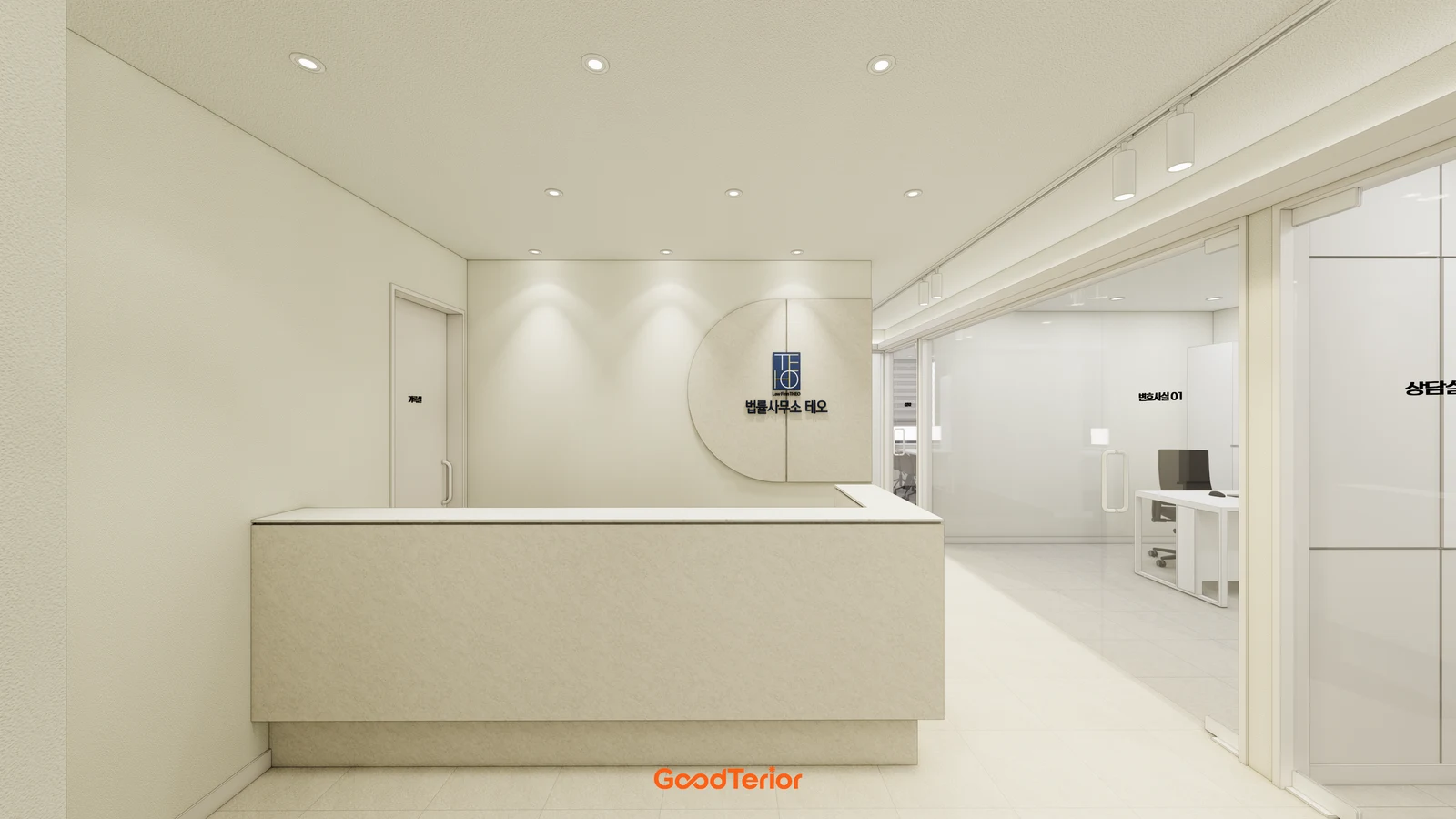
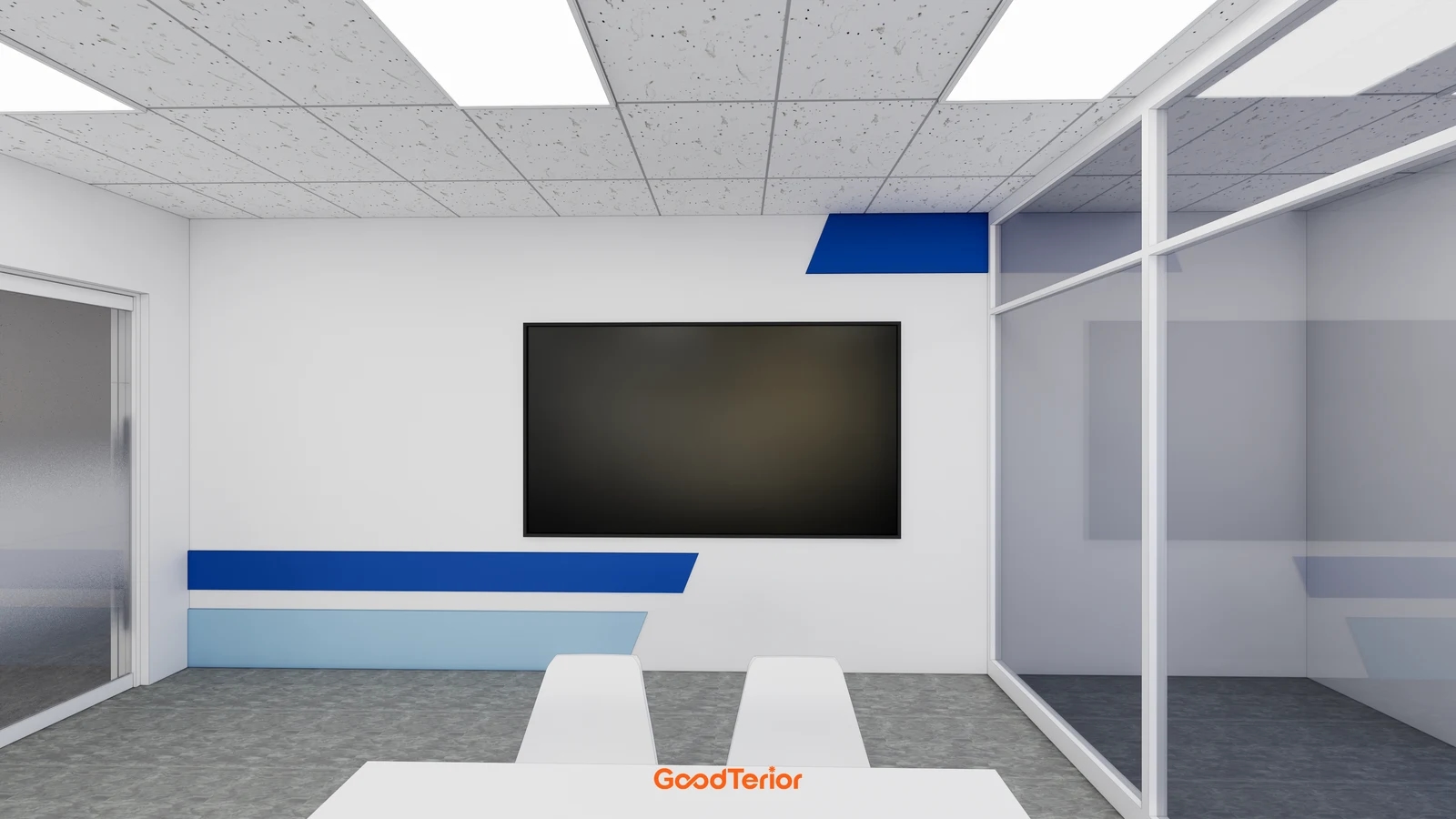
The cover places a screen on a pale wall with blue accents. Check rear connectors, plug access and bracket space in the device documentation as well as the outside dimensions. Ask whether nearby decorative lines obstruct installation or removal. Compare the installed front view with future removal conditions on the same drawing.
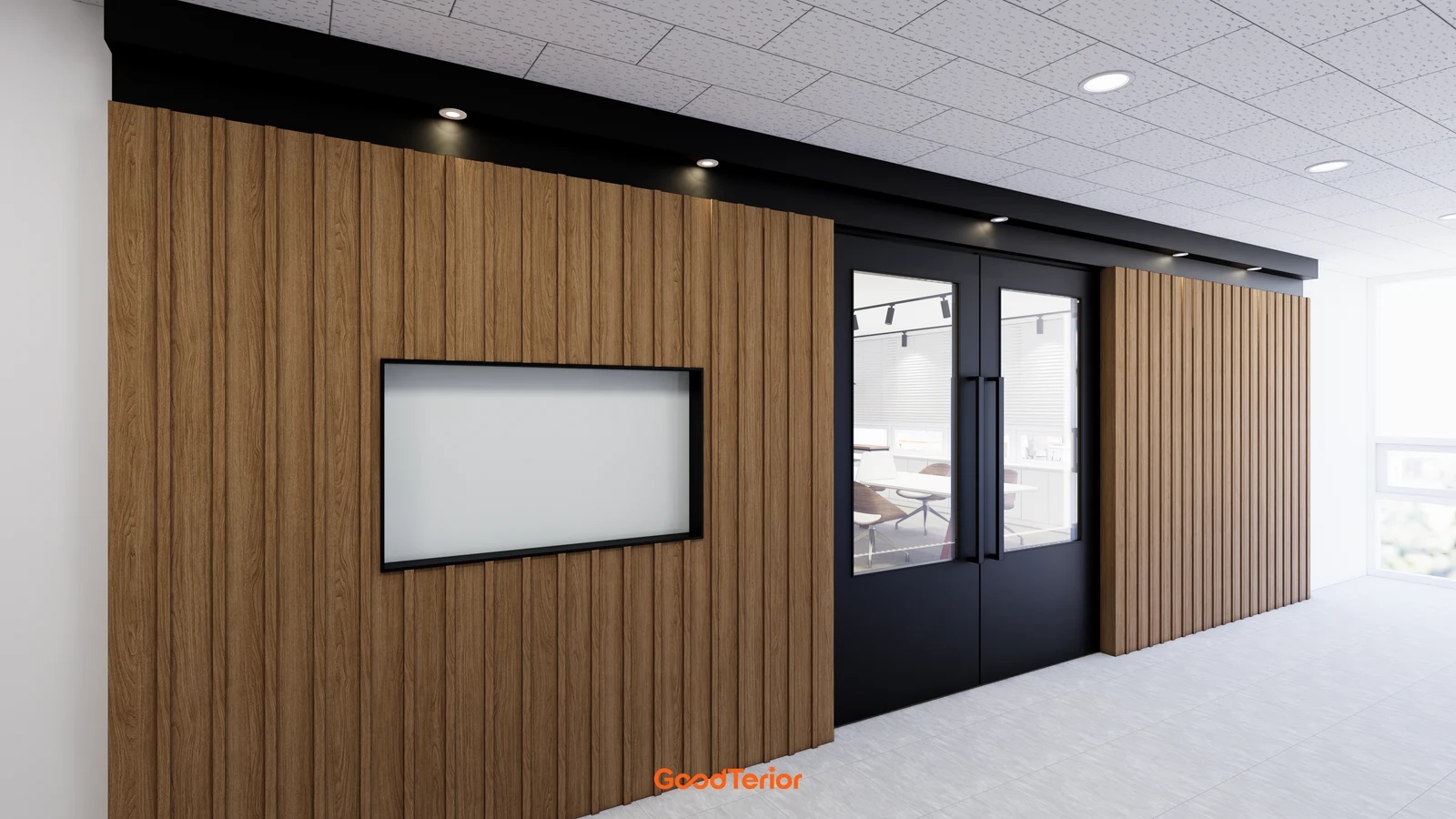
The first body image shows a screen surrounded by wood-toned vertical panels near an office entrance. For a similar framed arrangement in a meeting room, first confirm how the actual device will be inserted and removed. Include a side section and access surfaces alongside the elevation. A seamless rendering does not establish that every device can be recessed in this way.
Do not assess a mounting wall from its decorative finish alone. Have the installer examine its construction and condition, then assign any necessary reinforcement and finish repair. For a new partition, coordinate device and fixing assessments before closing the wall. These images do not specify anchors, screws or reinforcement materials; those require product instructions and a site assessment.
For a leased office where major wall work is difficult, compare wall and stand arrangements on equal terms. Check device and stand compatibility, footprint and cable routes. If movement is intended, assign storage and responsibility for putting the equipment away. Reduced wall work does not establish that a stand is better or cheaper for every room.
Separate responsibility for the TV, bracket, installation, wall preparation and finishing, and power and signal connections. If the client supplies the TV, confirm who supplies the bracket and which trades depend on the selection. Finishing the wall before selecting the device differs from finishing it afterwards. Record changed models, drawing references and added or omitted work.
Check table connections and future service access together
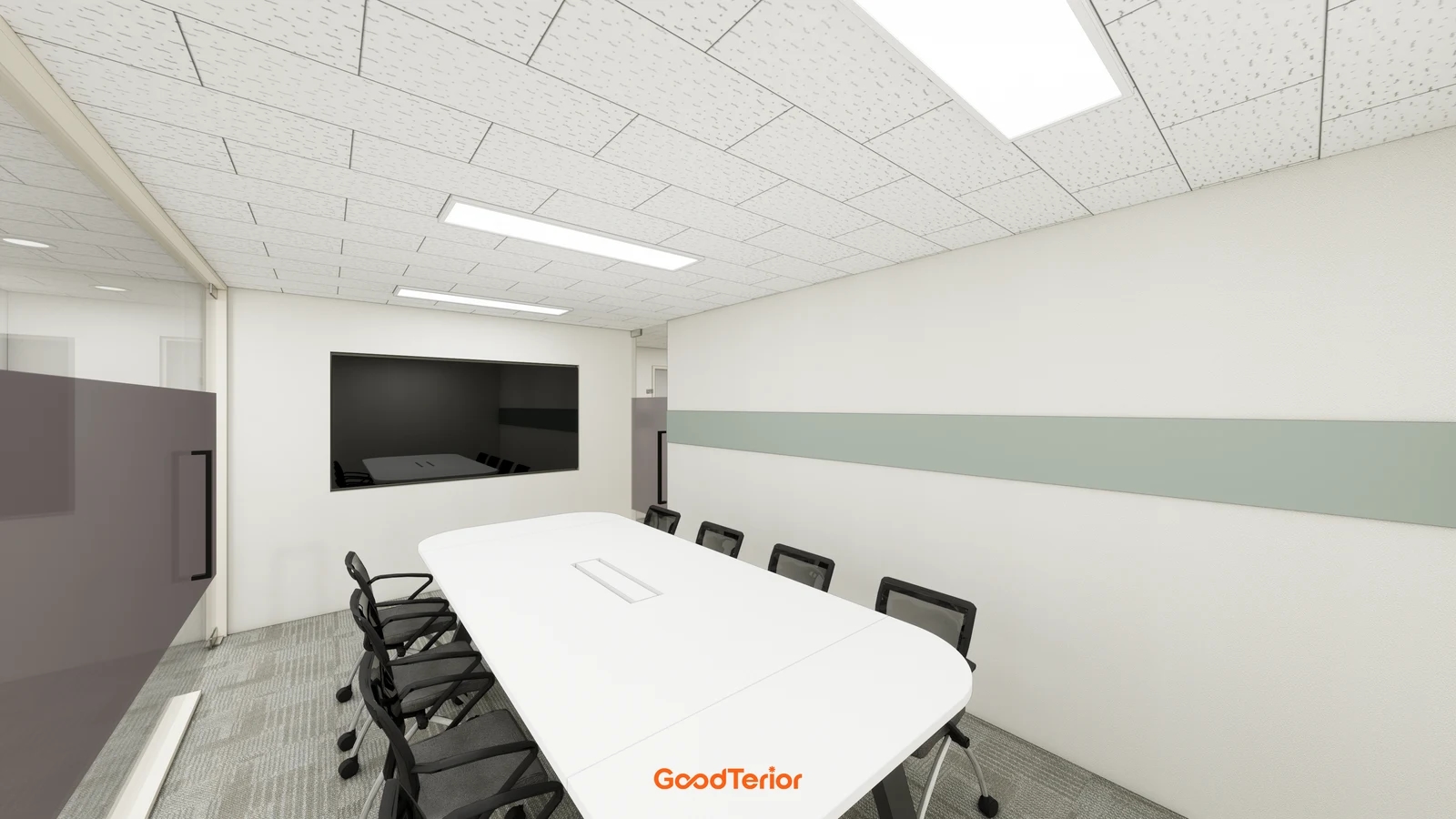
The second body image shows a table connection opening opposite a screen within the wall. Define what connects those locations: staff laptops, a dedicated meeting device or visitors’ own equipment. A drawn opening does not establish a complete signal route or power arrangement.
List actual laptops, adapters, cameras and any separate audio devices alongside the display. Distinguish supplied connections from accessories brought by users. If wireless use is chosen, confirm the method for the actual devices and office environment and include a handover test. A connector alone does not guarantee picture and sound with every device.
LG Electronics’ LED TV Simple User Guide calls for accessible power plugs and connecting cables before fitting a fixed wall mount. This domestic LG LED TV guide does not set identical details for every meeting display. Check the selected device and bracket instructions and agree which connections must be completed before mounting.
Review the route beneath the table, along wall and floor junctions, and behind the screen. Plan checks against door movement and chair positions using drawings and the actual furniture arrangement. Distinguish electrical work from signal cabling while referencing the same screen number. The responsible specialists must determine actual connections and concealed installation from site and product conditions.
Service access is more than an empty recess hiding a socket. Ask how connections can be changed, cables replaced and access panels opened. Confirm whether replacing the screen requires refinishing the surrounding wall. Compare a clean front view with the operator’s ability to investigate a problem after equipment is concealed.
At handover, test connecting the intended devices, checking picture and sound, and putting everything away rather than merely powering on the screen. Leave basic connection instructions, accessory storage locations, model details and manuals with the operator. Identify finished surfaces and service panels in photographs and drawings. Use an actual start-to-finish meeting setup as the final check.
Ask us about your interior project
We can discuss a quote and design suited to the space you are planning.
Request a free consultation