Choosing a cafe menu board's position and size
Place menus where customers can read while choosing, rather than fitting spare wall space. Real photographs help examine views from entrances and counters, the balance of text and images, and preparations for menu updates.

Before you begin
- Check menu views from the entrance, waiting positions, and ordering counter separately.
- Test actual menu names and prices rather than selecting only screen size.
- Before installation, decide power supply, content updates, and backup information for equipment failure.
Start with where customers choose their order
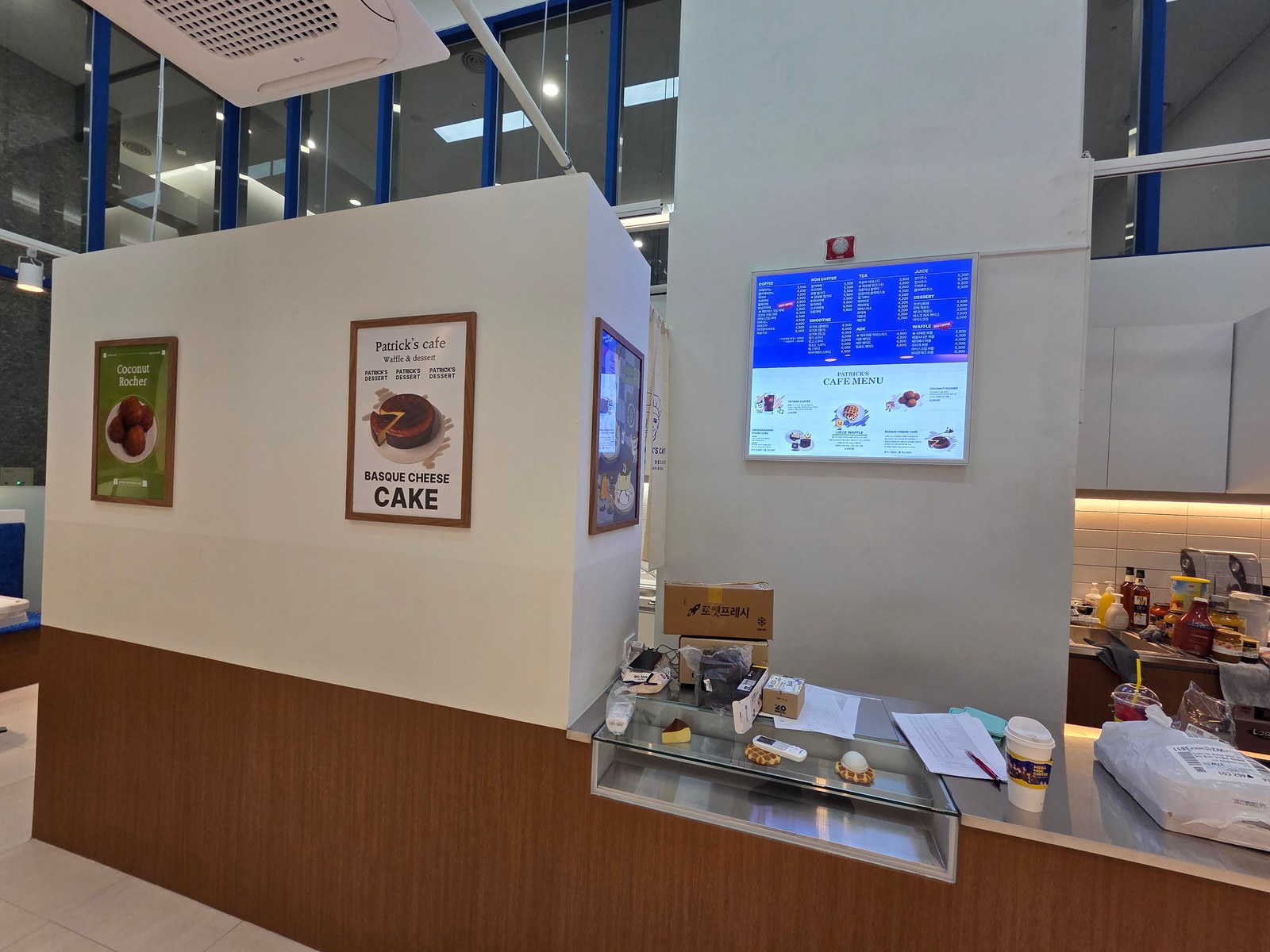
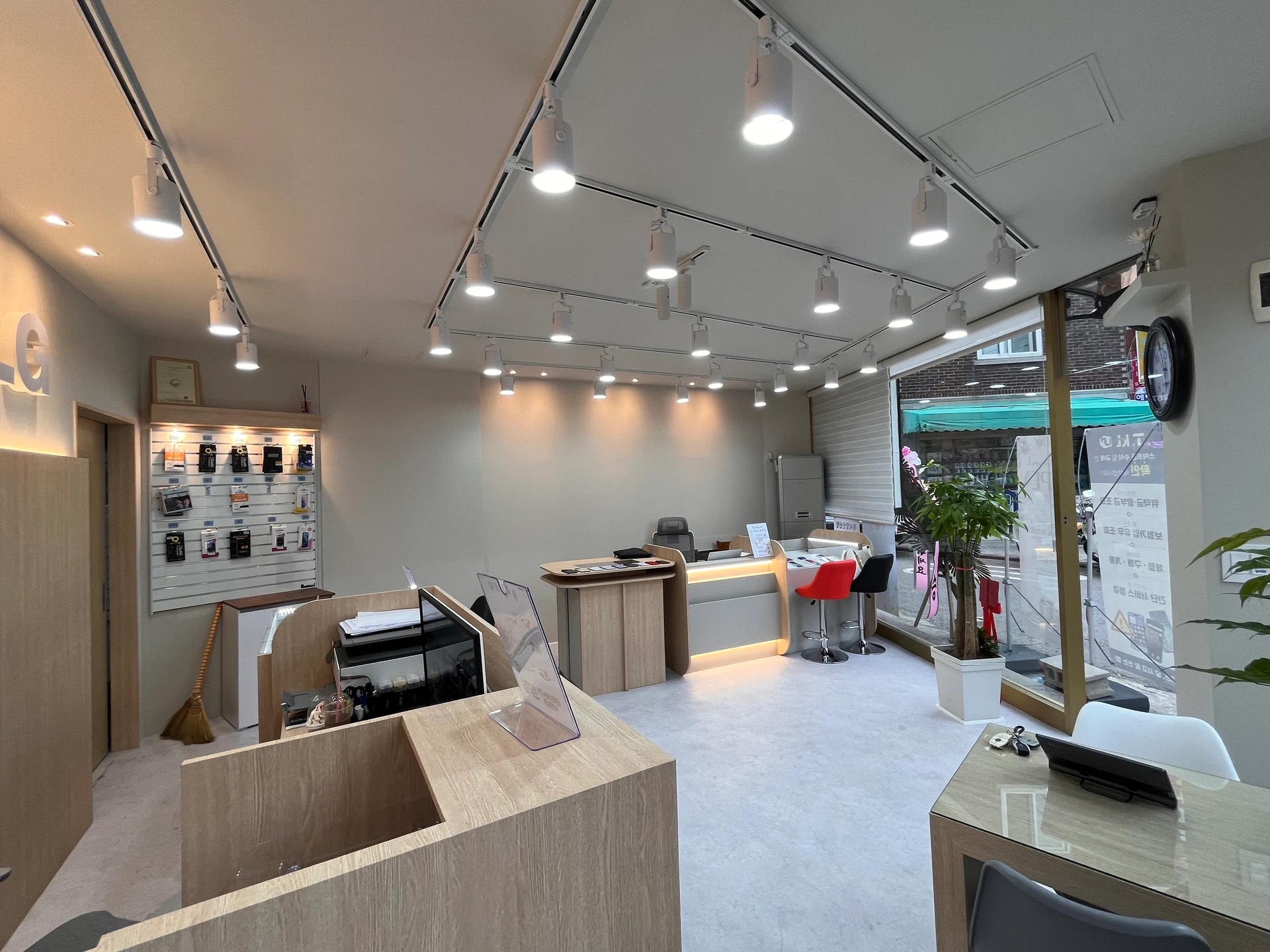
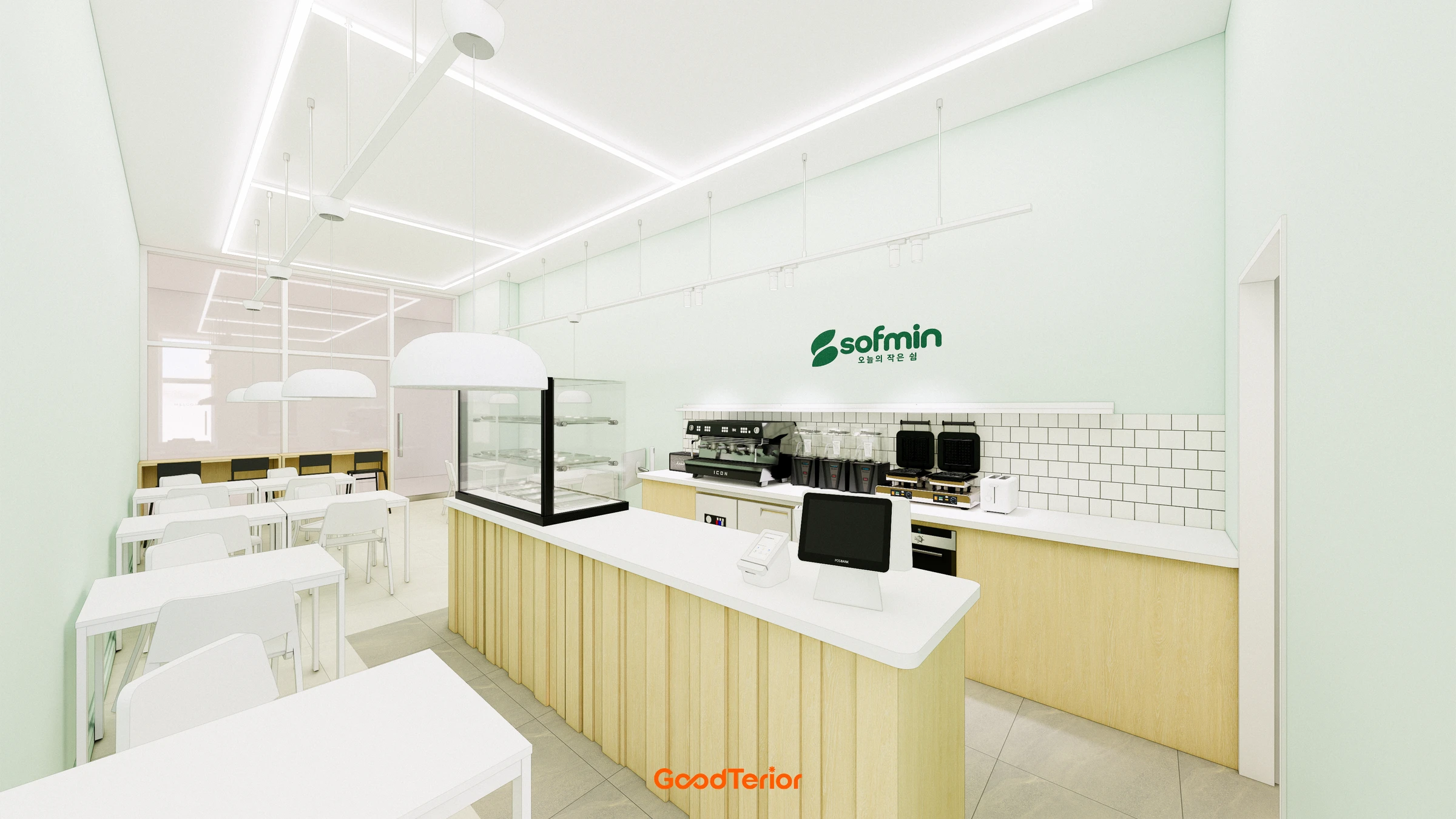
The photograph shows menu screens above the counter, posters on a side wall, and a display case below. They all communicate information but face different directions. Before choosing the largest empty wall, mark where customers will stand to read. Separate the view on entering from the view needed immediately before payment.
Mark the entrance, a brief menu-selection position, and ordering position on the plan. Must customers reach the counter to read everything, or can they see choices and prices farther back? If they spend a long time choosing in front of staff, compare turning the display or creating a separate preview position. Define reading space rather than merely drawing a longer queue.
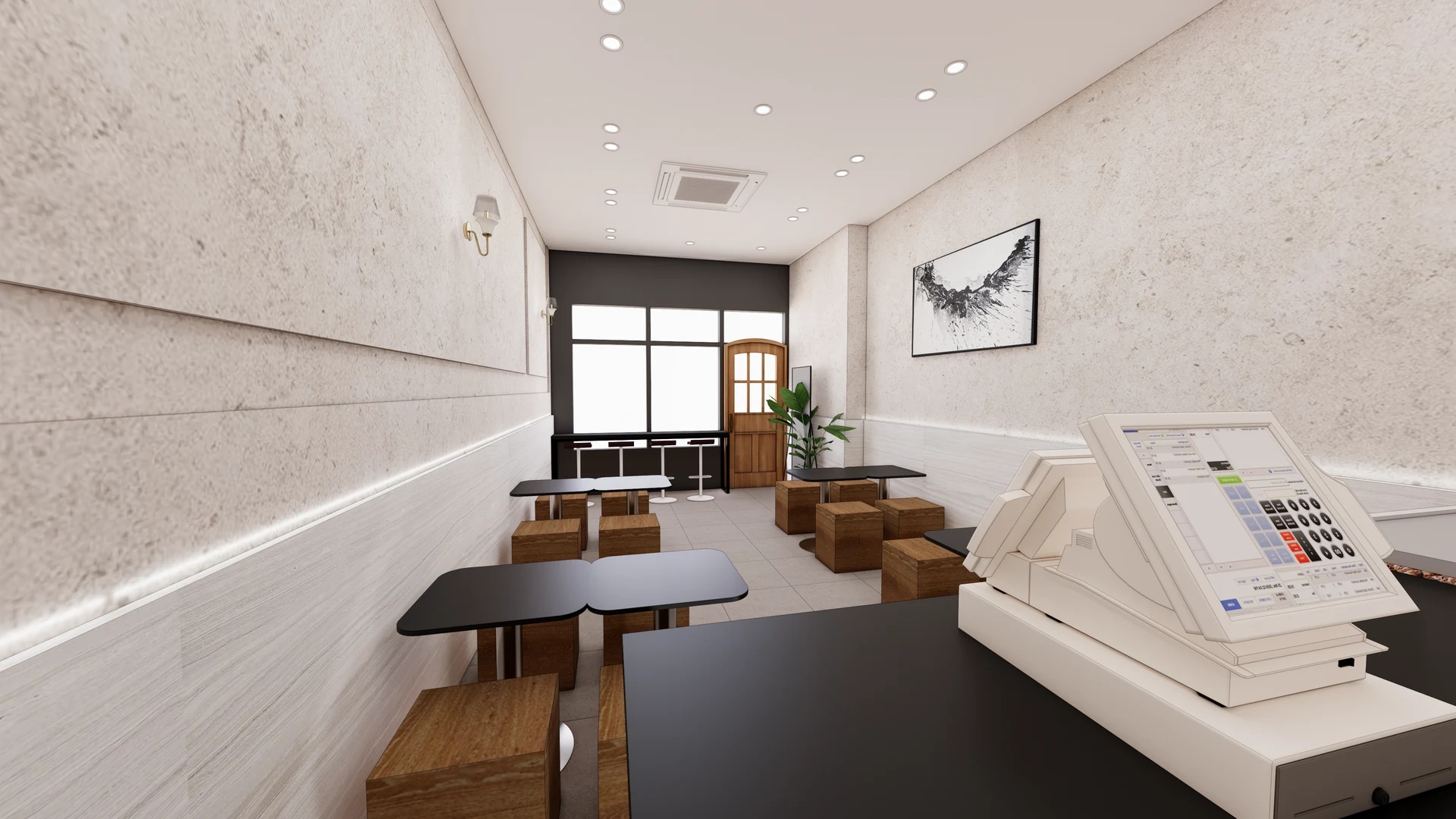
Corners and partitions mean a menu may face some positions directly and others obliquely. The photographed screen wall and poster wall face different directions. Move between actual standing positions to check whether walls or columns obstruct the display. A front-facing photograph from an attractive angle cannot establish visibility for everyone.
Views change after operational equipment arrives. Look at menus with coffee machines, payment terminals, bags, and small signs in their actual positions. If objects or staff movement obscure lower information, adjust both content and equipment rather than automatically raising the display. Check whether customers must repeatedly lean sideways to read.
A single display need not hold all information. Separate a full menu from nearby option details, or combine wall and paper menus. Repeated prices in different places increase update work, however. Decide what appears where and record every item to maintain so outdated information does not remain.
After choosing a position, make a paper mock-up at the intended screen or print size and place it temporarily on the wall. Check customer legibility and staff conversation sightlines. High-mounted screens and eye-level wall displays have different conditions, so do not impose a single height on every cafe. The key is the relationship to actual reading positions rather than the wall centerline.
Test with real menu names and prices
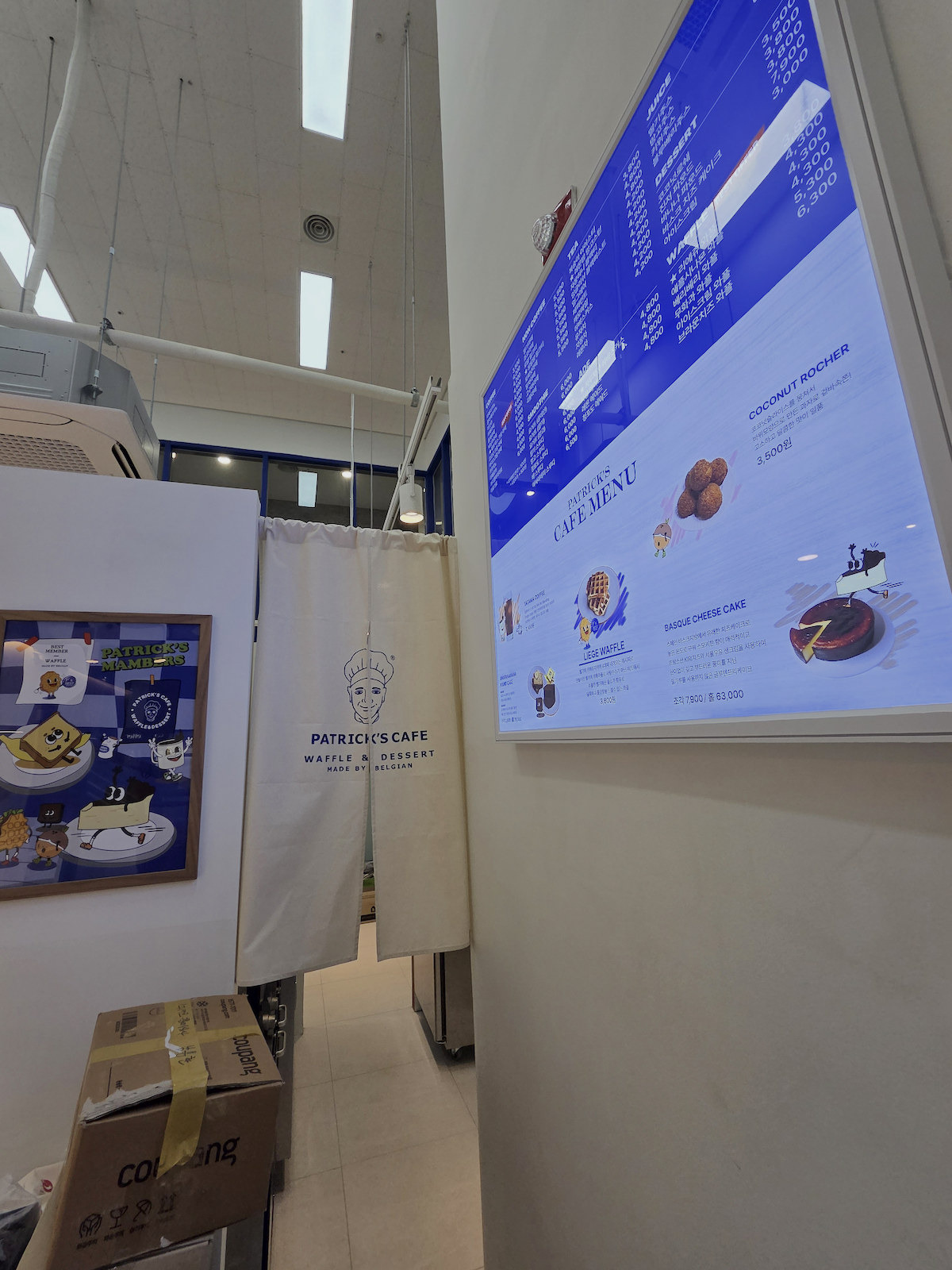
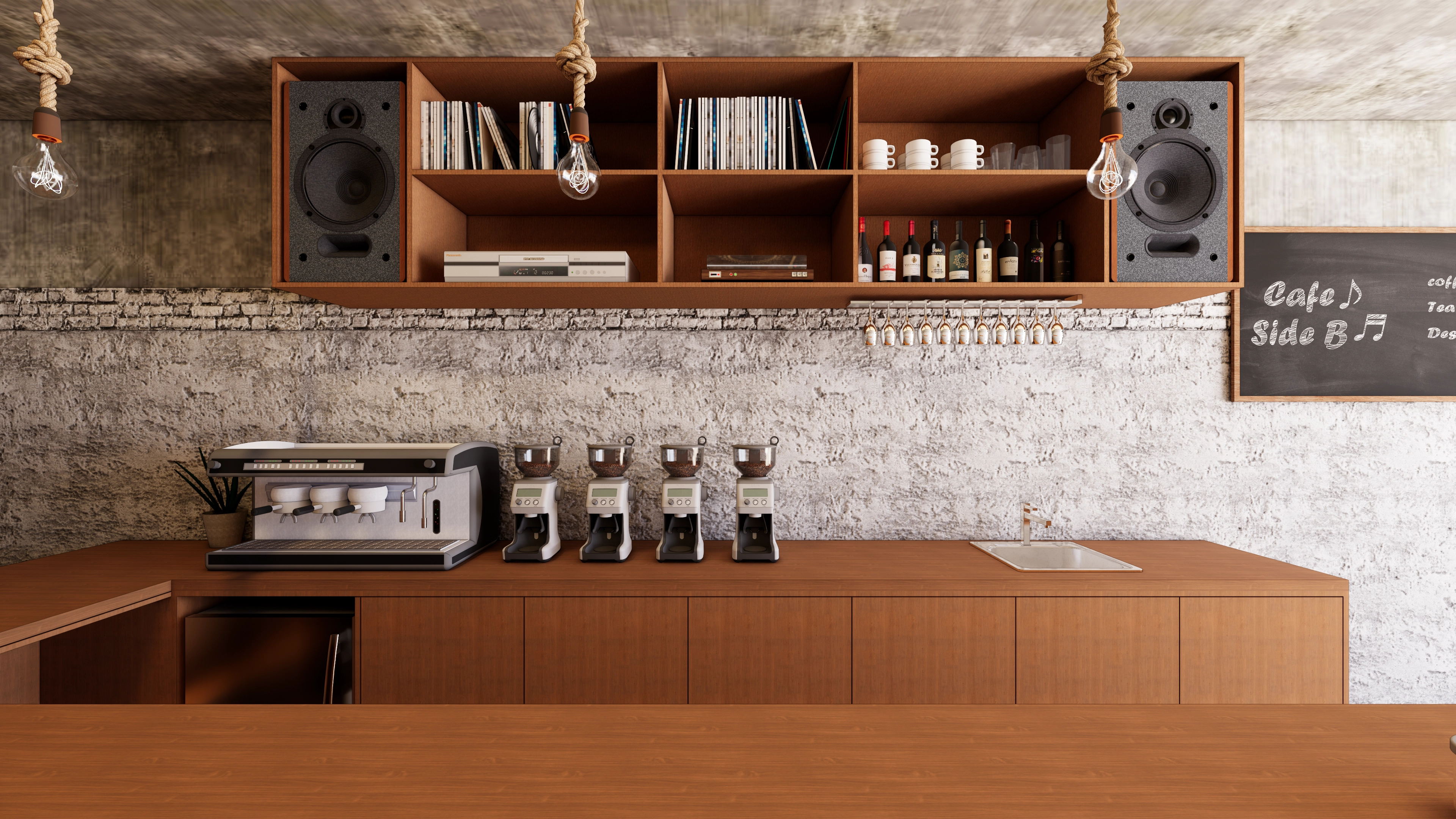
The photograph views a menu screen closely from the side, showing small menu lists, product images, and reflected ceiling lights. A single image cannot establish good or poor site legibility. It can identify checks needed from front and side, close up and farther away.
Screen inches and poster dimensions alone do not establish perceived text size. Create a layout with actual menu-name lengths, prices, sizes, and extras. Real menus may occupy more lines than short placeholder text. Display final content and locate individual items from the intended choosing position.
Large product photographs may reduce available information space. Separate priority images from menu details that must always remain readable. Compare better categorization or additional display surfaces instead of continually shrinking text. With rotating slides or video, check whether the screen changes mid-price reading and which information requires waiting for another cycle.
Check light effects after installation with lighting on. Compare daylight periods with indoor-light-only conditions from actual standing positions. Before adjusting screen brightness to address reflections, review mounting angle, light-source position, and the chosen wall. Confirm model-specific brightness and reflection control from product information rather than photographic impressions.
For digital menus, define installation scope beyond the device and bracket: include power, cable routes, content loading, and responsibility. Check equipment access for replacement and positions for input devices and connections. Paper menus need print replacement and attachment arrangements, while screens need file editing and playback procedures, so device price alone is not a complete comparison.
At final review, compare names and prices with actual offerings and prepare backup guidance if screens or prints are unavailable. Define who updates which files and printed items for price changes or sold-out products. Record reading positions, information, and update methods rather than ending with an installation photograph. Connect presentation choices to how customers choose and order.
Ask us about your interior project
We can discuss a quote and design suited to the space you are planning.
Request a free consultation