Bakery cafe displays: keeping browsing routes separate from ordering queues
When bread browsers and customers waiting to pay gather together, even a large display can be awkward to use. Bakery cafe design images help us separate routes between displays, counters, and seats.

Before you begin
- Draw bread-browsing routes separately from ordering and payment queues on the plan.
- Check picking up bread, reading prices, and turning away before focusing on display length.
- Check whether routes to seats and staff replenishment routes overlap in front of the counter.
Draw browsing and ordering routes separately
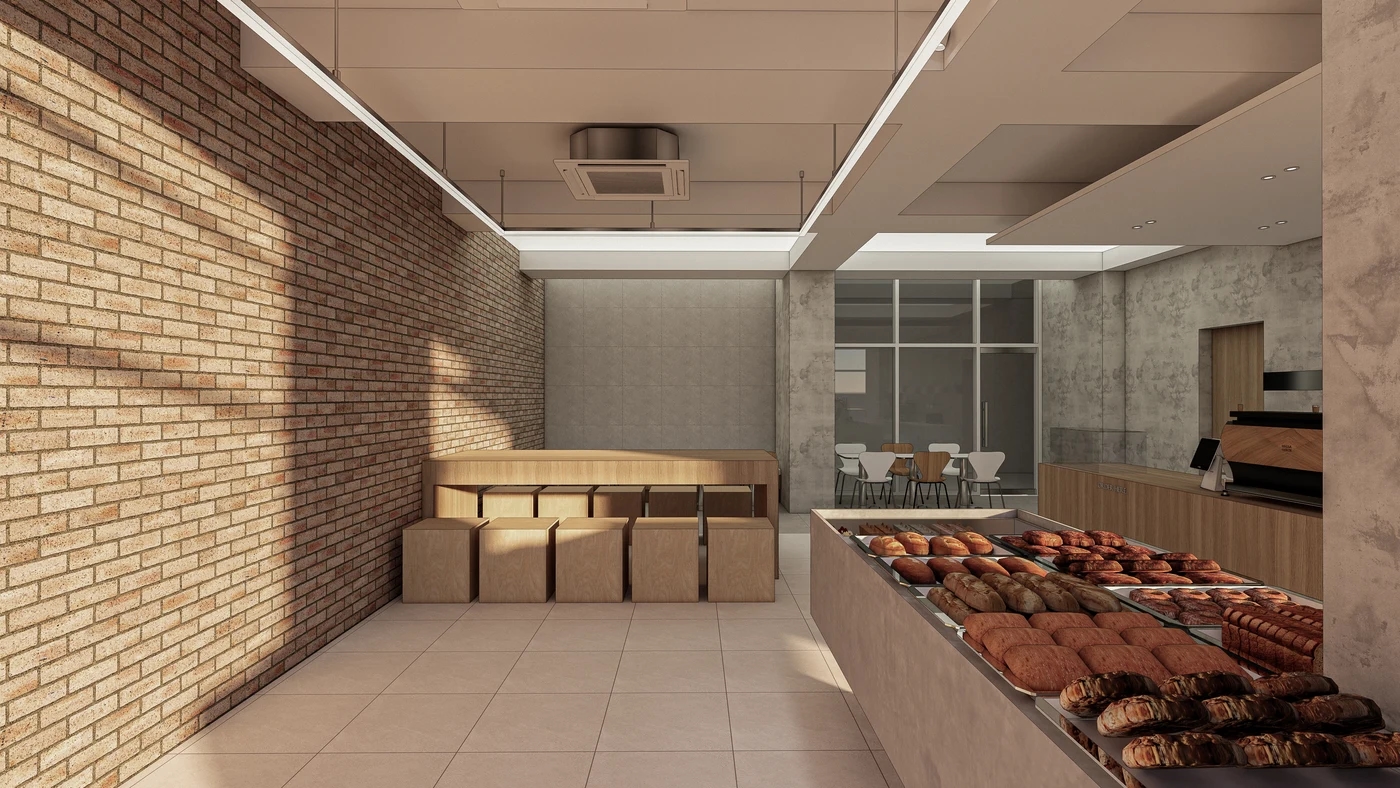
Not everyone entering a bakery goes directly to order. Some browse bread, some order drinks first, and others wait to pay with their selections. A single circulation arrow hides these differences. Mark browsers and payment queues in different colors to reveal overlap.
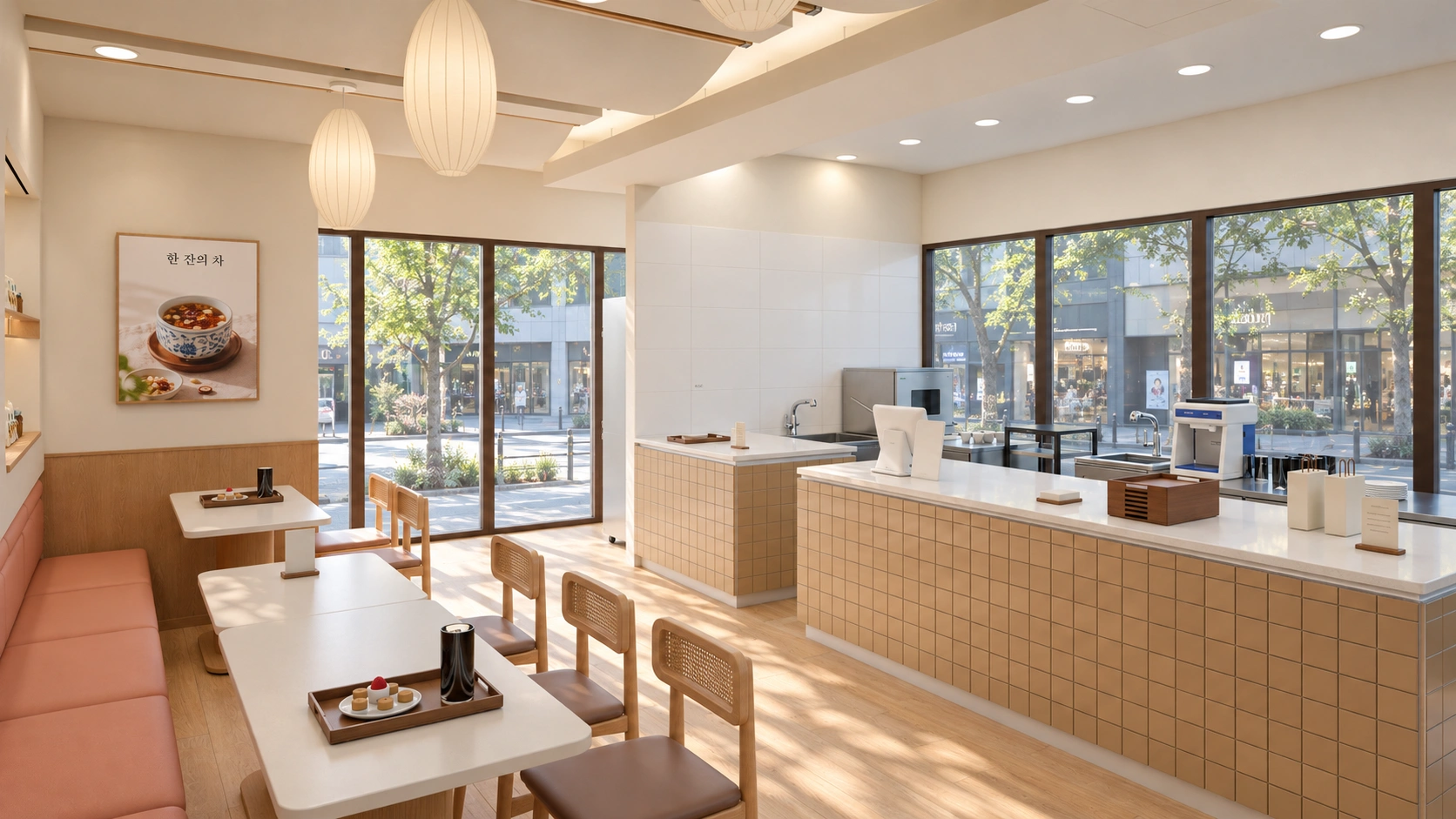
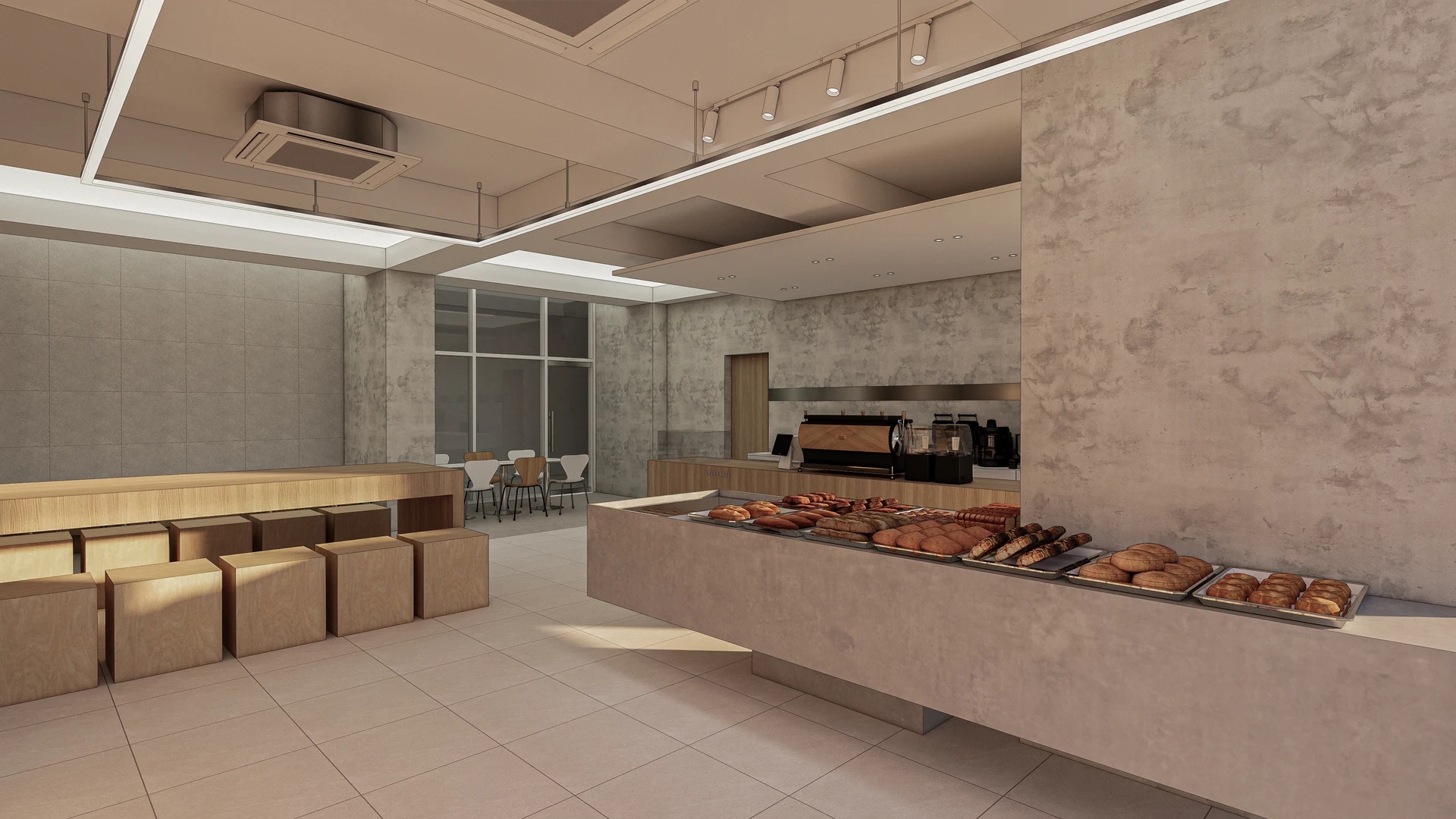
The image shows a long bread display on the right, an inner counter with coffee equipment, a long table along the left wall, and seats behind a rear glass partition. Browsing routes and ordering pauses need separate places within the shared interior. This is a design rendering, however, and does not establish actual entrance positions or queue directions during operation.
Ending the display directly at the counter may look convenient for payment, but a queue blocking that end can prevent browsers reaching the remaining bread. Excessive separation makes customers cross the shop with trays. First decide where browsing begins and ordering ends, then place pauses between them.
The counter may handle more than payment. Drinks collection and packaged orders on the same surface change where people wait. If operations are undecided, establish whether ordering, pickup, and packaging share a position or are separate. That choice affects the display's starting point and clearance before the register.
Consider drinks-only visitors to clarify routes. Must they circle the bread displays, or can they pass behind browsers directly to order? Customers choosing both bread and drinks need to connect both routes. Avoid forcing different initial choices into the same queue merely because they share an entrance. Check where menus are read too.
Room to pause and turn in front of the display
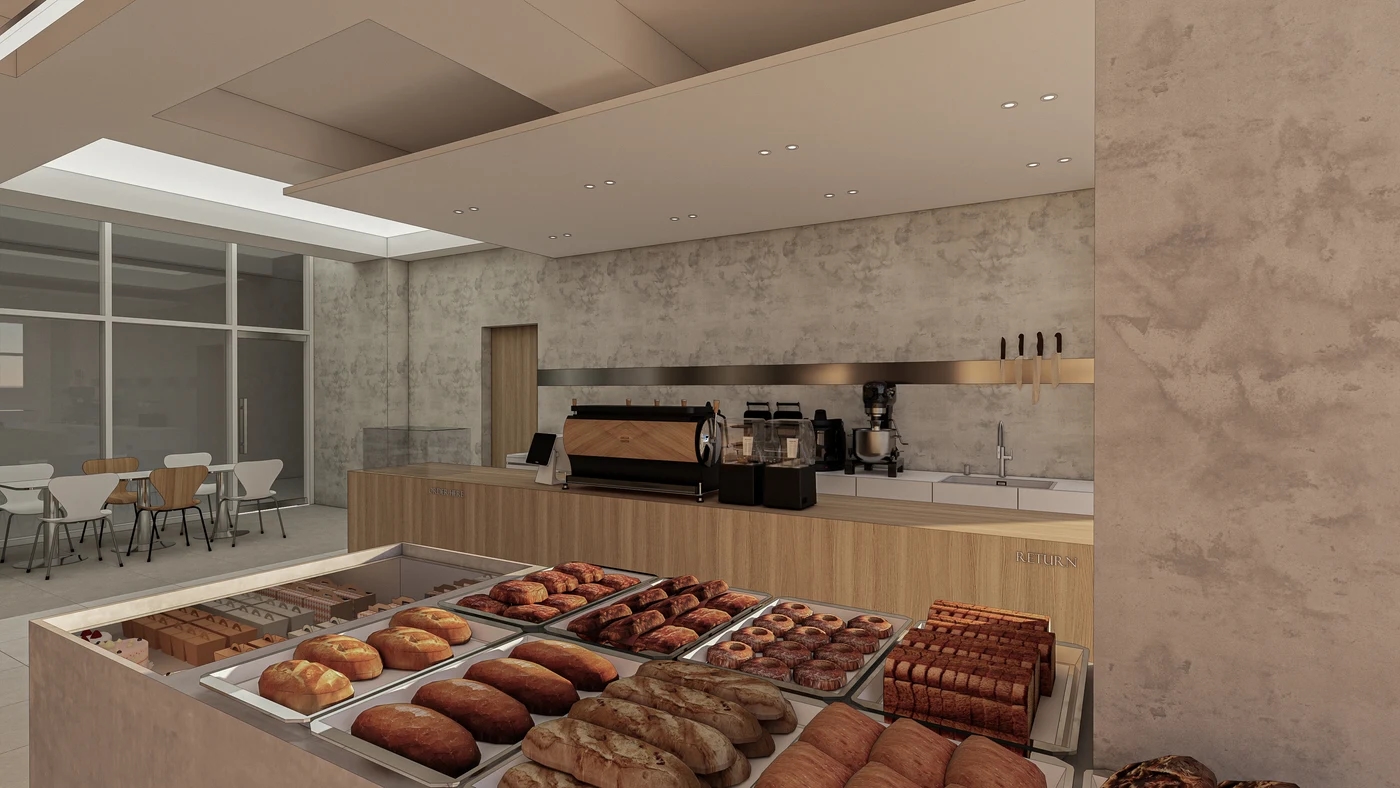
More displayed products may look appealing, but browsing movements also need design. Customers step back with trays to compare choices or move closer to read prices. Check whether someone can pass while another person stands at the display. Increasing length while reducing the space in front makes selection difficult.
The photograph shows low tray displays and the counter beyond, apparently connecting at the display end. Check whether tray- or tong-holding browsers and payment queues collect at the same corner. Treat the empty rendered floor as space occupied by people, bags, and trays during operation.
Positions for prices, tongs, and empty trays matter too. If they are only deep inside the display route, newcomers may backtrack before browsing. If all sit directly at the entrance, arriving and tray-collecting customers stop together. Review the first products alongside tray and tong pickup, while checking entrance clearance separately.
Do not assume replenishment happens only without customers. Routes differ if staff restock from behind or must enter the customer side. The image cannot establish this design's actual method. Decide which products are replenished and when, then check whether tray-carrying staff cross the ordering queue. Mark opening faces of any storage beneath displays too.
Keep customers heading to seats from doubling back through the counter queue
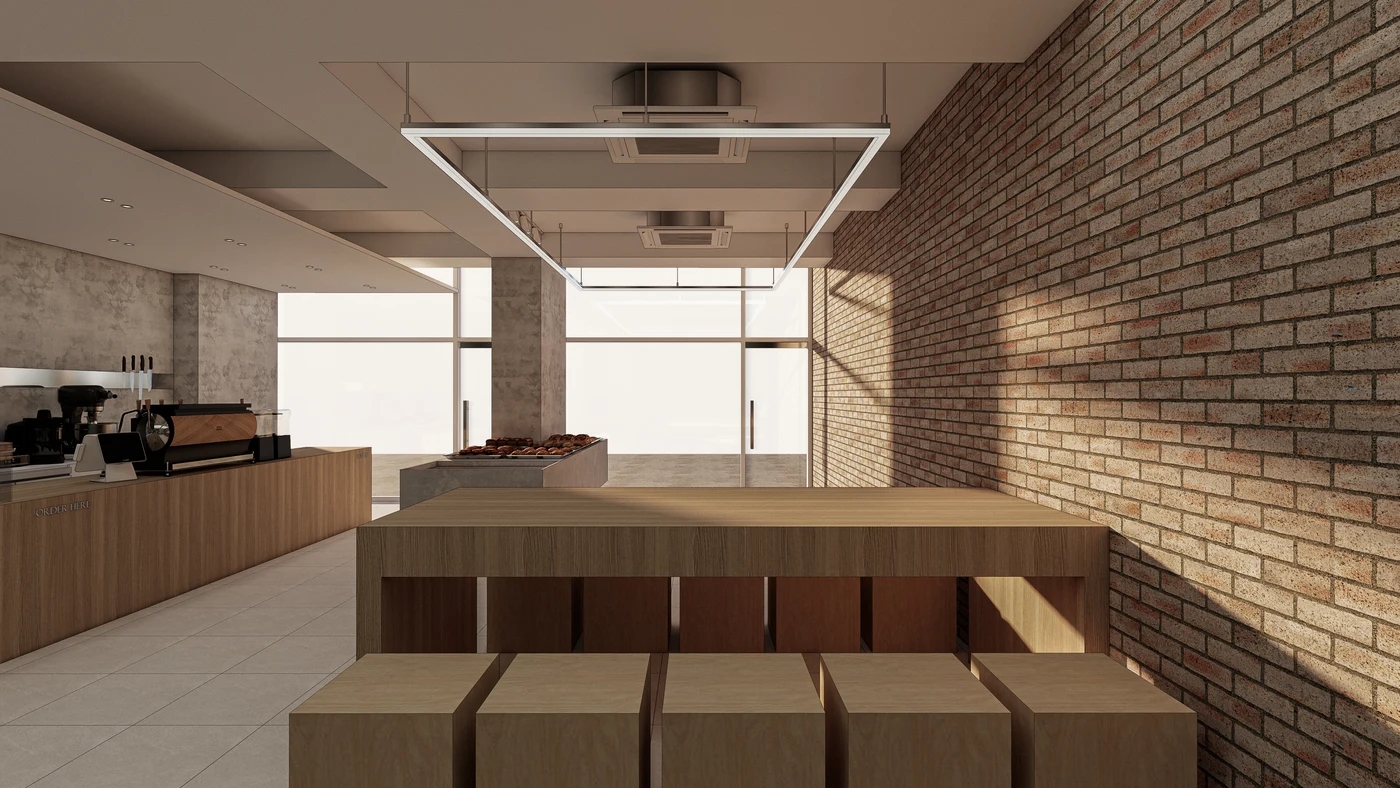
After selecting bread and ordering drinks, customers find seats or leave with takeaway bags. Seats are not simply furniture for spare walls: if reaching them crosses the queue again, people repeatedly squeeze past others. Draw post-payment movement as well as the initial route between display and counter.
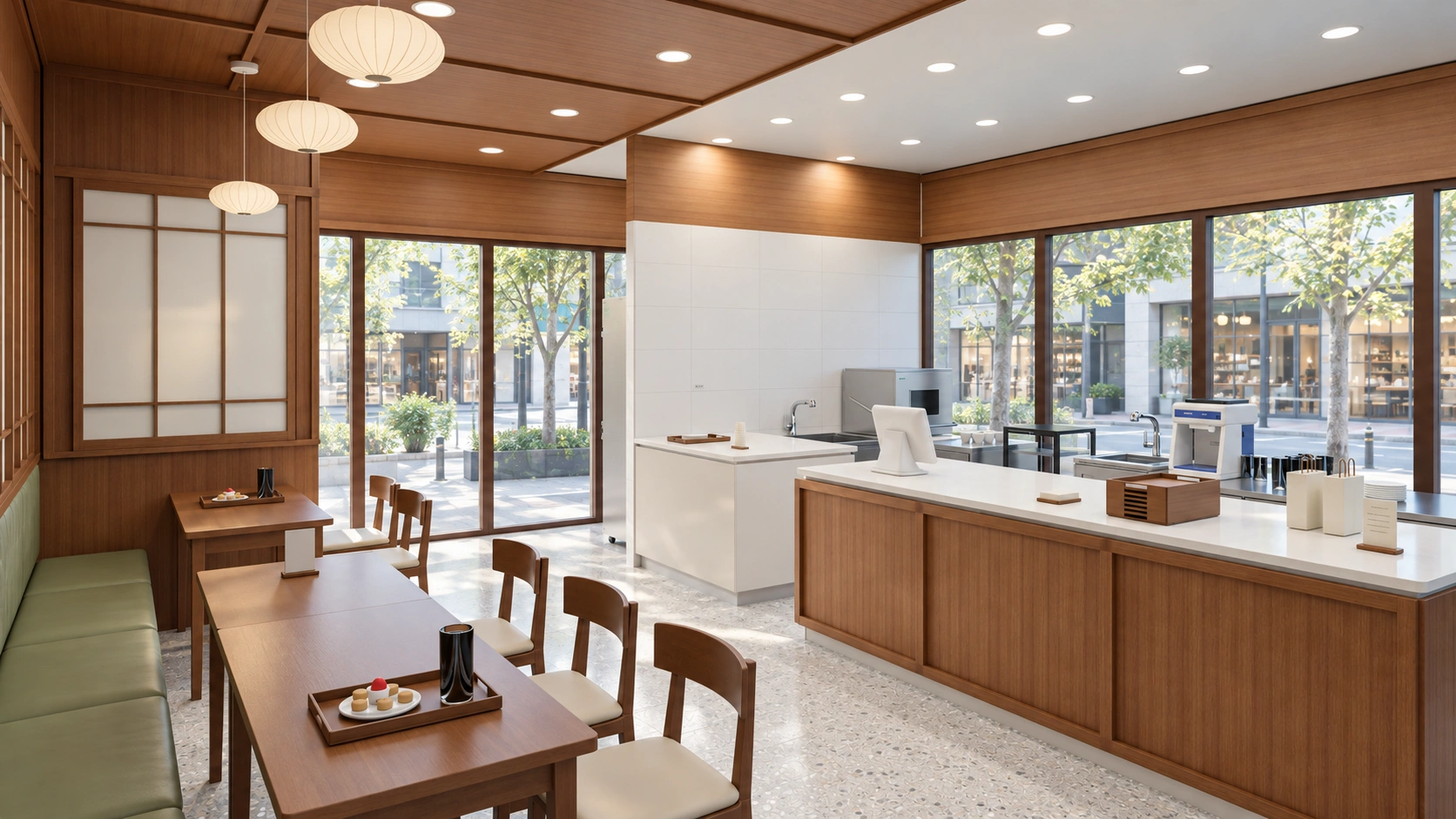
The image shows a long table and low chairs along the right wall, an ordering counter on the left, and bread displays farther away. Staying and ordering areas are visually distinct, but seat count alone does not establish operational suitability. Check whether people can pass behind occupied chairs and whether customers carrying trays reach empty seats naturally.
Wall-side seats are not necessarily quiet. Beside bread displays, customers continually browse in view; beside counters, drinks queues may stand nearby. Define the balance of long-stay and short-stay seating before selecting furniture. The low photographed chairs are not necessarily comfortable for everyone, so test sitting and standing when choosing actual products.
Finally, check the exit route. Takeaway customers may meet seated users if they must pass through tables to return to the entrance. When deciding between more seats and wider display space, establish ordering methods and visit durations rather than inventing peak headcounts. Continuous routes between display, ordering, and seating matter more to everyday use than making each zone attractive in isolation.
Ask us about your interior project
We can discuss a quote and design suited to the space you are planning.
Request a free consultation