Reception counter design: planning the front and staff side together
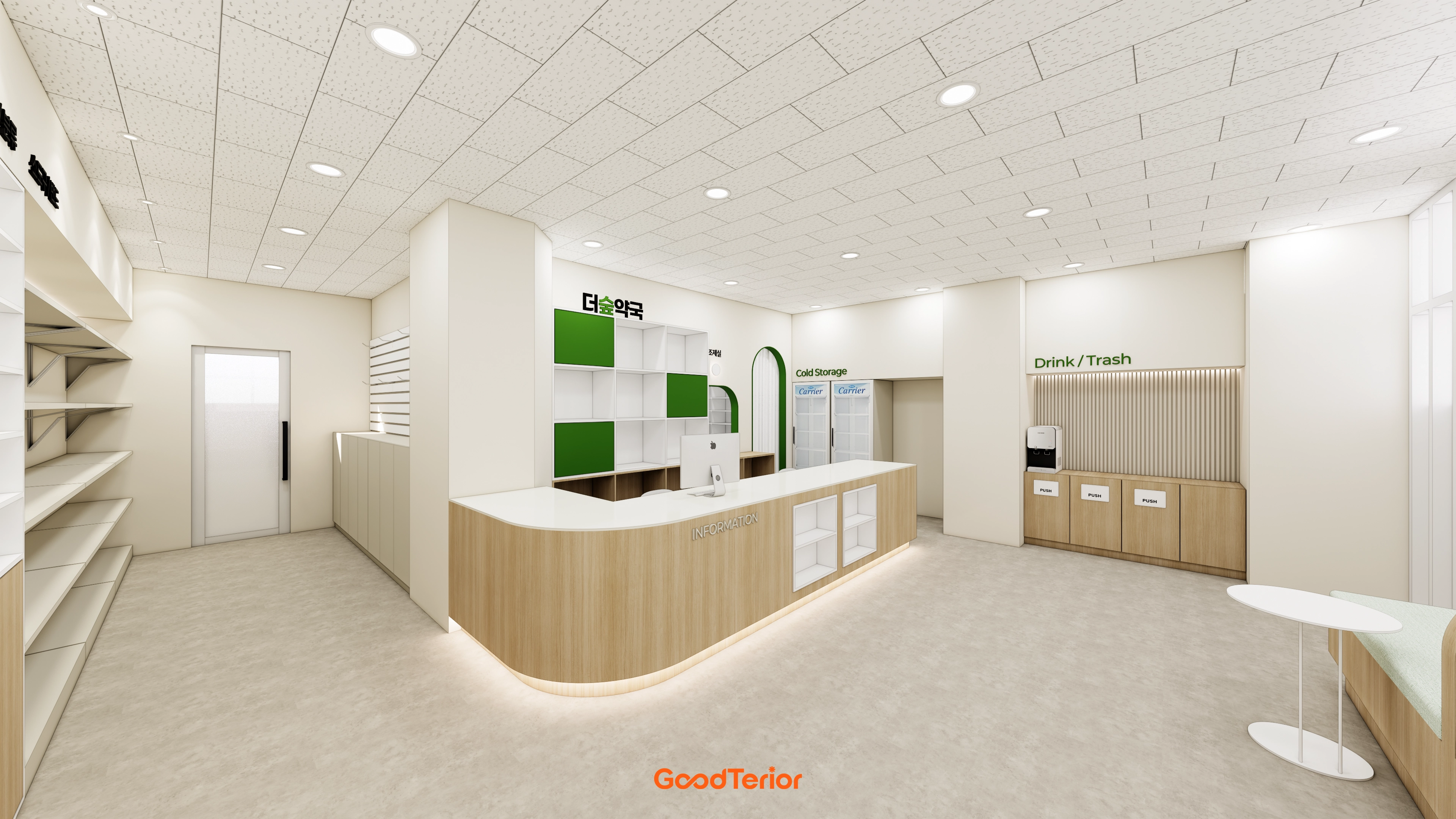
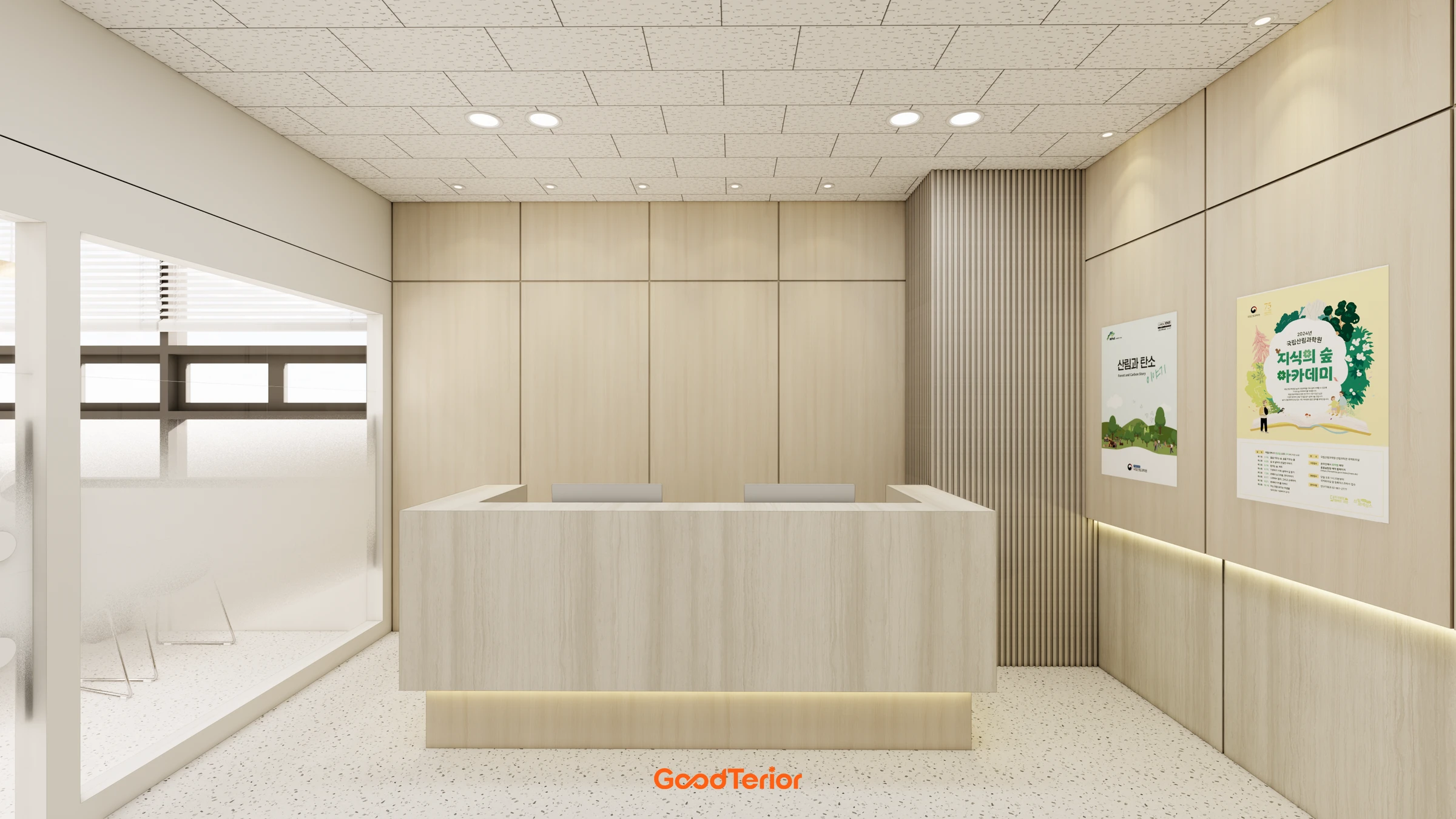
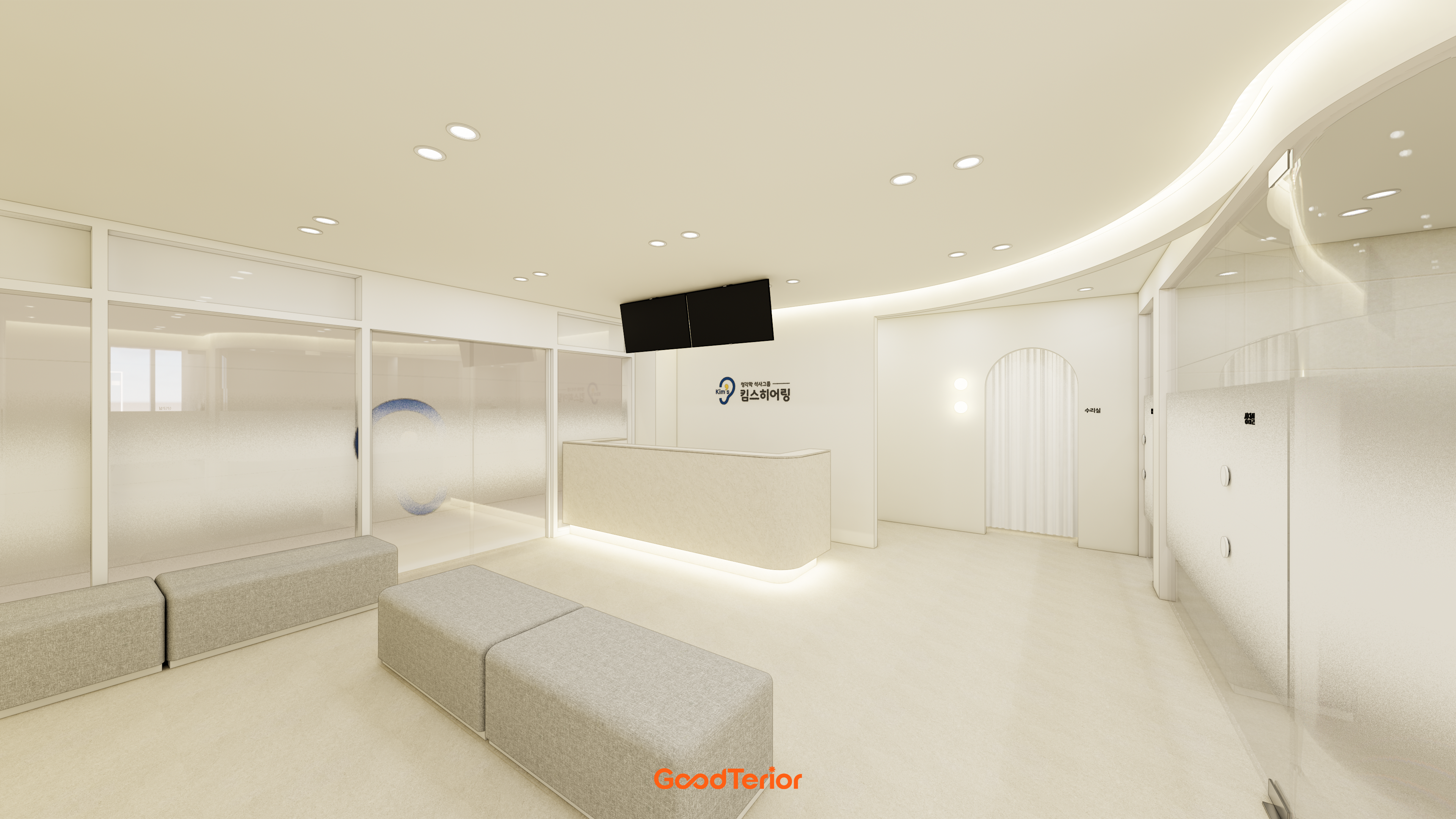
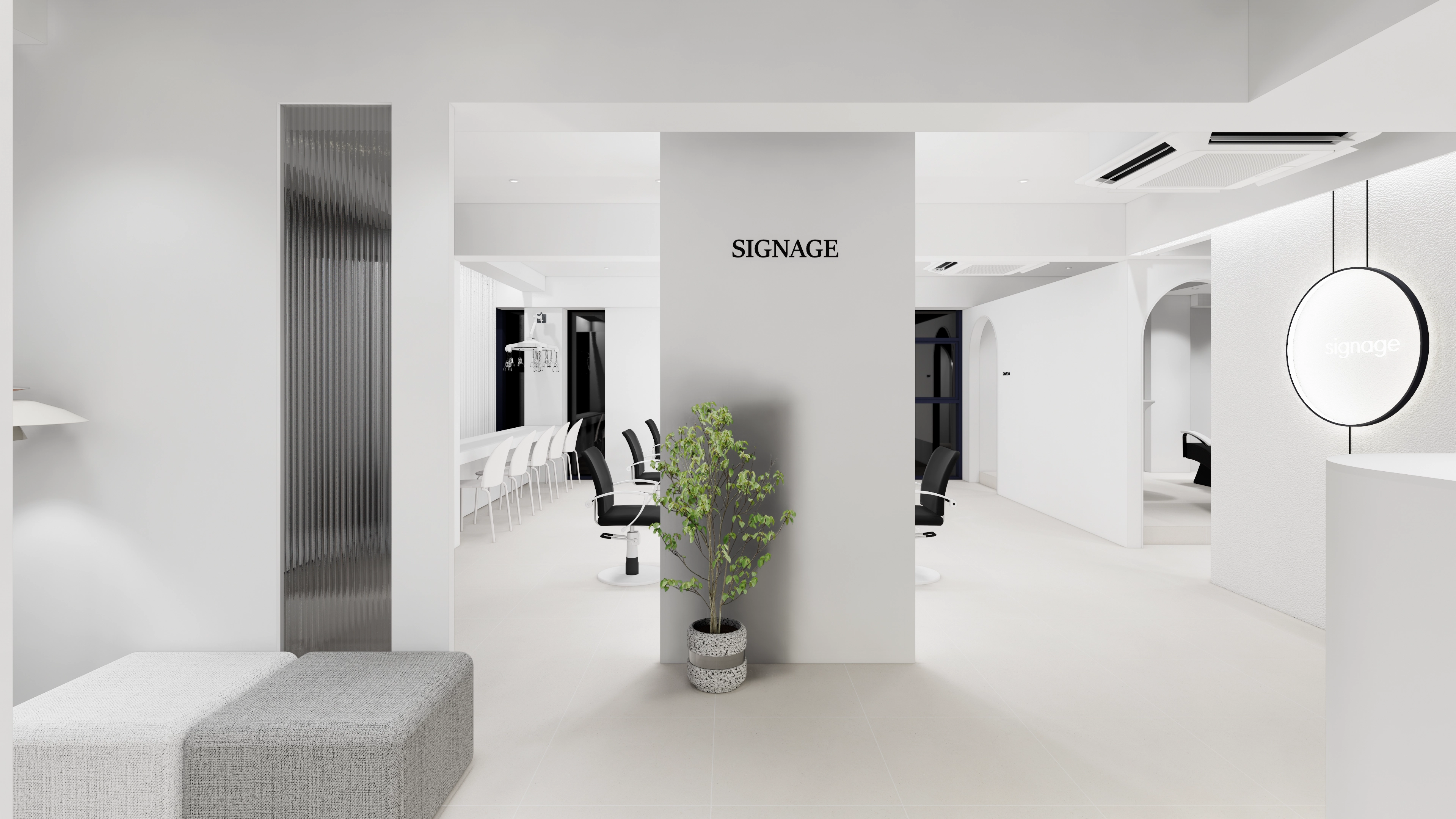
Reception desks create first impressions while supporting check-in, storage, and equipment connections. Plan counter location and configuration by distinguishing the visitor front from the staff workspace behind.

Before you begin
- Visitors should locate reception immediately from the entrance.
- List staff tasks and equipment first.
- Review the front appearance and internal storage on the same drawing.
A desk that first-time visitors can find
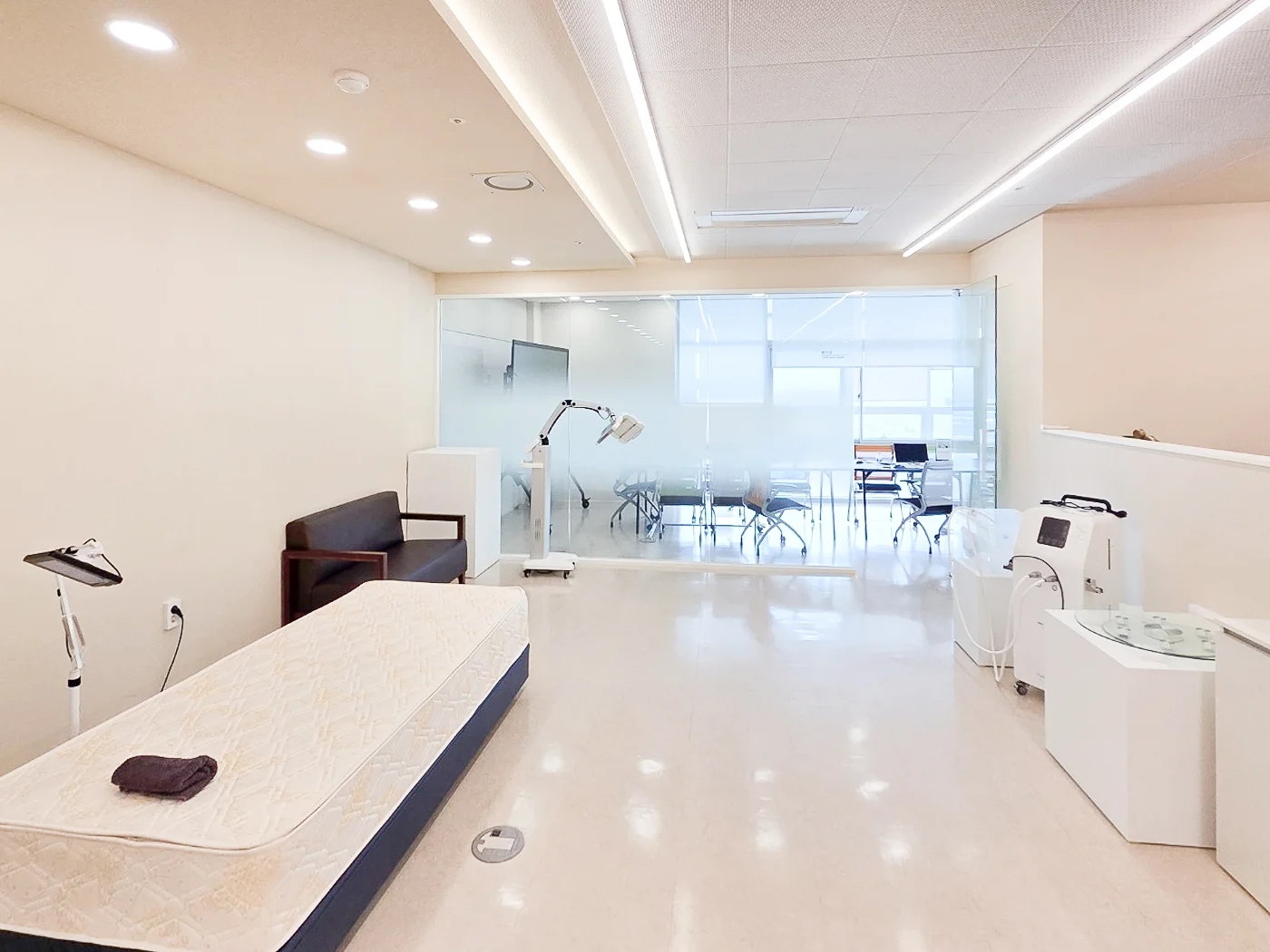
Consider where a first-time visitor stops on entering. A counter hidden behind a column or an unseen staff seat can send visitors wandering inside. Establishing the reception view and brief standing position from the entrance helps reduce unnecessary movement.
The largest piece of furniture need not stand directly opposite the entrance. In a small space, a wall name and simple counter can identify reception. Check whether door swings overlap waiting positions and whether access remains clear for deliveries.
Counter interiors arranged around staff tasks
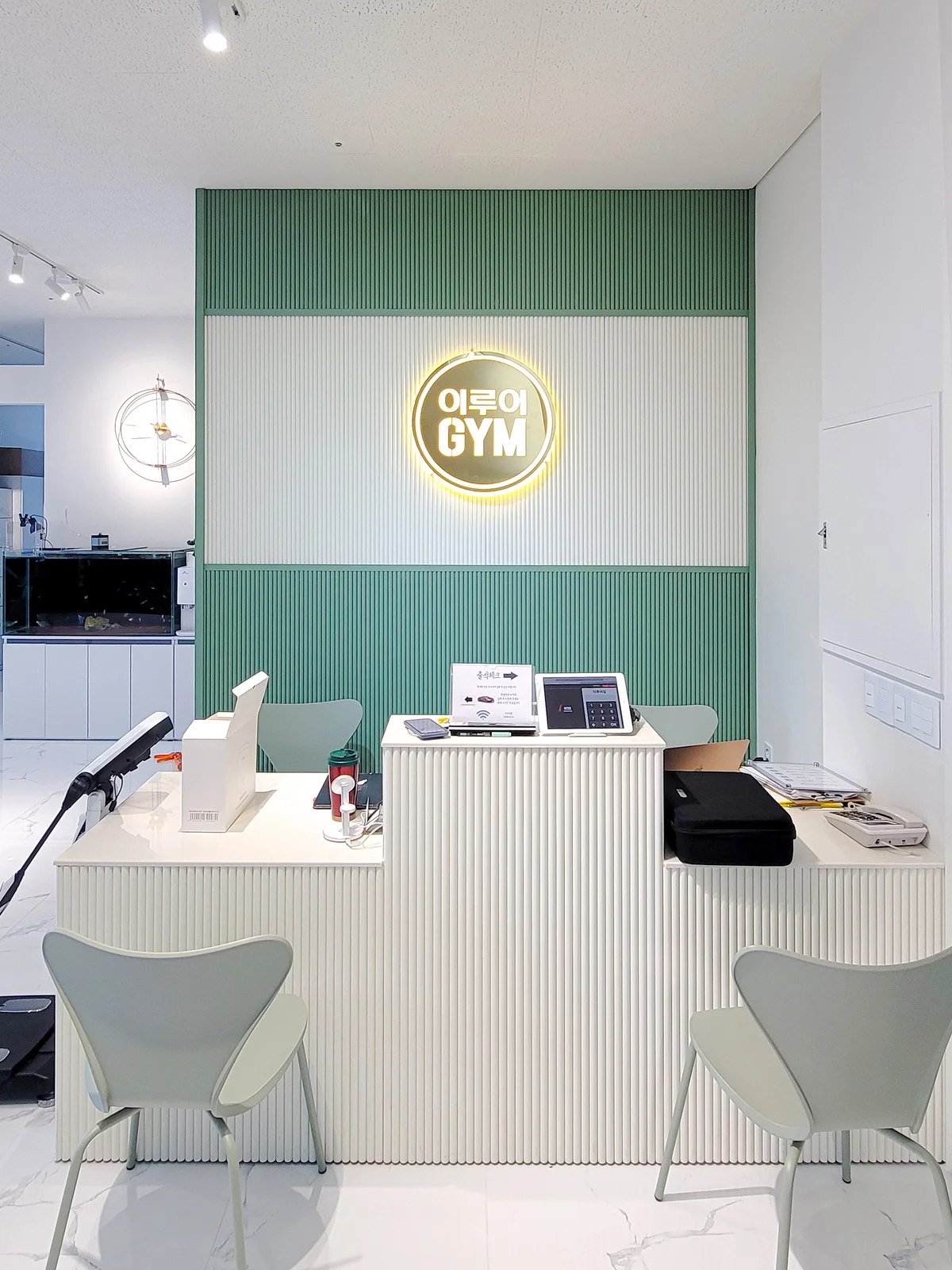
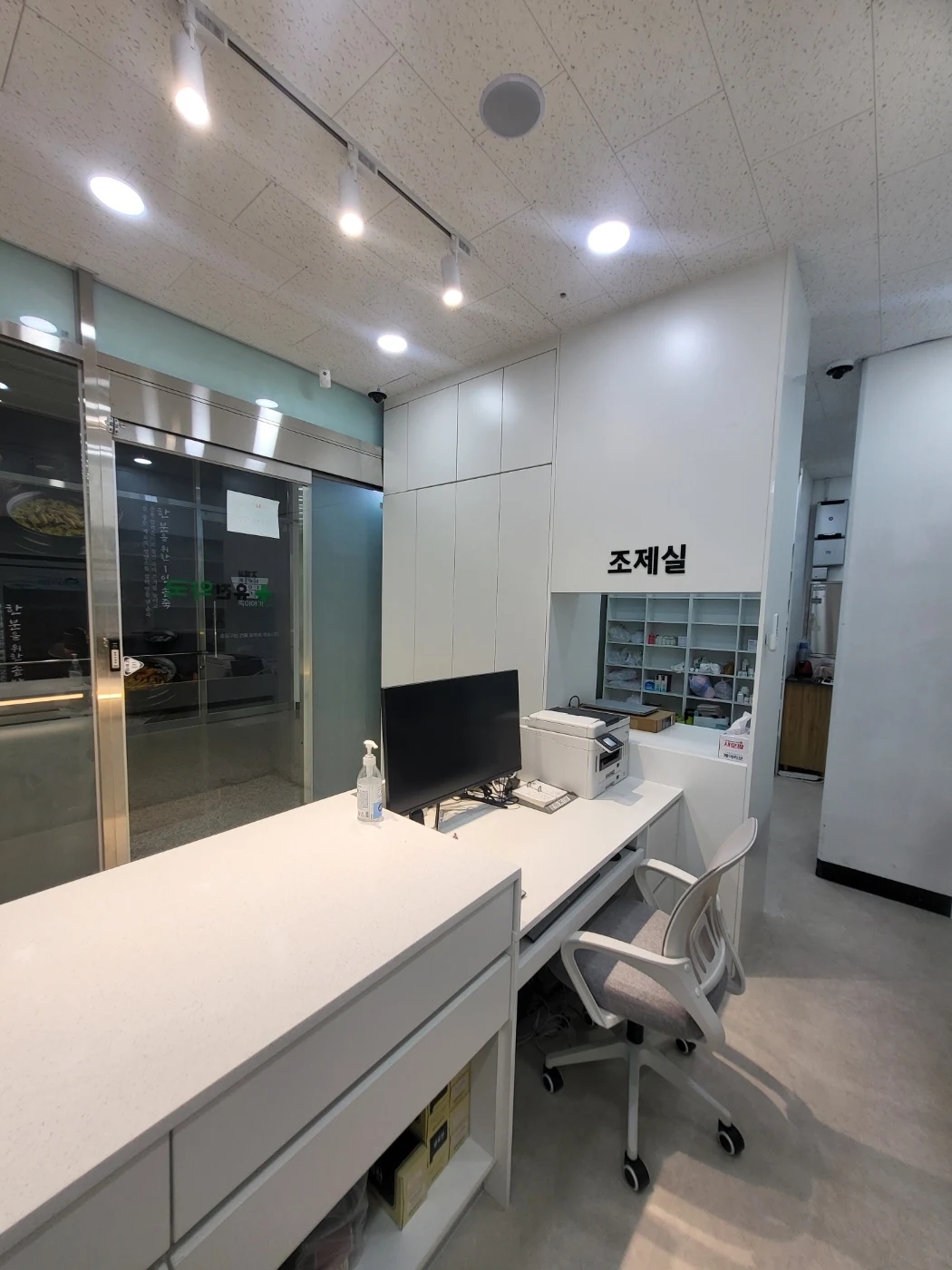
Checking bookings alone needs different space from payments, paperwork, and product handovers. Position monitors, payment terminals, printers, and phones at actual sizes and check staff reach. Even a long counter quickly becomes crowded if worktop depth and equipment direction are unsuitable.
Check whether waiting seats directly overlook monitors and reception documents. For protected information, compare staff seat angles, top height changes, and storage together. A higher front panel may hinder conversation with seated visitors or document exchange, so adjust it around real use.
Items to retrieve quickly and items to conceal
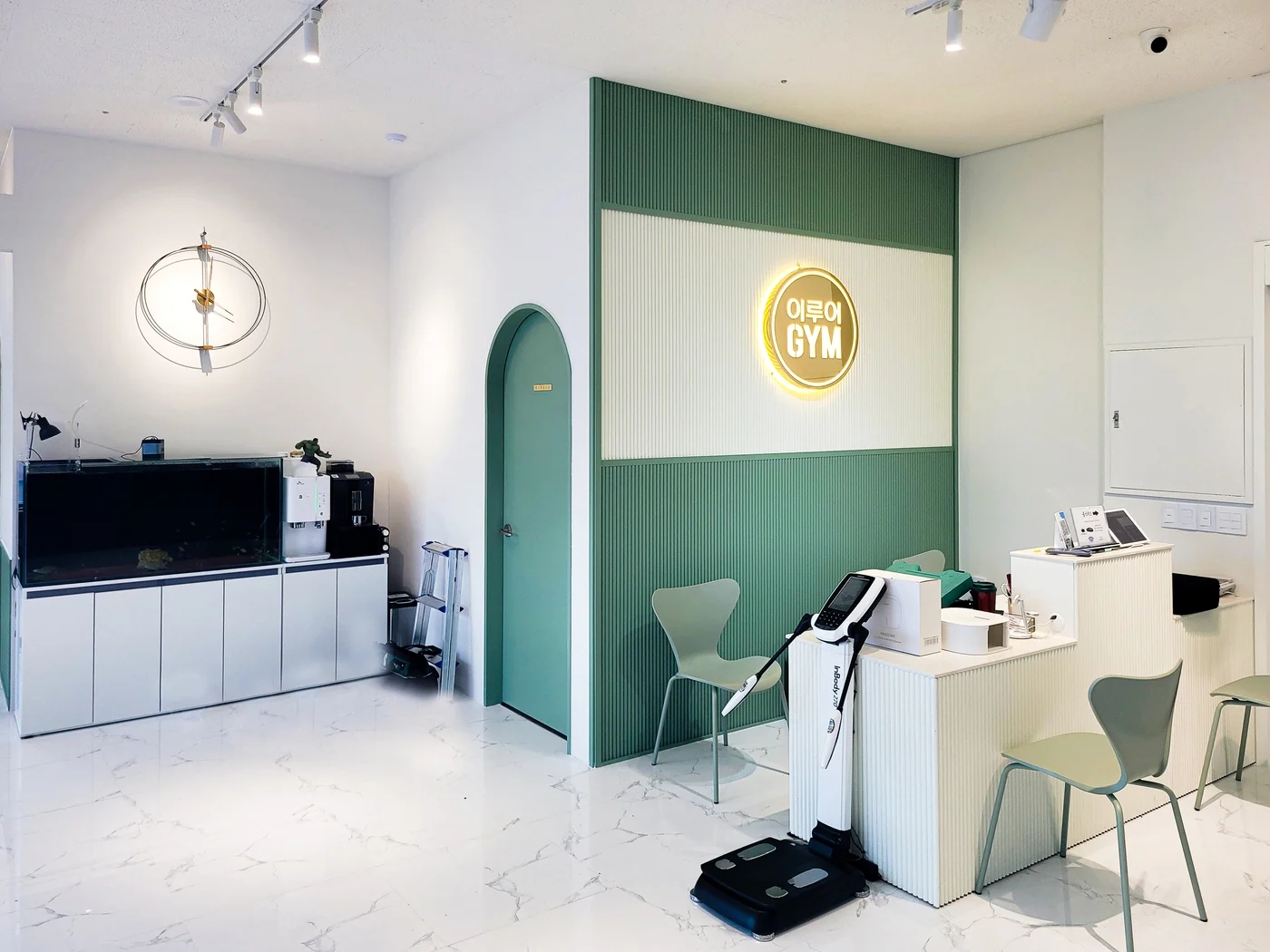
More drawers do not automatically make a convenient counter. Assign functions: frequent forms and stationery nearby, spare supplies in separate compartments. Obtain internal furniture drawings to check drawer widths and shelf heights against actual contents.
Plan concealed power and data cables together with maintenance access. Define hand access and cable holes for equipment replacement, checking that cables do not catch during floor cleaning. Also verify that cabinet doors do not collide with staff access.
Counter corners and material junctions
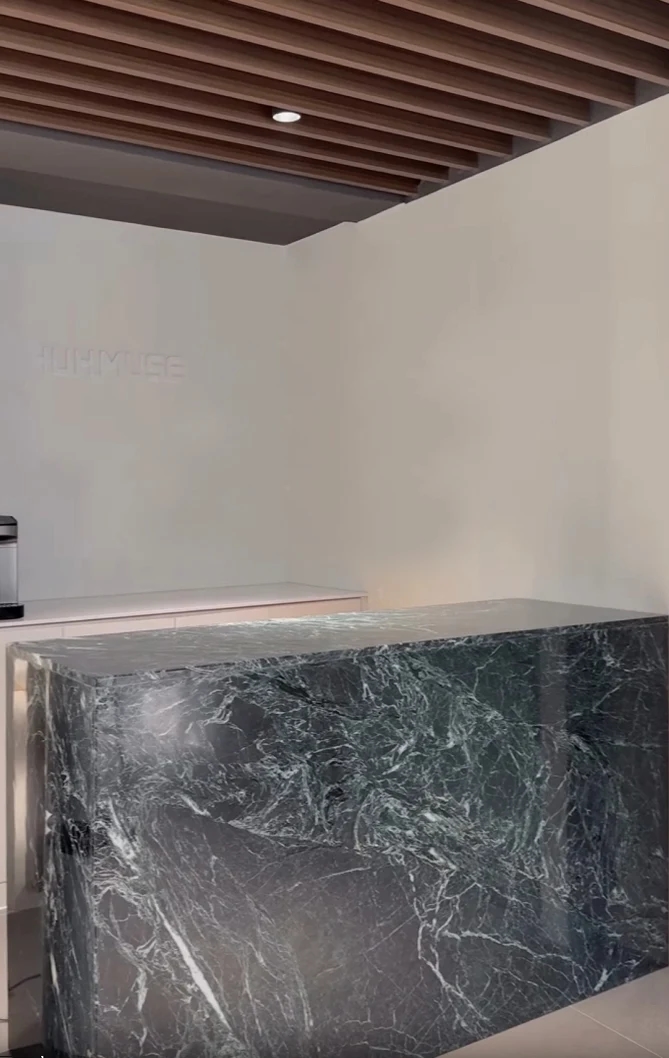
Junctions between top and front, the floor contact, and wall-side ends are seen close up by visitors. Check how they finish instead of approving only large material samples. Compare maintenance methods where bags or cleaning tools frequently make contact.
Before fabrication, rehearse visitors talking while standing and briefly resting belongings, followed by staff sitting and standing. When positioning the business name and lighting, check that faces do not become excessively dark. Selection is easier when the counter is treated as work furniture used repeatedly throughout the day rather than a sculpture in a photo.
What to check at this stage
- Visitor waiting position
- Staff equipment and document inventory
- Internal storage and cable access positions
Ask us about your interior project
We can discuss a quote and design suited to the space you are planning.
Request a free consultation